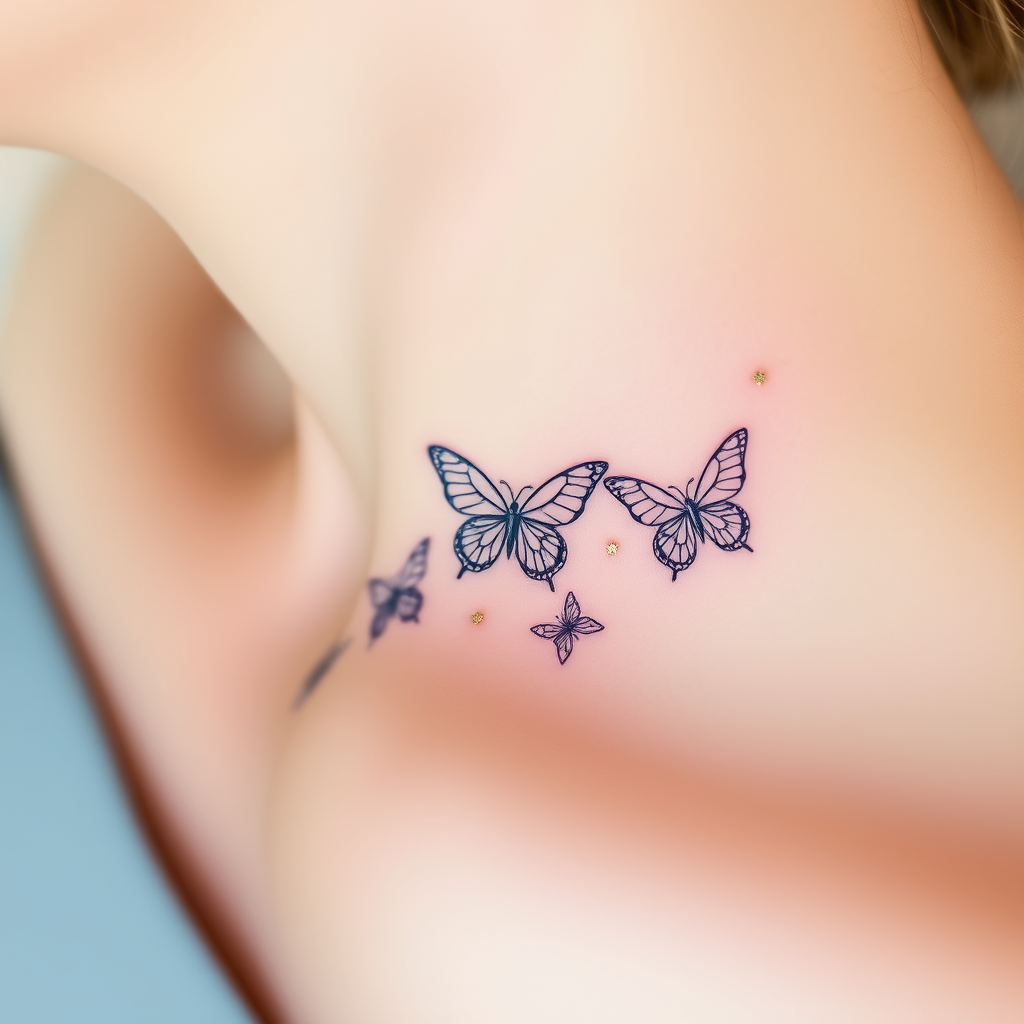
Collarbone-Delicate Butterflies - Flux.1 schnell
プロンプト
**Prompt:** "A delicate, intricate tattoo of butterflies fluttering along the collarbone, rendered in a fine-line, minimalist style with subtle shading for depth. Each butterfly features ultra-thin, lace-like wings with intricate vein patterns, appearing almost ethereal. The design is small to medium in scale, perfectly following the natural curve of the collarbone for an elegant, feminine touch. Soft watercolor hues—pale blues, blush pinks, and lavender—blend gently into the skin, with a few accents of metallic gold for a subtle shimmer. The overall aesthetic is dreamy and graceful, evoking fragility and transformation. Optional: Include tiny floral or celestial elements (e.g., micro stars or cherry blossoms) for added whimsy.
Flux AI Image Promptの詳細分析
Flux AI Image Generatorを使用して画像を生成するために使用された詳細なプロンプトを分析します。
Flux AI画像生成のプロンプトを探索
で画像を生成する方法 Flux.1 schnell
以下の4つの簡単なステップに従って、希望する画像を作成してください。
ステップ 1: テキストを入力 (より良い結果のためにプロンプトを調整してください)
ステップ 2: 画像のアスペクト比を選択
ステップ 3: Fluxモデルを選択:
ステップ 4: 生成ボタンをクリックして数秒待ち、画像を取得
プロンプトに関連するFlux AIツール Flux.1 schnell
Flux AIの高度なツールを発見して、クリエイティブな作業フローを強化しましょう。