Collarbone-Delicate Butterflies - Flux.1 schnell
prompt
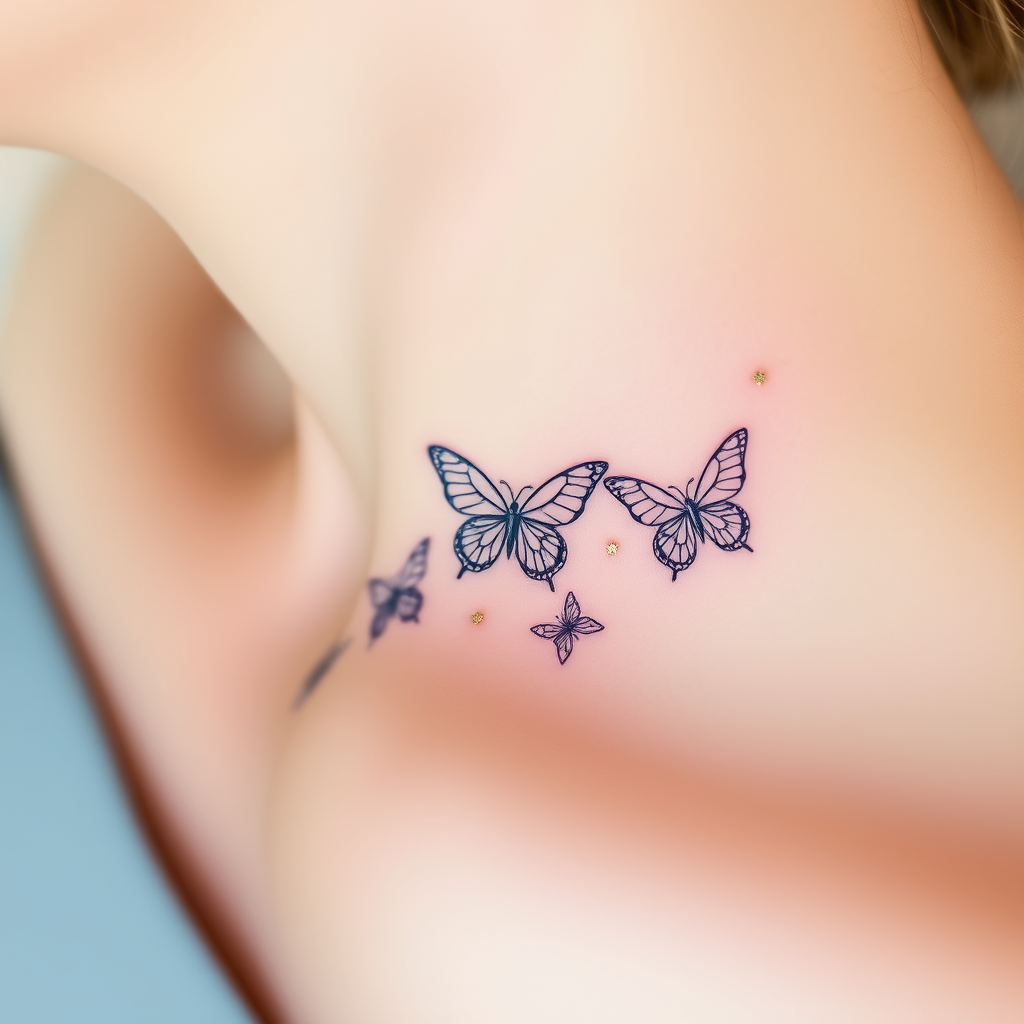
**Prompt:** "A delicate, intricate tattoo of butterflies fluttering along the collarbone, rendered in a fine-line, minimalist style with subtle shading for depth. Each butterfly features ultra-thin, lace-like wings with intricate vein patterns, appearing almost ethereal. The design is small to medium in scale, perfectly following the natural curve of the collarbone for an elegant, feminine touch. Soft watercolor hues—pale blues, blush pinks, and lavender—blend gently into the skin, with a few accents of metallic gold for a subtle shimmer. The overall aesthetic is dreamy and graceful, evoking fragility and transformation. Optional: Include tiny floral or celestial elements (e.g., micro stars or cherry blossoms) for added whimsy.
Detailed Analysis of the Flux AI Image Prompt
Analyze the detailed prompt used to generate the image with Flux AI Image Generator.
Explore Flux Prompts for the Flux AI Image Generator
How to generate image by Flux.1 schnell
Follow these four simple steps to create your desired image.
Step 1: Enter Your Text (Feel free to refine your prompt for better results)
Step 2: Choose Image Aspect Ratio
Step 3: Select Your Flux Model:
Step 4: Click the Generate Button and Wait a Few Seconds for Your Image
Related Flux AI tools for prompts about Flux.1 schnell
Discover advanced tools from Flux AI to boost your creative workflow.