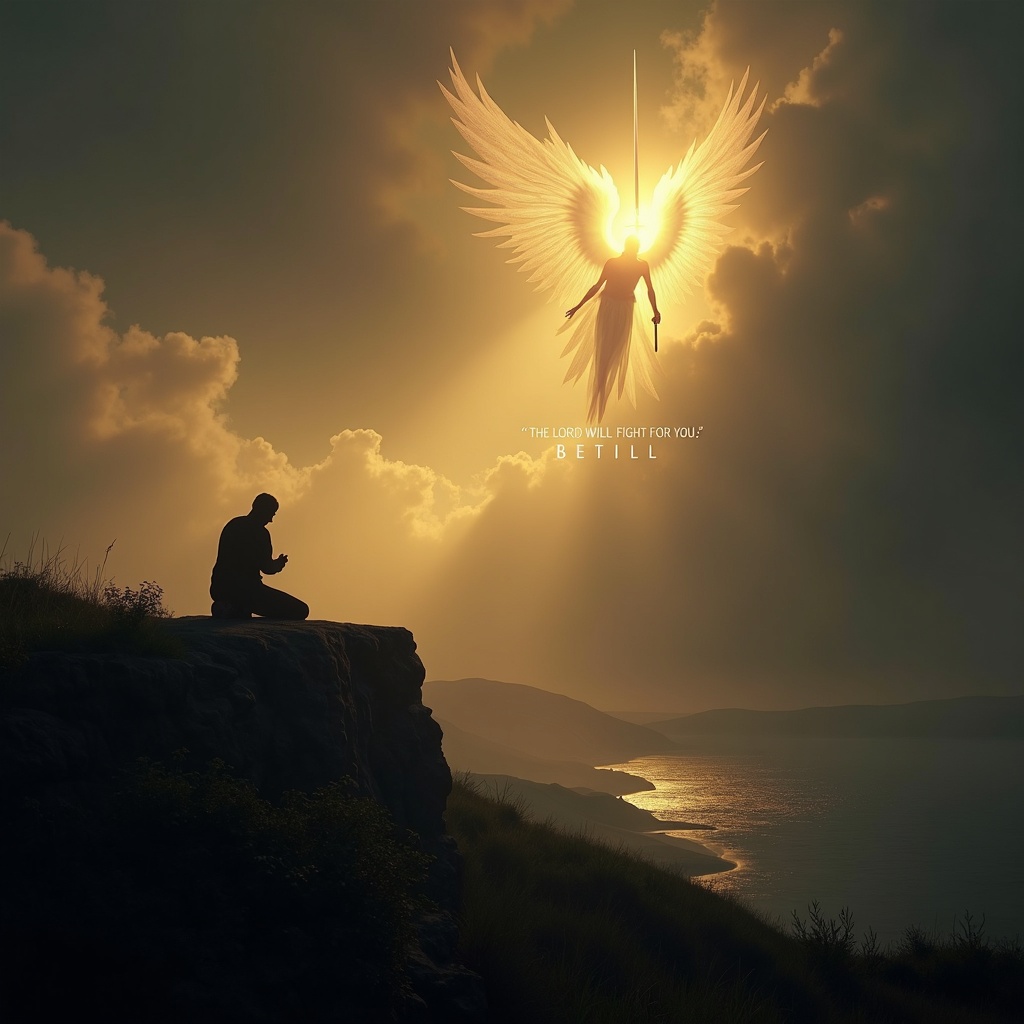
The Lord will fight for you; be still. - Flux.1 dev
Eingabe
**Prompt:** A serene yet powerful scene depicting a lone figure kneeling in prayer on a windswept cliff at dusk, bathed in golden light breaking through storm clouds. Behind them, a towering, ethereal warrior with radiant wings stands guard, sword raised against an unseen darkness. The landscape is dramatic—rolling hills, a distant battlefield, and a tranquil sea below. The mood is both peaceful and defiant, with soft glows and deep shadows evoking Caravaggio’s chiaroscuro. The figure’s stillness contrasts with the dynamic energy of the divine protector. Text subtly woven into the clouds: *"The Lord will fight for you; be still."* Style: hyper-detailed, cinematic realism with a touch of divine luminescence.
Detaillierte Analyse des Flux KI Image Prompt
Analysiere den detaillierten Prompt, der zur Erstellung des Bildes mit dem Flux KI Image Generator verwendet wurde.
Flux-Prompts für den KI-Bildgenerator erkunden
Wie man ein Bild generiert von Flux.1 dev
Folge diesen vier einfachen Schritten, um das gewünschte Bild zu erstellen.
Schritt 1: Gib deinen Text ein (Fühle dich frei, deinen Prompt für bessere Ergebnisse zu verfeinern)
Schritt 2: Wähle das Bildseitenverhältnis
Schritt 3: Wähle dein Flux-Modell:
Schritt 4: Klicke auf die Generieren-Schaltfläche und warte ein paar Sekunden auf dein Bild
Verwandte Flux KI Tools für Prompts über Flux.1 dev
Entdecke fortschrittliche Tools von Flux KI, um deinen kreativen Workflow zu verbessern.