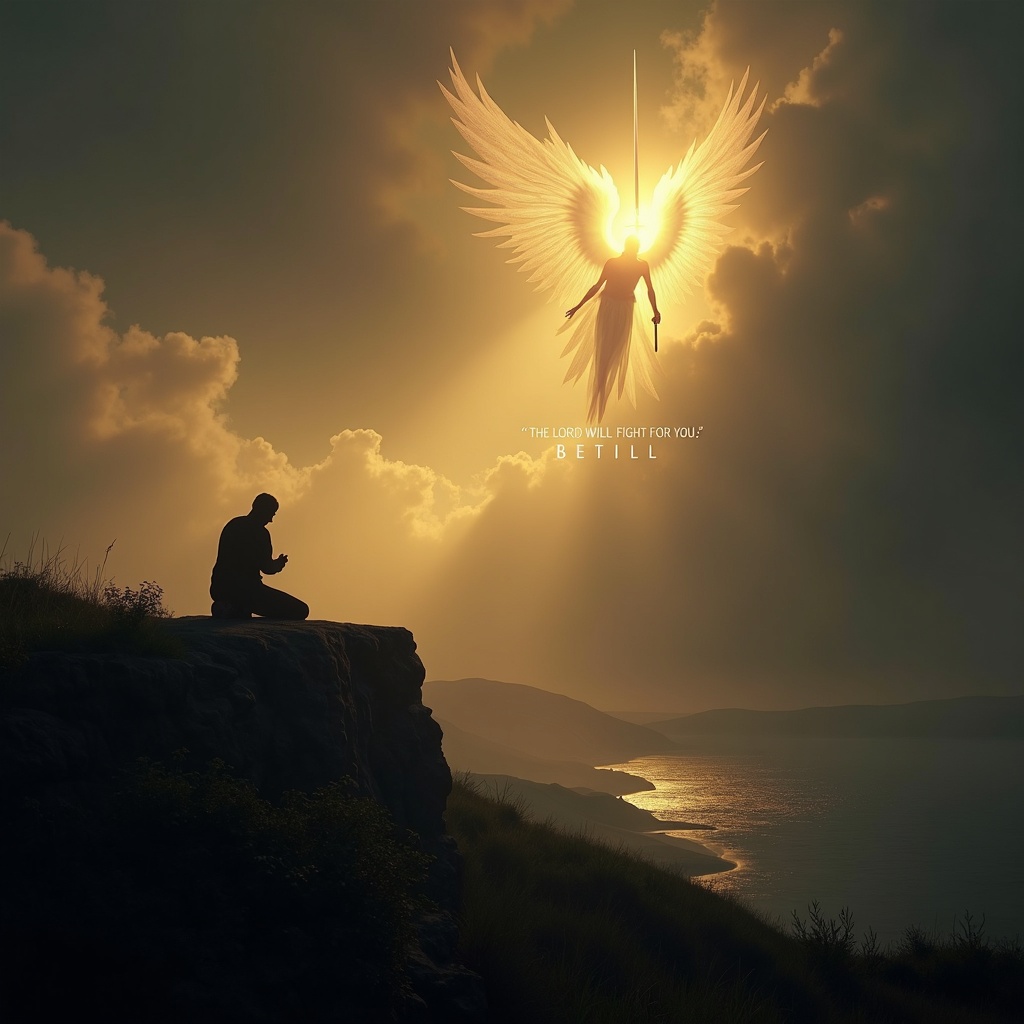
The Lord will fight for you; be still. - Flux.1 dev
Invite
**Prompt:** A serene yet powerful scene depicting a lone figure kneeling in prayer on a windswept cliff at dusk, bathed in golden light breaking through storm clouds. Behind them, a towering, ethereal warrior with radiant wings stands guard, sword raised against an unseen darkness. The landscape is dramatic—rolling hills, a distant battlefield, and a tranquil sea below. The mood is both peaceful and defiant, with soft glows and deep shadows evoking Caravaggio’s chiaroscuro. The figure’s stillness contrasts with the dynamic energy of the divine protector. Text subtly woven into the clouds: *"The Lord will fight for you; be still."* Style: hyper-detailed, cinematic realism with a touch of divine luminescence.
Analyse Détaillée du Prompt d'Image Flux IA
Analysez le prompt détaillé utilisé pour générer l'image avec Flux IA Image Generator.
Explorez les invites Flux IA
Comment générer une image par Flux.1 dev
Suivez ces quatre étapes simples pour créer l'image désirée.
Étape 1 : Entrez votre texte (N'hésitez pas à affiner votre prompt pour de meilleurs résultats)
Étape 2 : Choisissez le ratio d'aspect de l'image
Étape 3 : Sélectionnez votre modèle Flux :
Étape 4 : Cliquez sur le bouton Générer et attendez quelques secondes pour votre image
Outils Flux IA liés aux prompts sur Flux.1 dev
Découvrez des outils avancés de Flux IA pour booster votre flux de travail créatif.