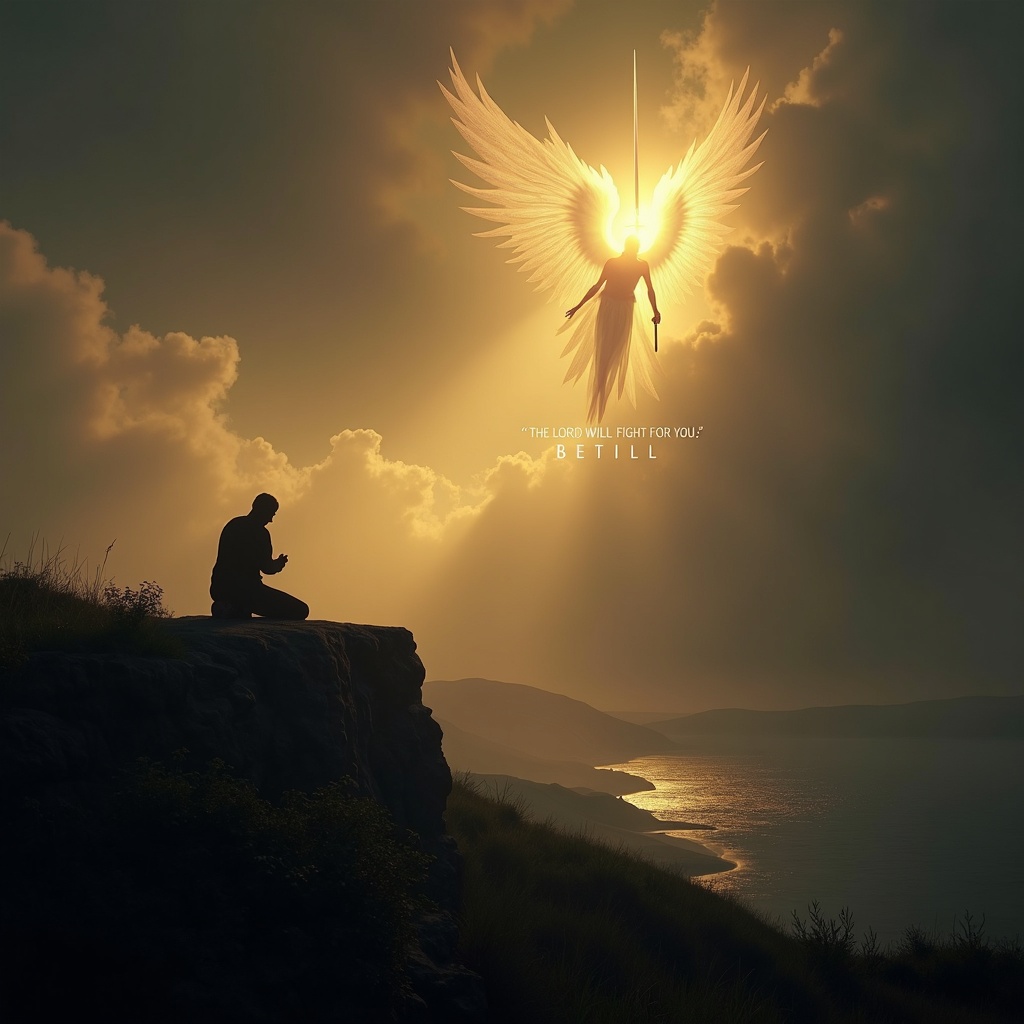
The Lord will fight for you; be still. - Flux.1 dev
Prompt
**Prompt:** A serene yet powerful scene depicting a lone figure kneeling in prayer on a windswept cliff at dusk, bathed in golden light breaking through storm clouds. Behind them, a towering, ethereal warrior with radiant wings stands guard, sword raised against an unseen darkness. The landscape is dramatic—rolling hills, a distant battlefield, and a tranquil sea below. The mood is both peaceful and defiant, with soft glows and deep shadows evoking Caravaggio’s chiaroscuro. The figure’s stillness contrasts with the dynamic energy of the divine protector. Text subtly woven into the clouds: *"The Lord will fight for you; be still."* Style: hyper-detailed, cinematic realism with a touch of divine luminescence.
Análise Detalhada do Prompt de Imagem Flux IA
Analise o prompt detalhado usado para gerar a imagem com o Flux IA Image Generator.
Explore Prompts Flux para o Gerador de Imagens
Como gerar uma imagem por Flux.1 dev
Siga estes quatro passos simples para criar a imagem desejada.
Passo 1: Insira seu texto (Sinta-se à vontade para refinar seu prompt para melhores resultados)
Passo 2: Escolha a proporção da imagem
Passo 3: Selecione seu modelo Flux:
Passo 4: Clique no botão Gerar e aguarde alguns segundos para sua imagem
Ferramentas Flux IA relacionadas a prompts sobre Flux.1 dev
Descubra ferramentas avançadas da Flux IA para melhorar seu fluxo de trabalho criativo.