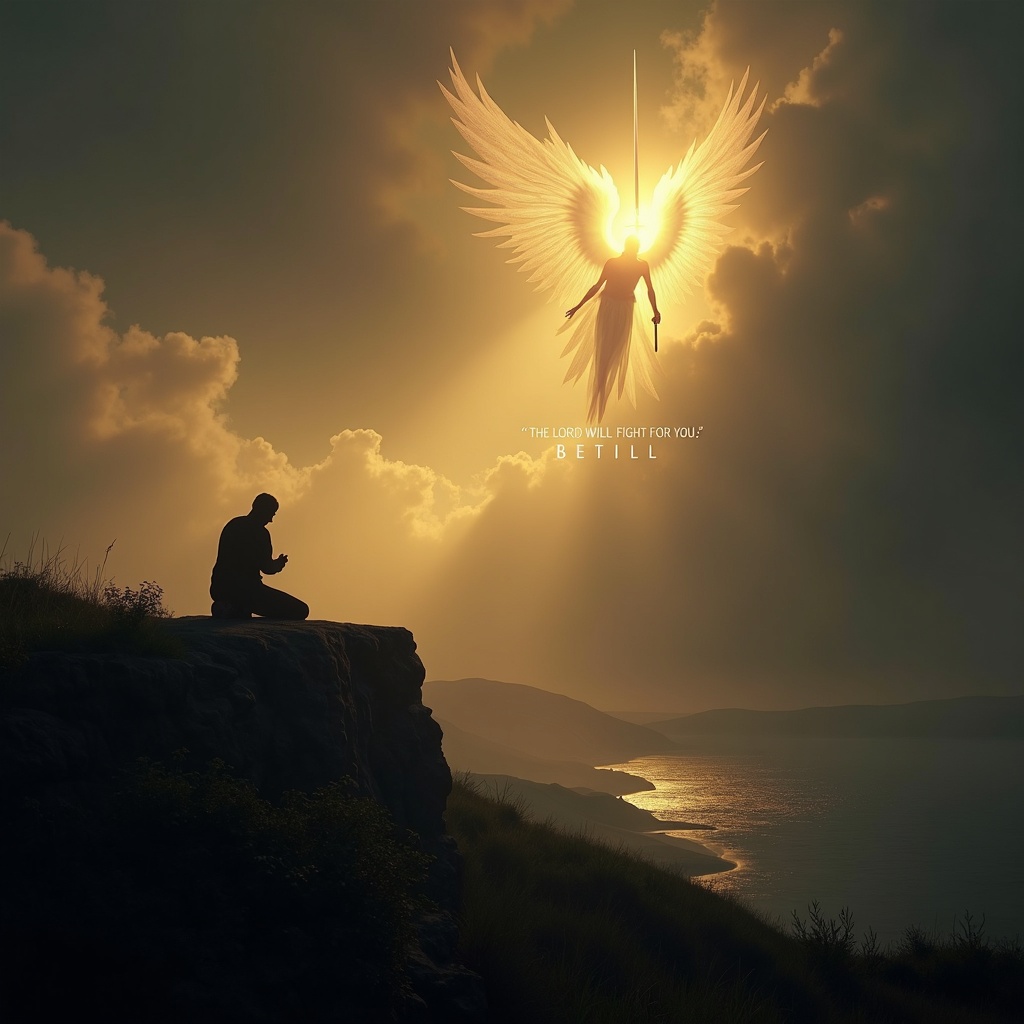
The Lord will fight for you; be still. - Flux.1 dev
prompt
**Prompt:** A serene yet powerful scene depicting a lone figure kneeling in prayer on a windswept cliff at dusk, bathed in golden light breaking through storm clouds. Behind them, a towering, ethereal warrior with radiant wings stands guard, sword raised against an unseen darkness. The landscape is dramatic—rolling hills, a distant battlefield, and a tranquil sea below. The mood is both peaceful and defiant, with soft glows and deep shadows evoking Caravaggio’s chiaroscuro. The figure’s stillness contrasts with the dynamic energy of the divine protector. Text subtly woven into the clouds: *"The Lord will fight for you; be still."* Style: hyper-detailed, cinematic realism with a touch of divine luminescence.
Analisi Dettagliata del Prompt Immagine Flux AI
Analizza il prompt dettagliato utilizzato per generare l'immagine con il Generatore Immagini Flux AI.
Esplora i Prompt Flux per il Generatore Immagini Flux AI
Come generare immagini con Flux.1 dev
Segui questi quattro semplici passaggi per creare l'immagine desiderata.
Passaggio 1: Inserisci il Tuo Testo (Sentiti libero di perfezionare il prompt per risultati migliori)
Passaggio 2: Scegli le Proporzioni dell'Immagine
Passaggio 3: Seleziona il Tuo Modello Flux:
Passaggio 4: Clicca il Pulsante Genera e Attendi Alcuni Secondi per la Tua Immagine
Strumenti Flux AI correlati per prompt su Flux.1 dev
Scopri strumenti avanzati di Flux AI per potenziare il tuo flusso di lavoro creativo.