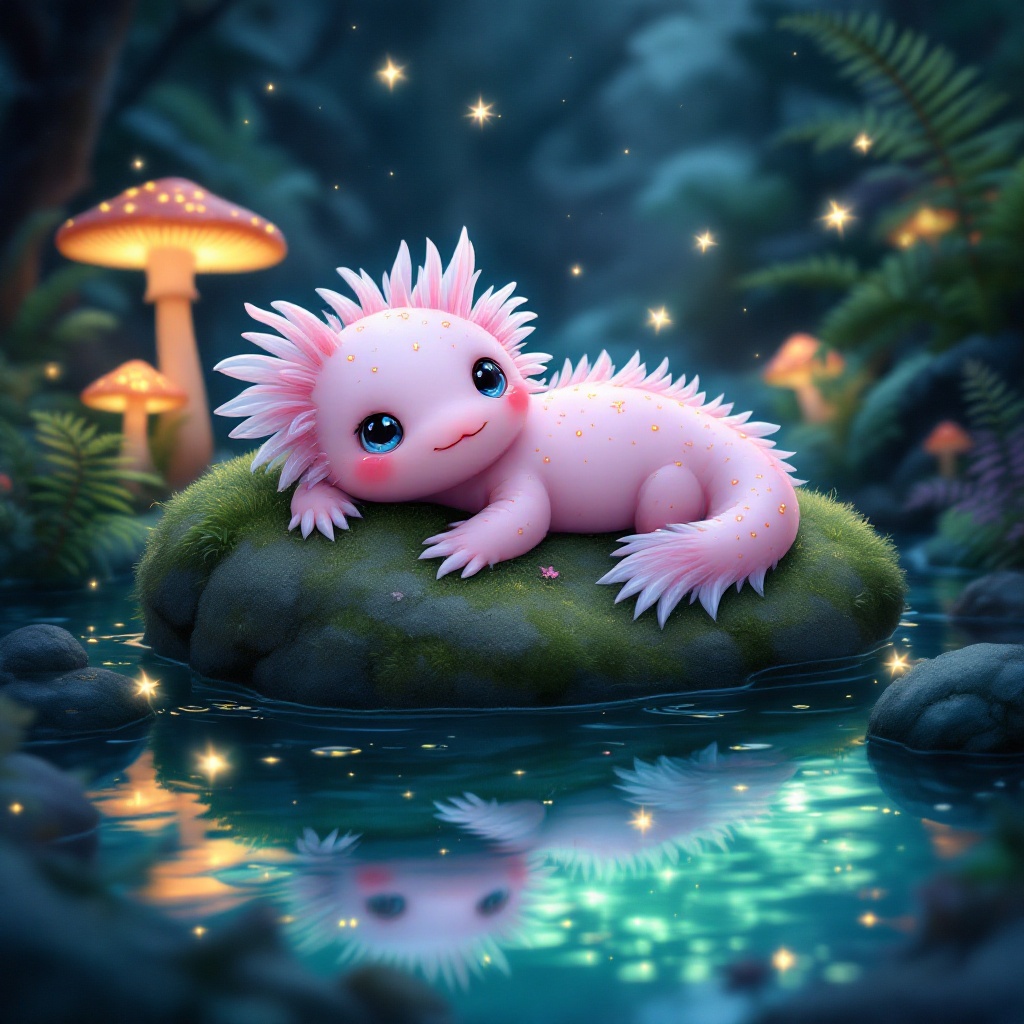
Axolotl - Flux.1.1 pro
Eingabe
**Prompt:** A whimsical axolotl lounging on a moss-covered rock in a crystal-clear, bioluminescent pond, its feathery gills gently swaying. The axolotl has soft pink skin with delicate gold speckles, large curious eyes, and a slightly tilted head. Surrounding the pond are glowing mushrooms, vibrant ferns, and tiny fireflies casting a dreamy, ethereal glow. The style is a mix of Studio Ghibli and fantasy realism, with soft, diffused lighting and a pastel color palette of blues, pinks, and greens. The mood is serene and magical, evoking a hidden enchanted forest. Shot from a low angle, close-up, with the axolotl centered and the pond’s reflections adding depth. A faint mist lingers above the water, enhancing the mystical atmosphere.
Detaillierte Analyse des Flux KI Image Prompt
Analysiere den detaillierten Prompt, der zur Erstellung des Bildes mit dem Flux KI Image Generator verwendet wurde.
Flux-Prompts für den KI-Bildgenerator erkunden
Wie man ein Bild generiert von Flux.1.1 pro
Folge diesen vier einfachen Schritten, um das gewünschte Bild zu erstellen.
Schritt 1: Gib deinen Text ein (Fühle dich frei, deinen Prompt für bessere Ergebnisse zu verfeinern)
Schritt 2: Wähle das Bildseitenverhältnis
Schritt 3: Wähle dein Flux-Modell:
Schritt 4: Klicke auf die Generieren-Schaltfläche und warte ein paar Sekunden auf dein Bild
Verwandte Flux KI Tools für Prompts über Flux.1.1 pro
Entdecke fortschrittliche Tools von Flux KI, um deinen kreativen Workflow zu verbessern.