Axolotl - Flux.1.1 pro
prompt
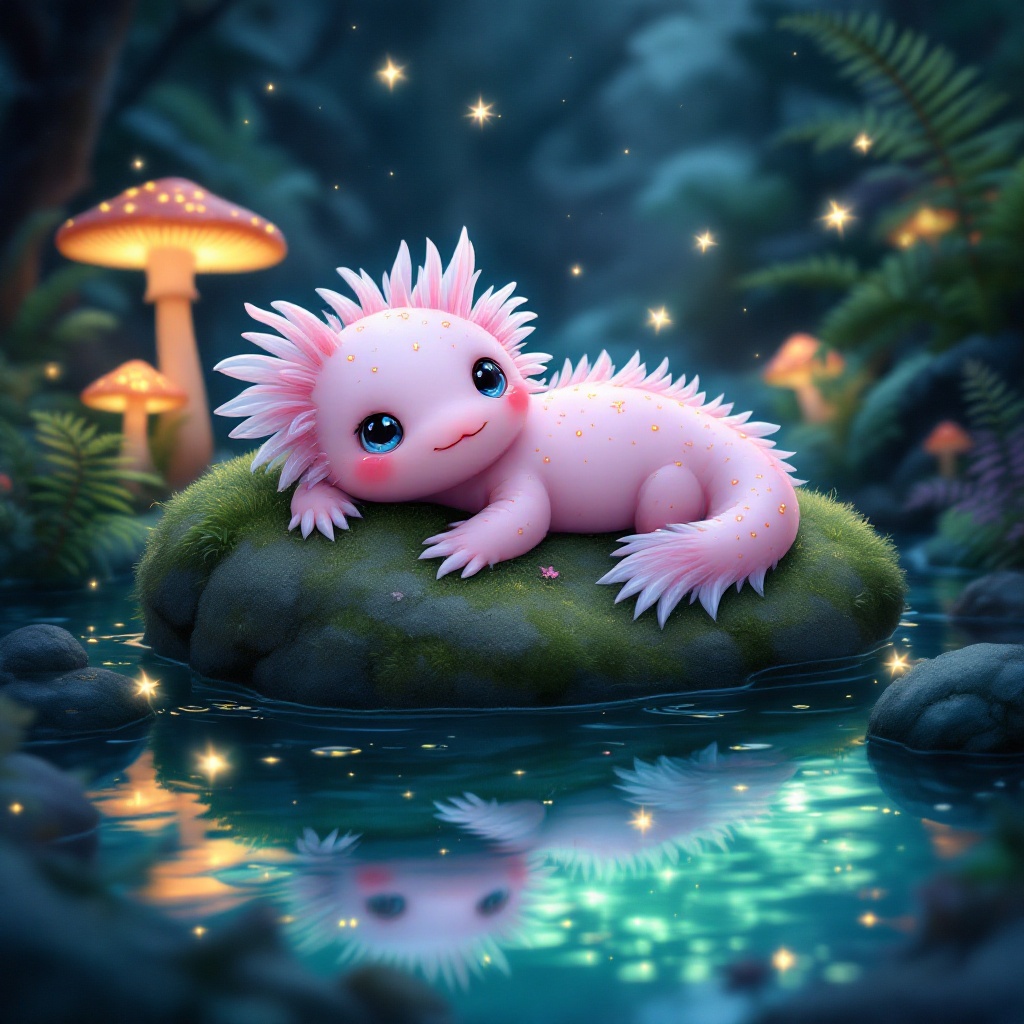
**Prompt:** A whimsical axolotl lounging on a moss-covered rock in a crystal-clear, bioluminescent pond, its feathery gills gently swaying. The axolotl has soft pink skin with delicate gold speckles, large curious eyes, and a slightly tilted head. Surrounding the pond are glowing mushrooms, vibrant ferns, and tiny fireflies casting a dreamy, ethereal glow. The style is a mix of Studio Ghibli and fantasy realism, with soft, diffused lighting and a pastel color palette of blues, pinks, and greens. The mood is serene and magical, evoking a hidden enchanted forest. Shot from a low angle, close-up, with the axolotl centered and the pond’s reflections adding depth. A faint mist lingers above the water, enhancing the mystical atmosphere.
Analisi Dettagliata del Prompt Immagine Flux AI
Analizza il prompt dettagliato utilizzato per generare l'immagine con il Generatore Immagini Flux AI.
Esplora i Prompt Flux per il Generatore Immagini Flux AI
Come generare immagini con Flux.1.1 pro
Segui questi quattro semplici passaggi per creare l'immagine desiderata.
Passaggio 1: Inserisci il Tuo Testo (Sentiti libero di perfezionare il prompt per risultati migliori)
Passaggio 2: Scegli le Proporzioni dell'Immagine
Passaggio 3: Seleziona il Tuo Modello Flux:
Passaggio 4: Clicca il Pulsante Genera e Attendi Alcuni Secondi per la Tua Immagine
Strumenti Flux AI correlati per prompt su Flux.1.1 pro
Scopri strumenti avanzati di Flux AI per potenziare il tuo flusso di lavoro creativo.