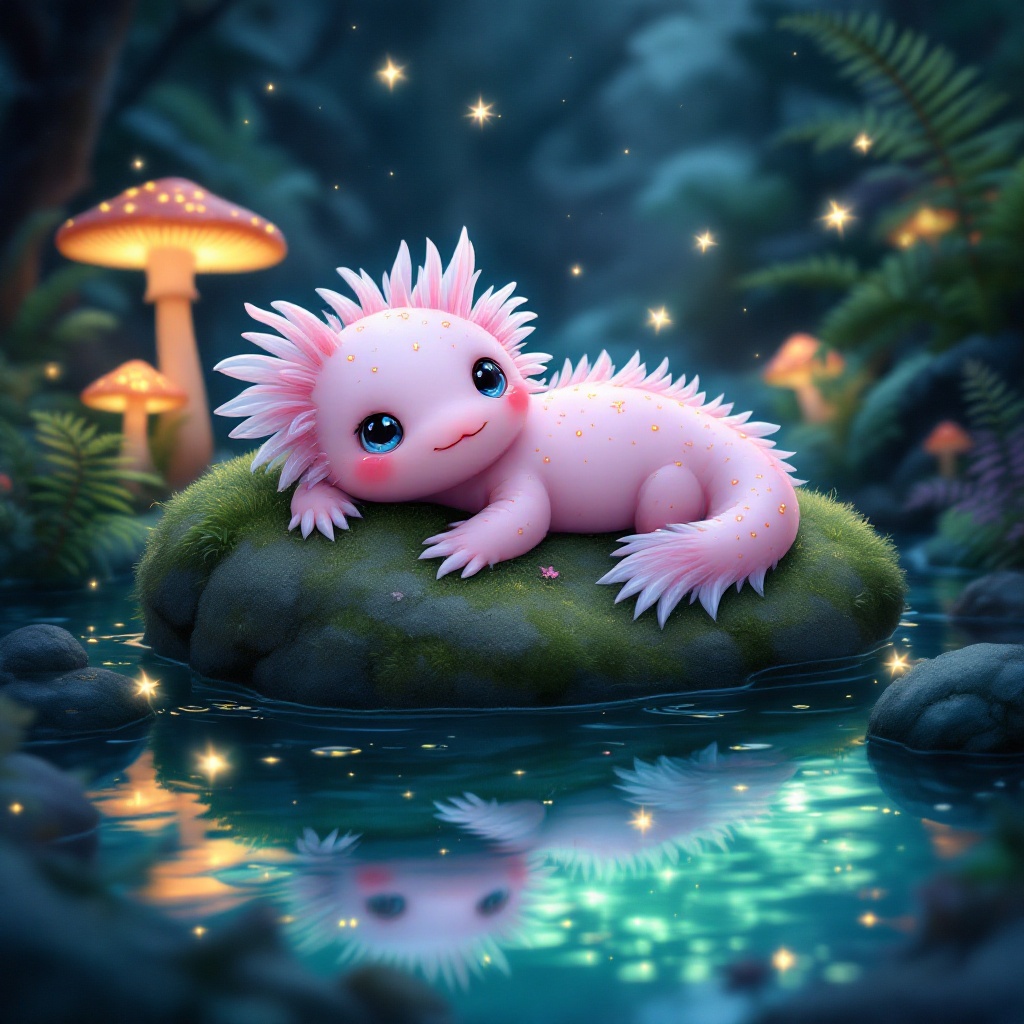
Axolotl - Flux.1.1 pro
Prompt
**Prompt:** A whimsical axolotl lounging on a moss-covered rock in a crystal-clear, bioluminescent pond, its feathery gills gently swaying. The axolotl has soft pink skin with delicate gold speckles, large curious eyes, and a slightly tilted head. Surrounding the pond are glowing mushrooms, vibrant ferns, and tiny fireflies casting a dreamy, ethereal glow. The style is a mix of Studio Ghibli and fantasy realism, with soft, diffused lighting and a pastel color palette of blues, pinks, and greens. The mood is serene and magical, evoking a hidden enchanted forest. Shot from a low angle, close-up, with the axolotl centered and the pond’s reflections adding depth. A faint mist lingers above the water, enhancing the mystical atmosphere.
Análise Detalhada do Prompt de Imagem Flux IA
Analise o prompt detalhado usado para gerar a imagem com o Flux IA Image Generator.
Explore Prompts Flux para o Gerador de Imagens
Como gerar uma imagem por Flux.1.1 pro
Siga estes quatro passos simples para criar a imagem desejada.
Passo 1: Insira seu texto (Sinta-se à vontade para refinar seu prompt para melhores resultados)
Passo 2: Escolha a proporção da imagem
Passo 3: Selecione seu modelo Flux:
Passo 4: Clique no botão Gerar e aguarde alguns segundos para sua imagem
Ferramentas Flux IA relacionadas a prompts sobre Flux.1.1 pro
Descubra ferramentas avançadas da Flux IA para melhorar seu fluxo de trabalho criativo.