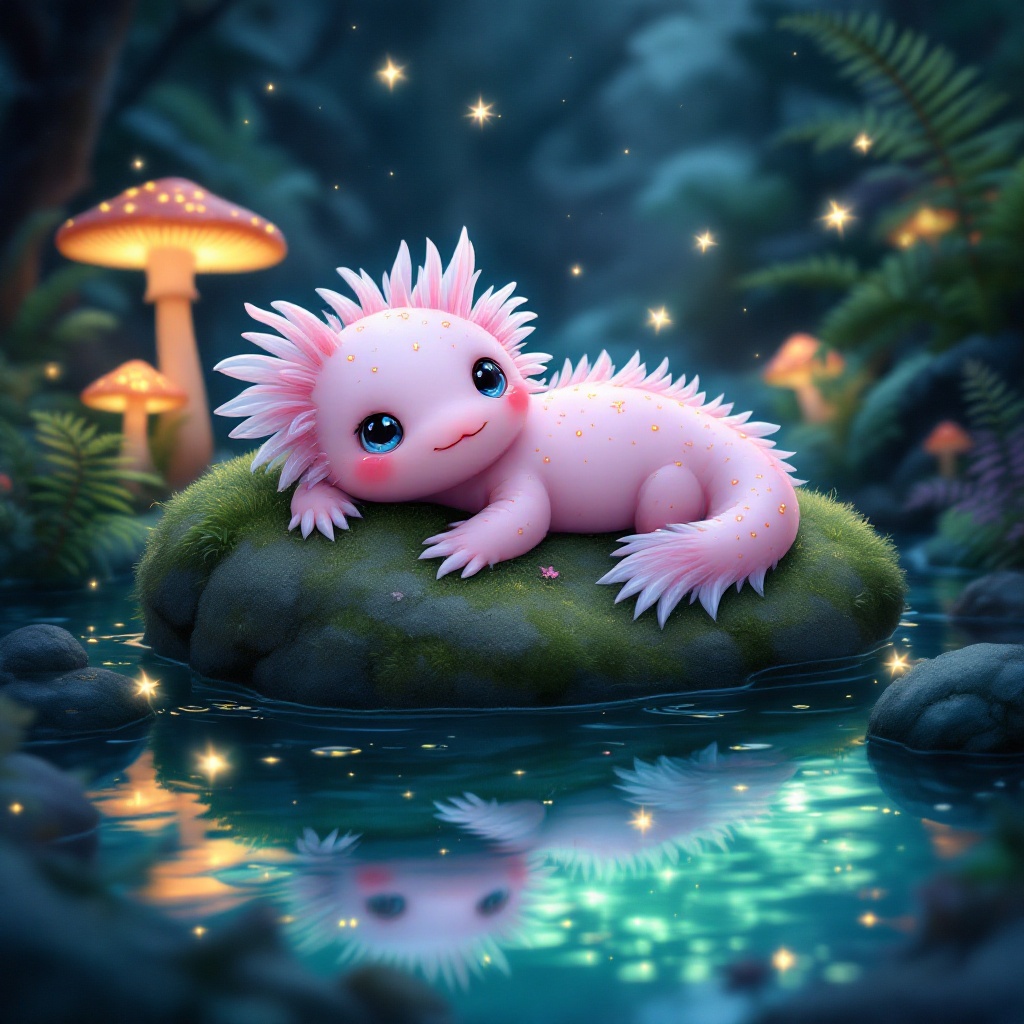
Axolotl - Flux.1.1 pro
Invite
**Prompt:** A whimsical axolotl lounging on a moss-covered rock in a crystal-clear, bioluminescent pond, its feathery gills gently swaying. The axolotl has soft pink skin with delicate gold speckles, large curious eyes, and a slightly tilted head. Surrounding the pond are glowing mushrooms, vibrant ferns, and tiny fireflies casting a dreamy, ethereal glow. The style is a mix of Studio Ghibli and fantasy realism, with soft, diffused lighting and a pastel color palette of blues, pinks, and greens. The mood is serene and magical, evoking a hidden enchanted forest. Shot from a low angle, close-up, with the axolotl centered and the pond’s reflections adding depth. A faint mist lingers above the water, enhancing the mystical atmosphere.
Analyse Détaillée du Prompt d'Image Flux IA
Analysez le prompt détaillé utilisé pour générer l'image avec Flux IA Image Generator.
Explorez les invites Flux IA
Comment générer une image par Flux.1.1 pro
Suivez ces quatre étapes simples pour créer l'image désirée.
Étape 1 : Entrez votre texte (N'hésitez pas à affiner votre prompt pour de meilleurs résultats)
Étape 2 : Choisissez le ratio d'aspect de l'image
Étape 3 : Sélectionnez votre modèle Flux :
Étape 4 : Cliquez sur le bouton Générer et attendez quelques secondes pour votre image
Outils Flux IA liés aux prompts sur Flux.1.1 pro
Découvrez des outils avancés de Flux IA pour booster votre flux de travail créatif.