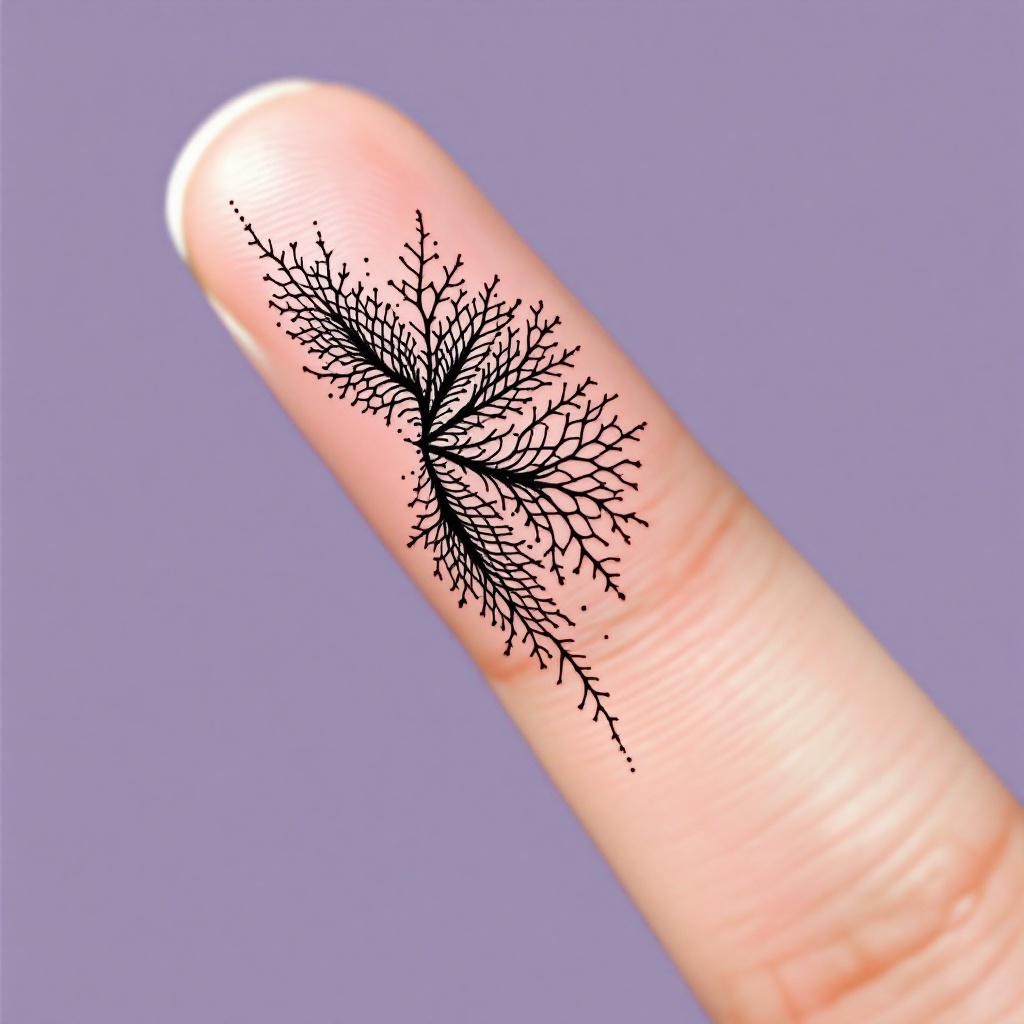
Finger-Tiny Crosshatch - Flux.1.1 pro
Eingabe
**Prompt:** "Design a delicate, finger-sized tattoo featuring intricate crosshatch patterns in a minimalist black ink style. The motif should resemble fine, woven textures or subtle lace-like grids, with precise, hair-thin lines creating depth and dimension. Place it along the side of the index finger, scaled to wrap subtly around the curvature. Opt for a monochromatic palette—jet-black ink on fair skin—to emphasize contrast. The aesthetic should evoke quiet elegance, with a hint of geometric precision, blending organic flow and structured repetition. No cultural symbols; keep it abstract yet tactile, as if etched by a master engraver." (998 characters)
Detaillierte Analyse des Flux KI Image Prompt
Analysiere den detaillierten Prompt, der zur Erstellung des Bildes mit dem Flux KI Image Generator verwendet wurde.
Flux-Prompts für den KI-Bildgenerator erkunden
Wie man ein Bild generiert von Flux.1.1 pro
Folge diesen vier einfachen Schritten, um das gewünschte Bild zu erstellen.
Schritt 1: Gib deinen Text ein (Fühle dich frei, deinen Prompt für bessere Ergebnisse zu verfeinern)
Schritt 2: Wähle das Bildseitenverhältnis
Schritt 3: Wähle dein Flux-Modell:
Schritt 4: Klicke auf die Generieren-Schaltfläche und warte ein paar Sekunden auf dein Bild
Verwandte Flux KI Tools für Prompts über Flux.1.1 pro
Entdecke fortschrittliche Tools von Flux KI, um deinen kreativen Workflow zu verbessern.