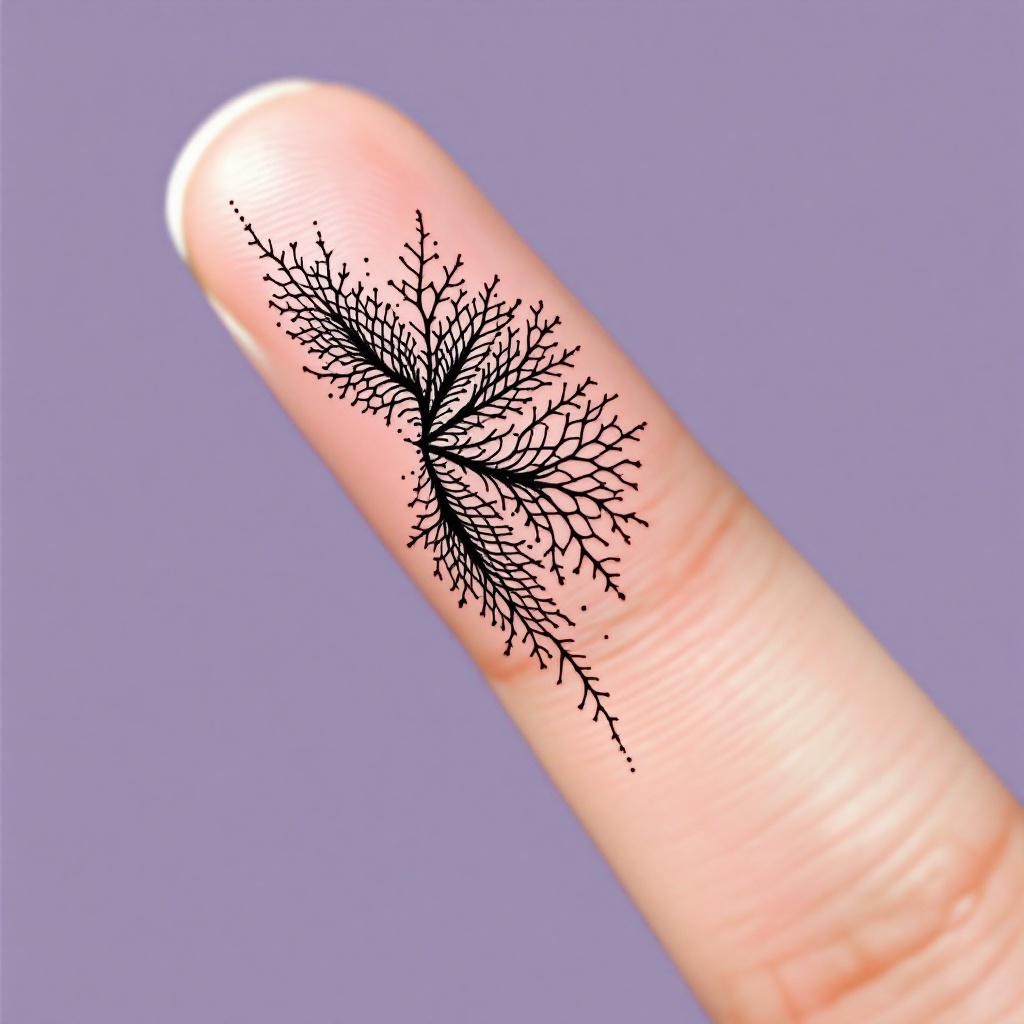
Finger-Tiny Crosshatch - Flux.1.1 pro
Prompt
**Prompt:** "Design a delicate, finger-sized tattoo featuring intricate crosshatch patterns in a minimalist black ink style. The motif should resemble fine, woven textures or subtle lace-like grids, with precise, hair-thin lines creating depth and dimension. Place it along the side of the index finger, scaled to wrap subtly around the curvature. Opt for a monochromatic palette—jet-black ink on fair skin—to emphasize contrast. The aesthetic should evoke quiet elegance, with a hint of geometric precision, blending organic flow and structured repetition. No cultural symbols; keep it abstract yet tactile, as if etched by a master engraver." (998 characters)
Análise Detalhada do Prompt de Imagem Flux IA
Analise o prompt detalhado usado para gerar a imagem com o Flux IA Image Generator.
Explore Prompts Flux para o Gerador de Imagens
Como gerar uma imagem por Flux.1.1 pro
Siga estes quatro passos simples para criar a imagem desejada.
Passo 1: Insira seu texto (Sinta-se à vontade para refinar seu prompt para melhores resultados)
Passo 2: Escolha a proporção da imagem
Passo 3: Selecione seu modelo Flux:
Passo 4: Clique no botão Gerar e aguarde alguns segundos para sua imagem
Ferramentas Flux IA relacionadas a prompts sobre Flux.1.1 pro
Descubra ferramentas avançadas da Flux IA para melhorar seu fluxo de trabalho criativo.