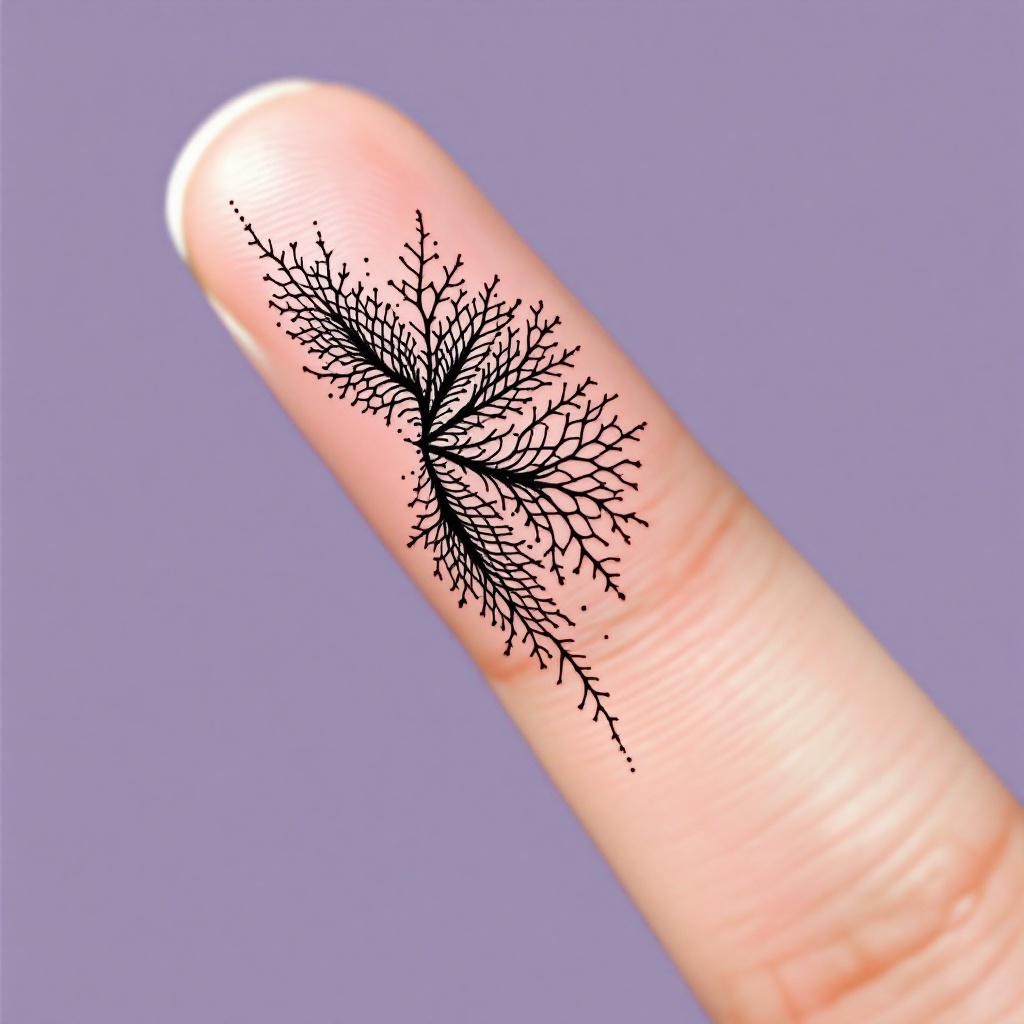
Finger-Tiny Crosshatch - Flux.1.1 pro
Lời nhắc
**Prompt:** "Design a delicate, finger-sized tattoo featuring intricate crosshatch patterns in a minimalist black ink style. The motif should resemble fine, woven textures or subtle lace-like grids, with precise, hair-thin lines creating depth and dimension. Place it along the side of the index finger, scaled to wrap subtly around the curvature. Opt for a monochromatic palette—jet-black ink on fair skin—to emphasize contrast. The aesthetic should evoke quiet elegance, with a hint of geometric precision, blending organic flow and structured repetition. No cultural symbols; keep it abstract yet tactile, as if etched by a master engraver." (998 characters)
Phân tích Chi tiết về Prompt Hình ảnh Flux AI
Phân tích prompt chi tiết được sử dụng để tạo ra hình ảnh với Flux AI Image Generator.
Khám phá Flux Prompts cho Trình tạo hình ảnh Flux AI
Cách tạo hình ảnh bằng Flux.1.1 pro
Theo dõi bốn bước đơn giản dưới đây để tạo ra hình ảnh bạn mong muốn.
Bước 1: Nhập Văn bản của Bạn (Cảm thấy tự do tinh chỉnh prompt của bạn để có kết quả tốt hơn)
Bước 2: Chọn Tỷ lệ Khung Hình của Hình ảnh
Bước 3: Chọn Mô hình Flux của Bạn:
Bước 4: Nhấn Nút Tạo và Chờ vài Giây để Có Hình ảnh của Bạn
Công cụ Flux AI liên quan đến prompts về Flux.1.1 pro
Khám phá các công cụ nâng cao từ Flux AI để tăng cường quy trình làm việc sáng tạo của bạn.