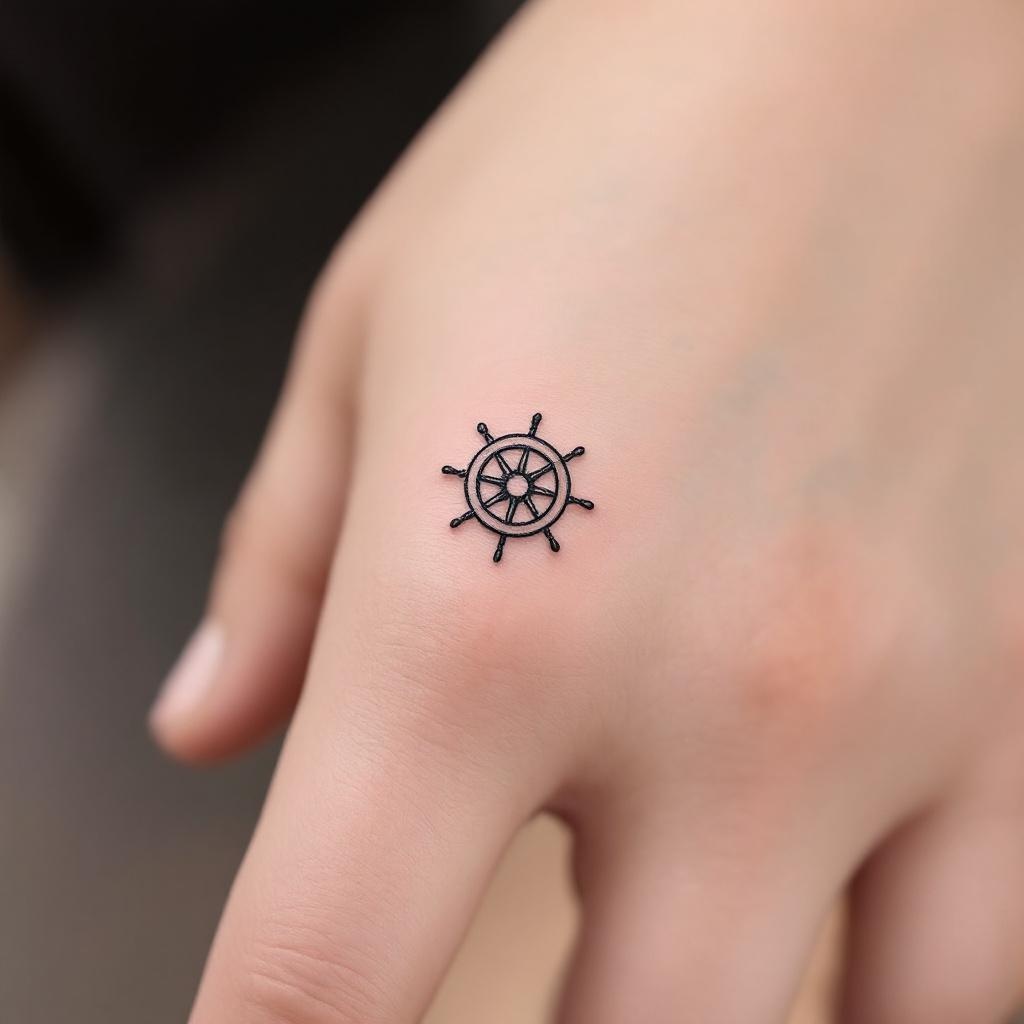
Finger-Minimalist Ship Wheel - Flux.1.1 pro
Eingabe
Design a **minimalist black ink** tattoo of a **ship wheel**, intricately scaled to fit the **side of the finger** (index or ring finger). The wheel should feature **clean, delicate lines** with subtle **geometric detailing**—think **thin spokes, a small central circle, and a finely etched outer rim**. Keep the design **small (1-2 inches) and understated**, with **no shading or color**, emphasizing **precision and simplicity**. Incorporate **subtle nautical symbolism** (e.g., tiny compass points or wave accents) for depth. The aesthetic should be **elegant, timeless, and subtly bold**, evoking **wanderlust and resilience**. Ensure the lines are **crisp and balanced** for a **sophisticated, wearable** look.
Detaillierte Analyse des Flux KI Image Prompt
Analysiere den detaillierten Prompt, der zur Erstellung des Bildes mit dem Flux KI Image Generator verwendet wurde.
Flux-Prompts für den KI-Bildgenerator erkunden
Wie man ein Bild generiert von Flux.1.1 pro
Folge diesen vier einfachen Schritten, um das gewünschte Bild zu erstellen.
Schritt 1: Gib deinen Text ein (Fühle dich frei, deinen Prompt für bessere Ergebnisse zu verfeinern)
Schritt 2: Wähle das Bildseitenverhältnis
Schritt 3: Wähle dein Flux-Modell:
Schritt 4: Klicke auf die Generieren-Schaltfläche und warte ein paar Sekunden auf dein Bild
Verwandte Flux KI Tools für Prompts über Flux.1.1 pro
Entdecke fortschrittliche Tools von Flux KI, um deinen kreativen Workflow zu verbessern.