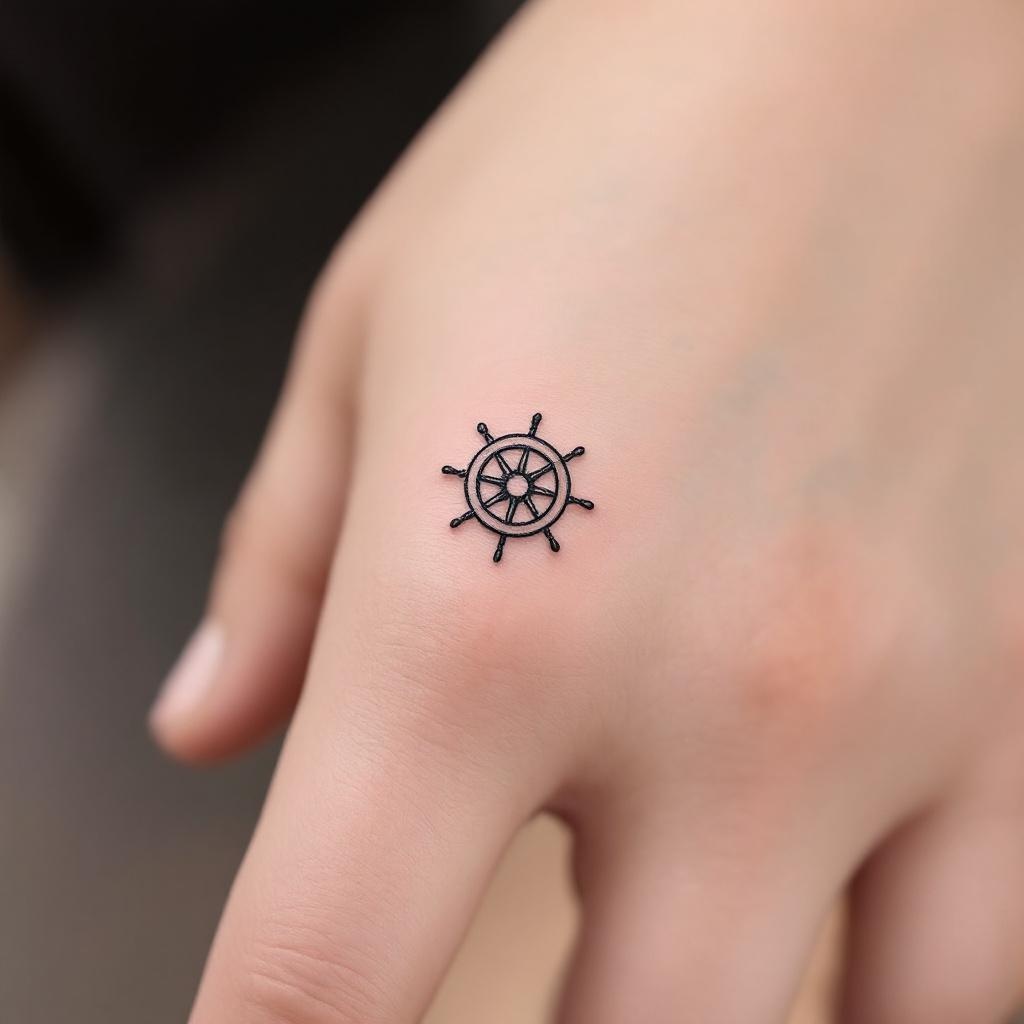
Finger-Minimalist Ship Wheel - Flux.1.1 pro
Invite
Design a **minimalist black ink** tattoo of a **ship wheel**, intricately scaled to fit the **side of the finger** (index or ring finger). The wheel should feature **clean, delicate lines** with subtle **geometric detailing**—think **thin spokes, a small central circle, and a finely etched outer rim**. Keep the design **small (1-2 inches) and understated**, with **no shading or color**, emphasizing **precision and simplicity**. Incorporate **subtle nautical symbolism** (e.g., tiny compass points or wave accents) for depth. The aesthetic should be **elegant, timeless, and subtly bold**, evoking **wanderlust and resilience**. Ensure the lines are **crisp and balanced** for a **sophisticated, wearable** look.
Analyse Détaillée du Prompt d'Image Flux IA
Analysez le prompt détaillé utilisé pour générer l'image avec Flux IA Image Generator.
Explorez les invites Flux IA
Comment générer une image par Flux.1.1 pro
Suivez ces quatre étapes simples pour créer l'image désirée.
Étape 1 : Entrez votre texte (N'hésitez pas à affiner votre prompt pour de meilleurs résultats)
Étape 2 : Choisissez le ratio d'aspect de l'image
Étape 3 : Sélectionnez votre modèle Flux :
Étape 4 : Cliquez sur le bouton Générer et attendez quelques secondes pour votre image
Outils Flux IA liés aux prompts sur Flux.1.1 pro
Découvrez des outils avancés de Flux IA pour booster votre flux de travail créatif.