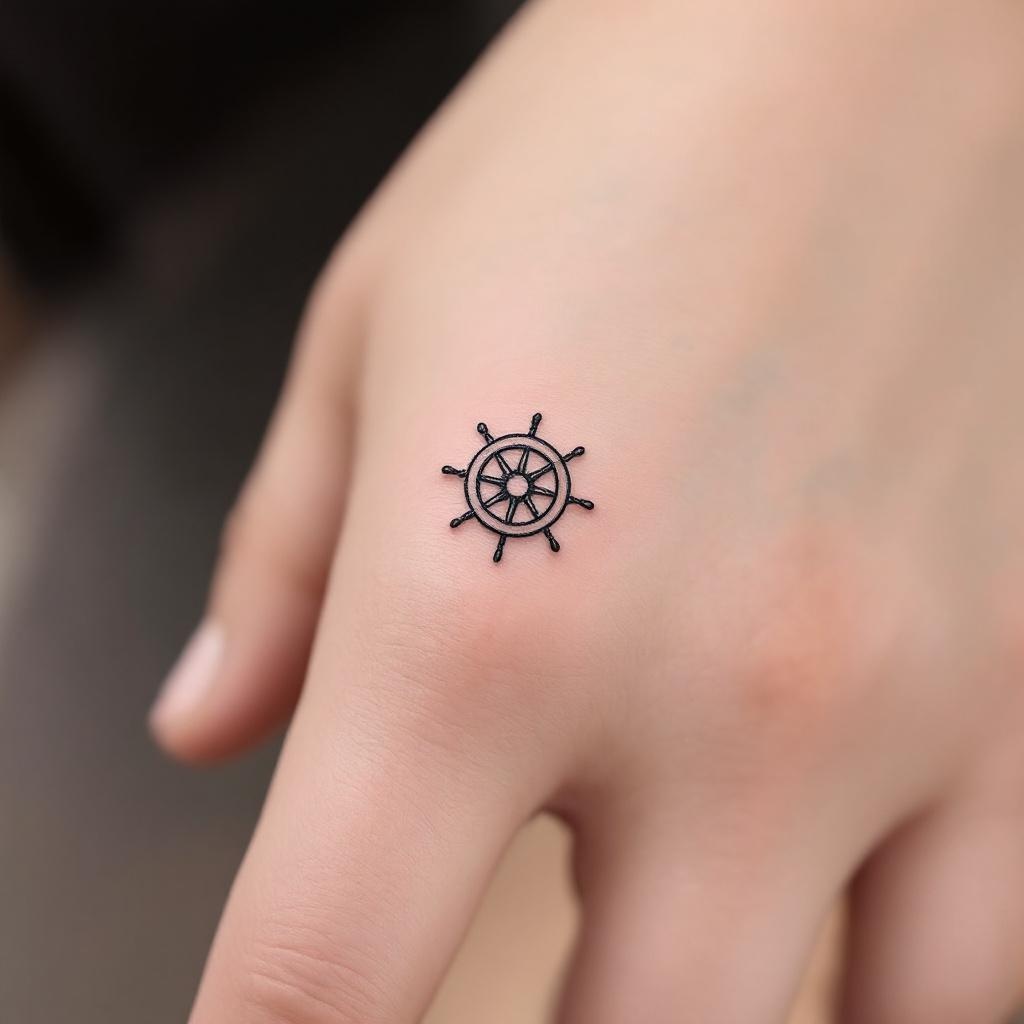
Finger-Minimalist Ship Wheel - Flux.1.1 pro
prompt
Design a **minimalist black ink** tattoo of a **ship wheel**, intricately scaled to fit the **side of the finger** (index or ring finger). The wheel should feature **clean, delicate lines** with subtle **geometric detailing**—think **thin spokes, a small central circle, and a finely etched outer rim**. Keep the design **small (1-2 inches) and understated**, with **no shading or color**, emphasizing **precision and simplicity**. Incorporate **subtle nautical symbolism** (e.g., tiny compass points or wave accents) for depth. The aesthetic should be **elegant, timeless, and subtly bold**, evoking **wanderlust and resilience**. Ensure the lines are **crisp and balanced** for a **sophisticated, wearable** look.
Analisi Dettagliata del Prompt Immagine Flux AI
Analizza il prompt dettagliato utilizzato per generare l'immagine con il Generatore Immagini Flux AI.
Esplora i Prompt Flux per il Generatore Immagini Flux AI
Come generare immagini con Flux.1.1 pro
Segui questi quattro semplici passaggi per creare l'immagine desiderata.
Passaggio 1: Inserisci il Tuo Testo (Sentiti libero di perfezionare il prompt per risultati migliori)
Passaggio 2: Scegli le Proporzioni dell'Immagine
Passaggio 3: Seleziona il Tuo Modello Flux:
Passaggio 4: Clicca il Pulsante Genera e Attendi Alcuni Secondi per la Tua Immagine
Strumenti Flux AI correlati per prompt su Flux.1.1 pro
Scopri strumenti avanzati di Flux AI per potenziare il tuo flusso di lavoro creativo.