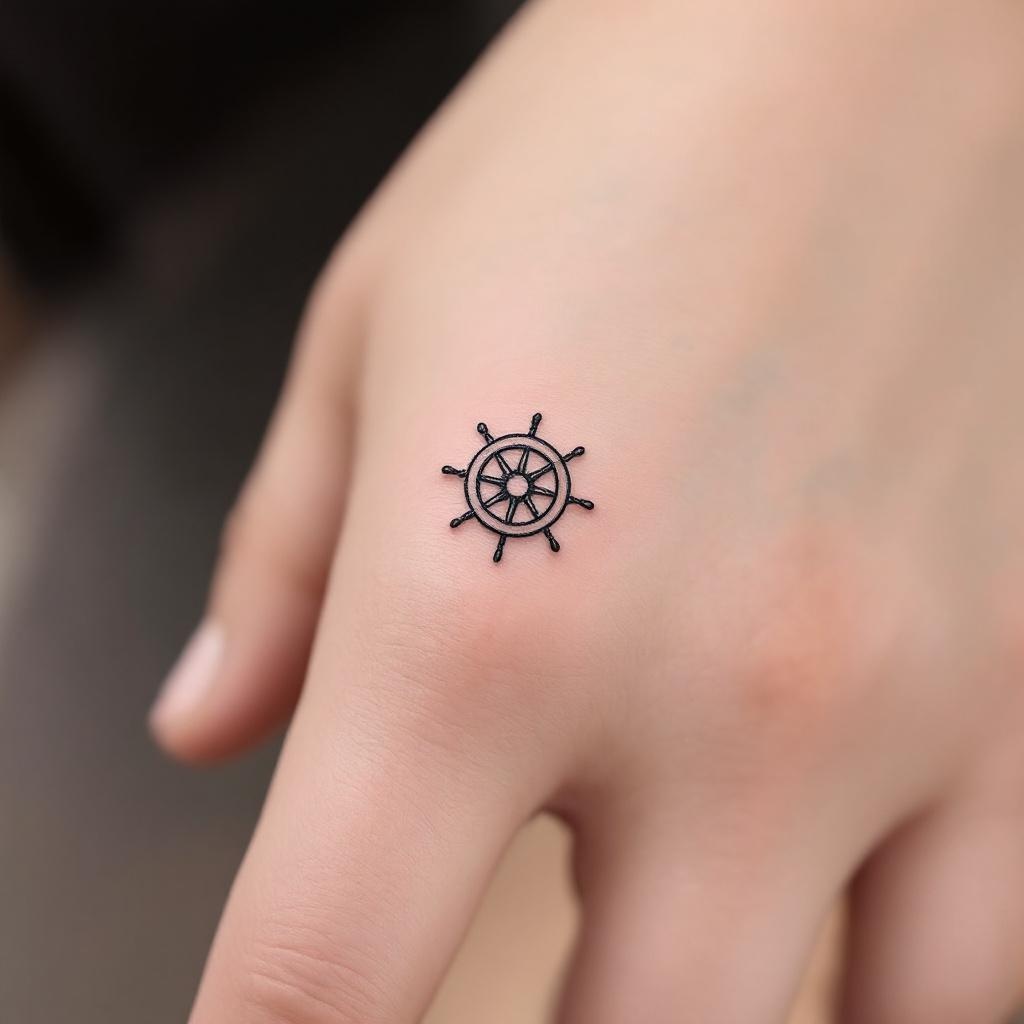
Finger-Minimalist Ship Wheel - Flux.1.1 pro
prompt
Design a **minimalist black ink** tattoo of a **ship wheel**, intricately scaled to fit the **side of the finger** (index or ring finger). The wheel should feature **clean, delicate lines** with subtle **geometric detailing**—think **thin spokes, a small central circle, and a finely etched outer rim**. Keep the design **small (1-2 inches) and understated**, with **no shading or color**, emphasizing **precision and simplicity**. Incorporate **subtle nautical symbolism** (e.g., tiny compass points or wave accents) for depth. The aesthetic should be **elegant, timeless, and subtly bold**, evoking **wanderlust and resilience**. Ensure the lines are **crisp and balanced** for a **sophisticated, wearable** look.
Analisis Terperinci Prompt Gambar Flux AI
Analisis prompt terperinci yang digunakan untuk menghasilkan gambar dengan Generator Gambar Flux AI.
Jelajahi Prompt Flux untuk Generator Gambar AI Flux
Cara menghasilkan gambar dengan Flux.1.1 pro
Ikuti empat langkah sederhana ini untuk membuat gambar yang Anda inginkan.
Langkah 1: Masukkan Teks Anda (Silakan sempurnakan prompt untuk hasil yang lebih baik)
Langkah 2: Pilih Rasio Aspek Gambar
Langkah 3: Pilih Model Flux Anda:
Langkah 4: Klik Tombol Buat dan Tunggu Beberapa Detik untuk Gambar Anda
Alat Flux AI terkait untuk prompt tentang Flux.1.1 pro
Temukan alat-alat canggih dari Flux AI untuk meningkatkan alur kerja kreatif Anda.