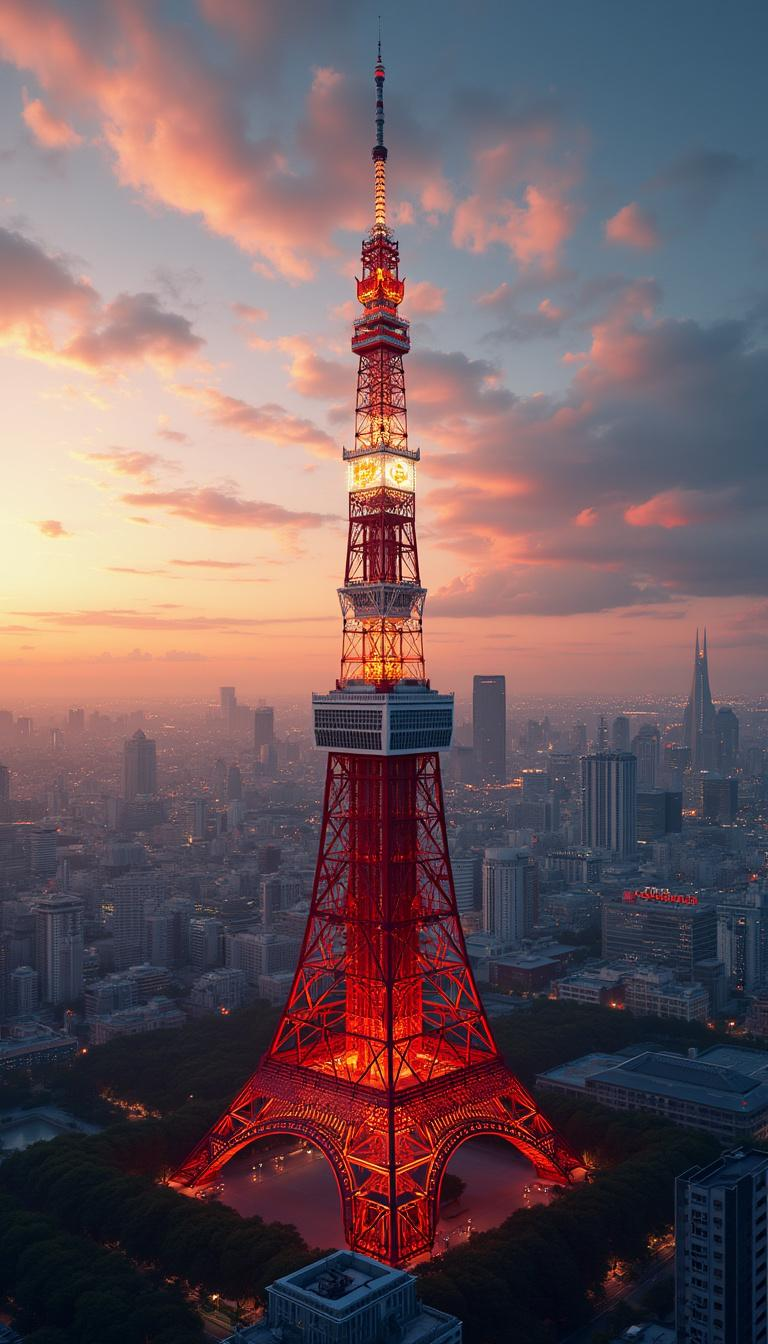
Tokyo Tower - Flux.1 pro
Indicador
Create a stunning, detailed image of Wallpaper featuring the iconic Tokyo Tower. - Style: Modern architectural artistry with a hint of traditional Japanese influence, photorealistic - Setting: Urban Tokyo backdrop at sunset - Lighting: Golden hour with dramatic highlights and shadows accentuating the tower's structure - Mood: Awe-inspiring, majestic - Color scheme: Warm sunset tones with contrasting reds and whites of the tower, deep blues of the twilight sky - Composition: Central focus on Tokyo Tower, surrounded by a panorama of the Tokyo skyline, with a balance of nearby structures and distant cityscapes High-quality 8K render, ultra-sharp focus, rich textures. No text or watermarks.
Análisis Detallado del Prompt de Imagen de Flux IA
Analiza el prompt detallado utilizado para generar la imagen con Flux IA Image Generator.
Explorar Mensajes para Flux IA
Cómo generar una imagen por Flux.1 pro
Sigue estos cuatro sencillos pasos para crear la imagen que deseas.
Paso 1: Ingresa tu texto (No dudes en refinar tu prompt para mejores resultados)
Paso 2: Elige la relación de aspecto de la imagen
Paso 3: Selecciona tu modelo Flux:
Paso 4: Haz clic en el botón Generar y espera unos segundos para tu imagen
Herramientas Flux IA relacionadas para prompts sobre Flux.1 pro
Descubre herramientas avanzadas de Flux IA para potenciar tu flujo de trabajo creativo.