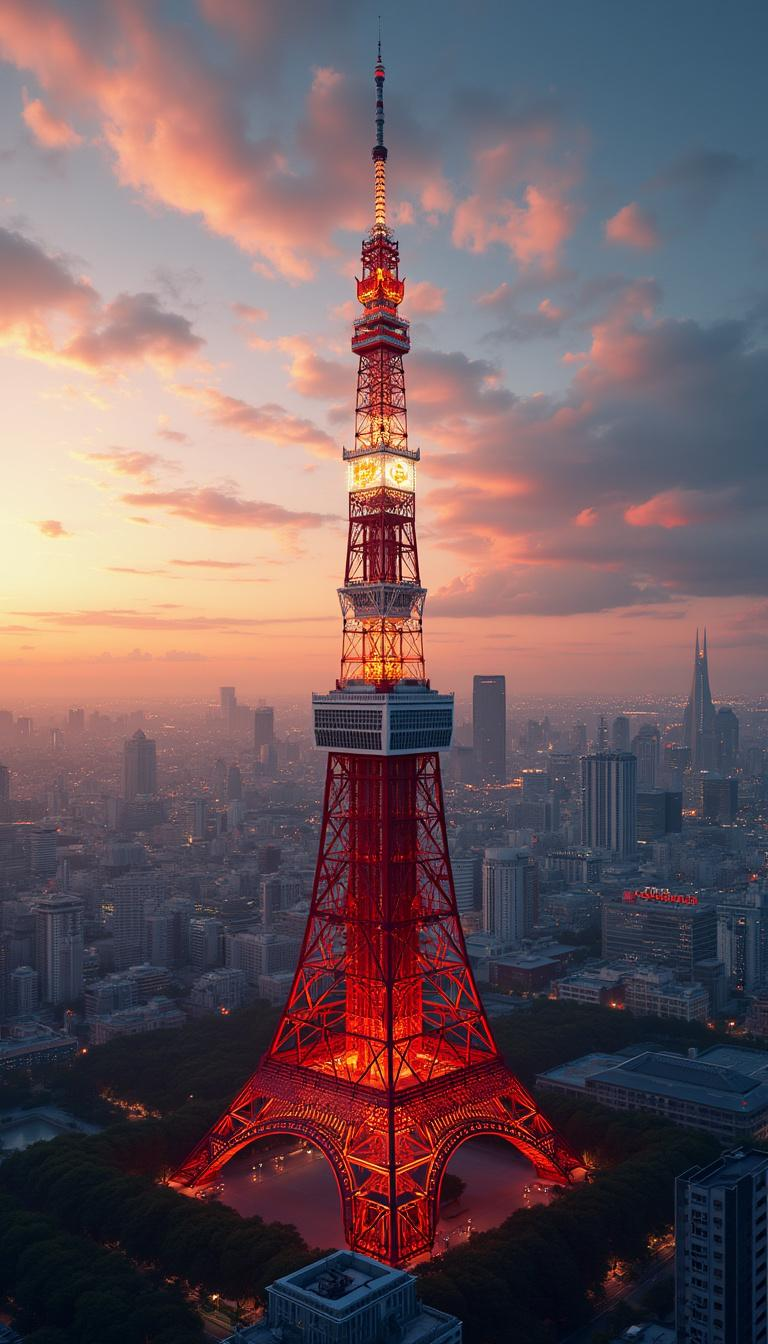
Tokyo Tower - Flux.1 pro
prompt
Create a stunning, detailed image of Wallpaper featuring the iconic Tokyo Tower. - Style: Modern architectural artistry with a hint of traditional Japanese influence, photorealistic - Setting: Urban Tokyo backdrop at sunset - Lighting: Golden hour with dramatic highlights and shadows accentuating the tower's structure - Mood: Awe-inspiring, majestic - Color scheme: Warm sunset tones with contrasting reds and whites of the tower, deep blues of the twilight sky - Composition: Central focus on Tokyo Tower, surrounded by a panorama of the Tokyo skyline, with a balance of nearby structures and distant cityscapes High-quality 8K render, ultra-sharp focus, rich textures. No text or watermarks.
Analisi Dettagliata del Prompt Immagine Flux AI
Analizza il prompt dettagliato utilizzato per generare l'immagine con il Generatore Immagini Flux AI.
Esplora i Prompt Flux per il Generatore Immagini Flux AI
Come generare immagini con Flux.1 pro
Segui questi quattro semplici passaggi per creare l'immagine desiderata.
Passaggio 1: Inserisci il Tuo Testo (Sentiti libero di perfezionare il prompt per risultati migliori)
Passaggio 2: Scegli le Proporzioni dell'Immagine
Passaggio 3: Seleziona il Tuo Modello Flux:
Passaggio 4: Clicca il Pulsante Genera e Attendi Alcuni Secondi per la Tua Immagine
Strumenti Flux AI correlati per prompt su Flux.1 pro
Scopri strumenti avanzati di Flux AI per potenziare il tuo flusso di lavoro creativo.