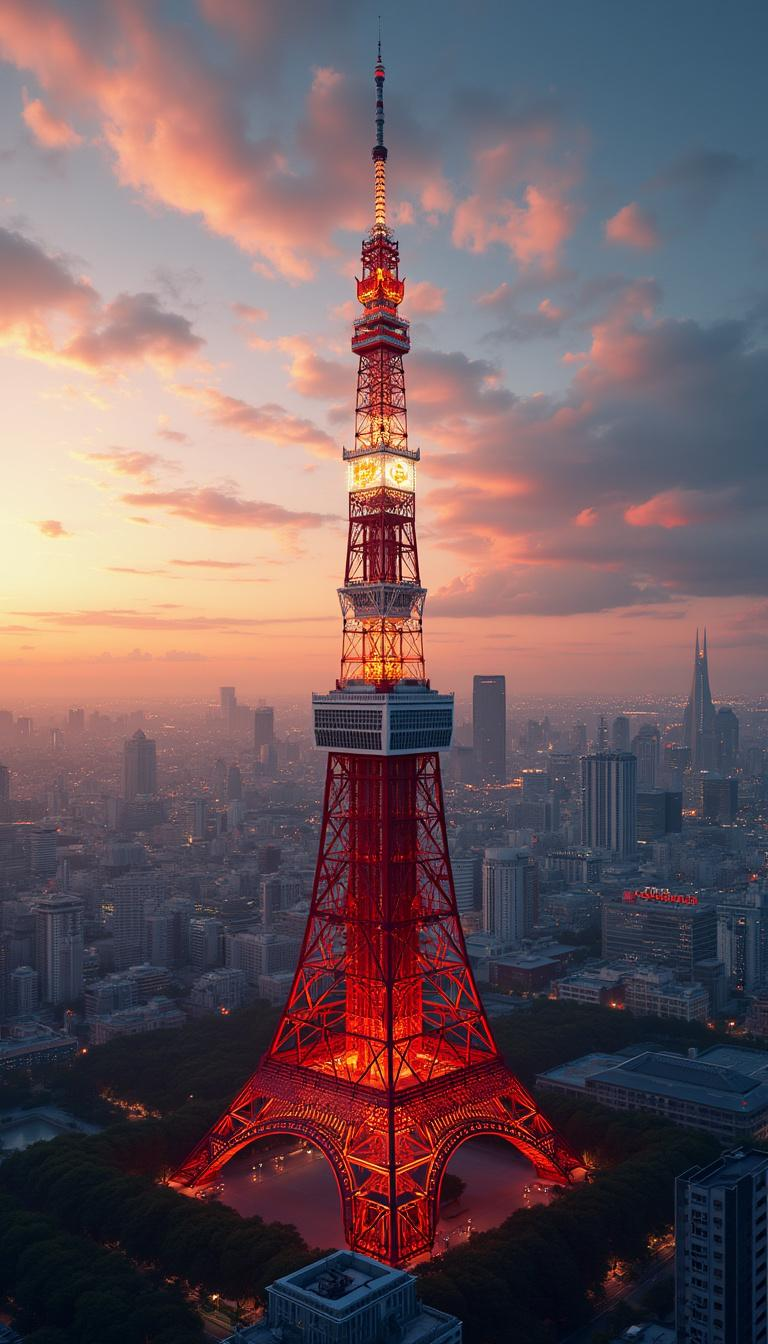
Tokyo Tower - Flux.1 pro
Invite
Create a stunning, detailed image of Wallpaper featuring the iconic Tokyo Tower. - Style: Modern architectural artistry with a hint of traditional Japanese influence, photorealistic - Setting: Urban Tokyo backdrop at sunset - Lighting: Golden hour with dramatic highlights and shadows accentuating the tower's structure - Mood: Awe-inspiring, majestic - Color scheme: Warm sunset tones with contrasting reds and whites of the tower, deep blues of the twilight sky - Composition: Central focus on Tokyo Tower, surrounded by a panorama of the Tokyo skyline, with a balance of nearby structures and distant cityscapes High-quality 8K render, ultra-sharp focus, rich textures. No text or watermarks.
Analyse Détaillée du Prompt d'Image Flux IA
Analysez le prompt détaillé utilisé pour générer l'image avec Flux IA Image Generator.
Explorez les invites Flux IA
Comment générer une image par Flux.1 pro
Suivez ces quatre étapes simples pour créer l'image désirée.
Étape 1 : Entrez votre texte (N'hésitez pas à affiner votre prompt pour de meilleurs résultats)
Étape 2 : Choisissez le ratio d'aspect de l'image
Étape 3 : Sélectionnez votre modèle Flux :
Étape 4 : Cliquez sur le bouton Générer et attendez quelques secondes pour votre image
Outils Flux IA liés aux prompts sur Flux.1 pro
Découvrez des outils avancés de Flux IA pour booster votre flux de travail créatif.