Tokyo Tower - Flux.1 pro
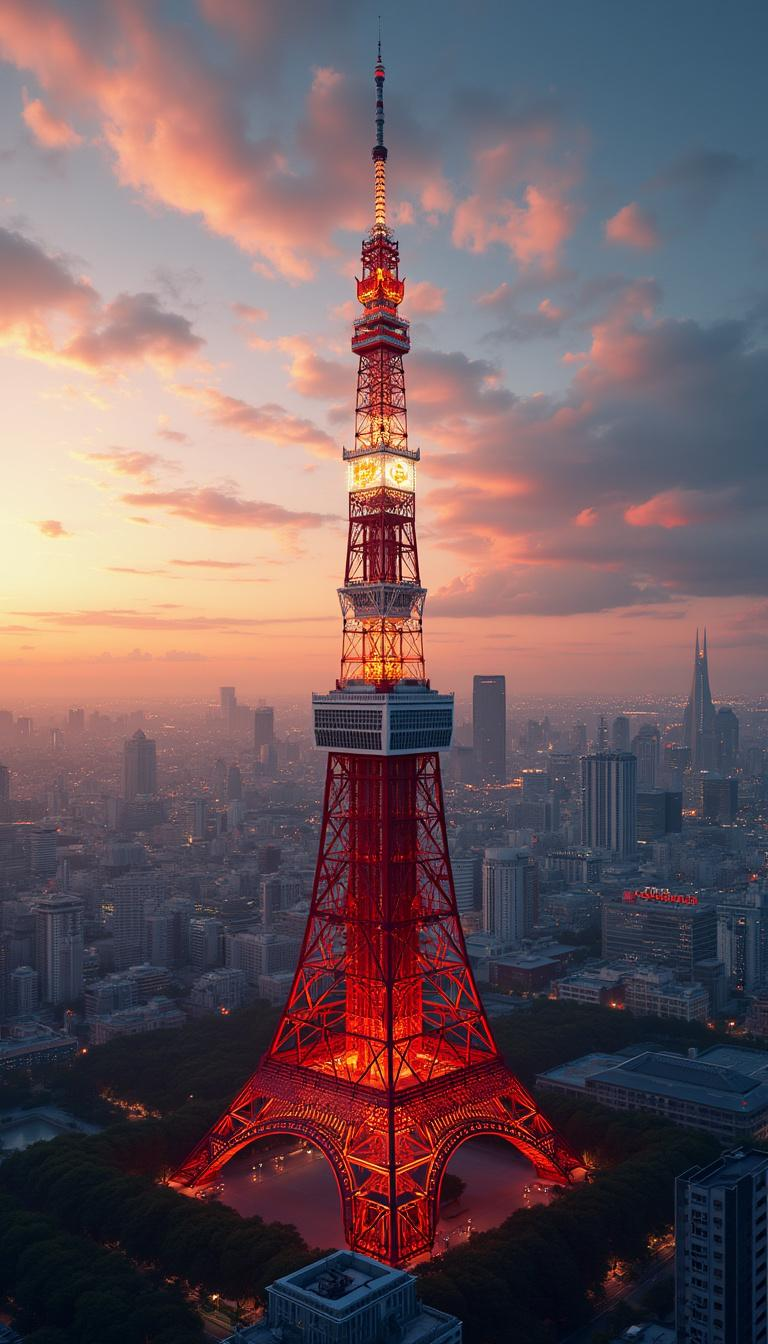
Prompt
Create a stunning, detailed image of Wallpaper featuring the iconic Tokyo Tower. - Style: Modern architectural artistry with a hint of traditional Japanese influence, photorealistic - Setting: Urban Tokyo backdrop at sunset - Lighting: Golden hour with dramatic highlights and shadows accentuating the tower's structure - Mood: Awe-inspiring, majestic - Color scheme: Warm sunset tones with contrasting reds and whites of the tower, deep blues of the twilight sky - Composition: Central focus on Tokyo Tower, surrounded by a panorama of the Tokyo skyline, with a balance of nearby structures and distant cityscapes High-quality 8K render, ultra-sharp focus, rich textures. No text or watermarks.
Análise Detalhada do Prompt de Imagem Flux IA
Analise o prompt detalhado usado para gerar a imagem com o Flux IA Image Generator.
Explore Prompts Flux para o Gerador de Imagens
Como gerar uma imagem por Flux.1 pro
Siga estes quatro passos simples para criar a imagem desejada.
Passo 1: Insira seu texto (Sinta-se à vontade para refinar seu prompt para melhores resultados)
Passo 2: Escolha a proporção da imagem
Passo 3: Selecione seu modelo Flux:
Passo 4: Clique no botão Gerar e aguarde alguns segundos para sua imagem
Ferramentas Flux IA relacionadas a prompts sobre Flux.1 pro
Descubra ferramentas avançadas da Flux IA para melhorar seu fluxo de trabalho criativo.