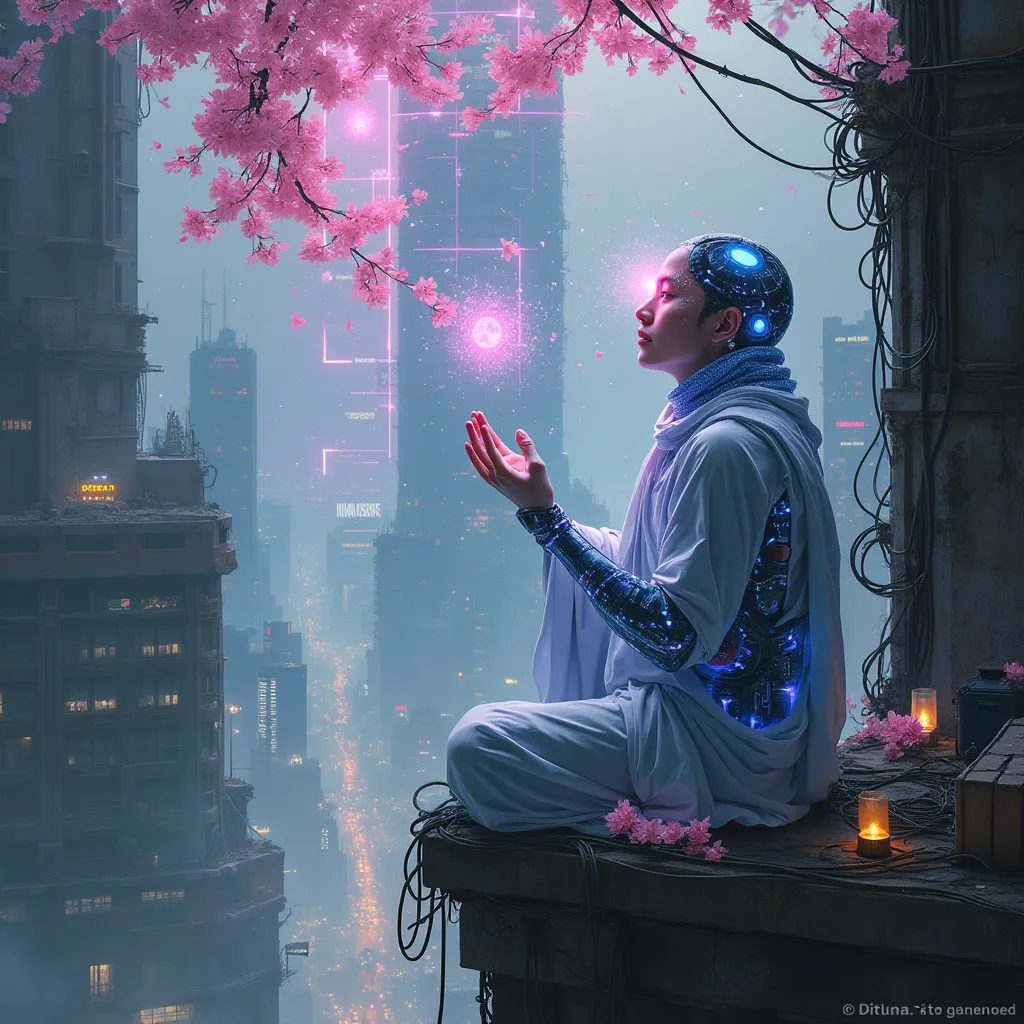
Neon Blossoms in Cyber Abyss - Flux.1 pro
Indicador
In a labyrinthine megacity, holographic cherry blossoms drift through smog-filtered moonlight, their ethereal petals dissolving into streams of data. A lone cyber-monk, adorned with bioluminescent tattoos and neural implants, kneels atop a crumbling skyscraper. His cybernetic hands manipulate an intricate array of floating, translucent screens, each pulsing with lines of code that ripple like water. The monk's eyes, replaced by iridescent optic enhancements, reflect the surrounding urban sprawl: a tapestry of towering arcologies, tangled power lines, and streets aglow with bioluminescent algae. Quantum raindrops, shimmering with microscopic circuitry, fall upwards around him, defying gravity as they cleanse the polluted air. In the distance, a massive holographic advertisement flickers, its glitchy neon hues painting the scene in a surreal, electric palette. Beneath the monk, the city's underbelly teems with life: augmented street vendors, rogue AIs, and cyber-enhanced fauna navigating the neon-drenched alleys and vertical gardens that cling to the city's deteriorating infrastructure.
Análisis Detallado del Prompt de Imagen de Flux IA
Analiza el prompt detallado utilizado para generar la imagen con Flux IA Image Generator.
Explorar Mensajes para Flux IA
Cómo generar una imagen por Flux.1 pro
Sigue estos cuatro sencillos pasos para crear la imagen que deseas.
Paso 1: Ingresa tu texto (No dudes en refinar tu prompt para mejores resultados)
Paso 2: Elige la relación de aspecto de la imagen
Paso 3: Selecciona tu modelo Flux:
Paso 4: Haz clic en el botón Generar y espera unos segundos para tu imagen
Herramientas Flux IA relacionadas para prompts sobre Flux.1 pro
Descubre herramientas avanzadas de Flux IA para potenciar tu flujo de trabajo creativo.