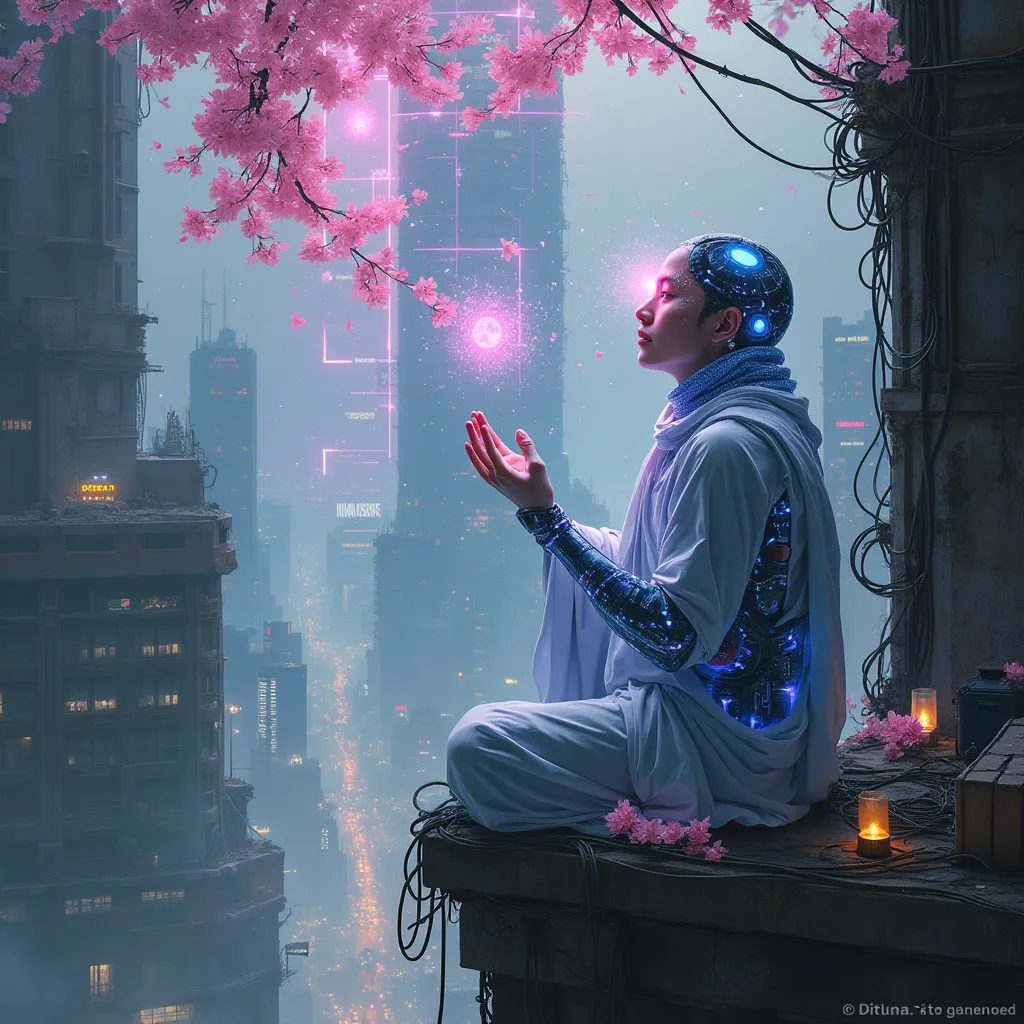
Neon Blossoms in Cyber Abyss - Flux.1 pro
prompt
In a labyrinthine megacity, holographic cherry blossoms drift through smog-filtered moonlight, their ethereal petals dissolving into streams of data. A lone cyber-monk, adorned with bioluminescent tattoos and neural implants, kneels atop a crumbling skyscraper. His cybernetic hands manipulate an intricate array of floating, translucent screens, each pulsing with lines of code that ripple like water. The monk's eyes, replaced by iridescent optic enhancements, reflect the surrounding urban sprawl: a tapestry of towering arcologies, tangled power lines, and streets aglow with bioluminescent algae. Quantum raindrops, shimmering with microscopic circuitry, fall upwards around him, defying gravity as they cleanse the polluted air. In the distance, a massive holographic advertisement flickers, its glitchy neon hues painting the scene in a surreal, electric palette. Beneath the monk, the city's underbelly teems with life: augmented street vendors, rogue AIs, and cyber-enhanced fauna navigating the neon-drenched alleys and vertical gardens that cling to the city's deteriorating infrastructure.
Analisi Dettagliata del Prompt Immagine Flux AI
Analizza il prompt dettagliato utilizzato per generare l'immagine con il Generatore Immagini Flux AI.
Esplora i Prompt Flux per il Generatore Immagini Flux AI
Come generare immagini con Flux.1 pro
Segui questi quattro semplici passaggi per creare l'immagine desiderata.
Passaggio 1: Inserisci il Tuo Testo (Sentiti libero di perfezionare il prompt per risultati migliori)
Passaggio 2: Scegli le Proporzioni dell'Immagine
Passaggio 3: Seleziona il Tuo Modello Flux:
Passaggio 4: Clicca il Pulsante Genera e Attendi Alcuni Secondi per la Tua Immagine
Strumenti Flux AI correlati per prompt su Flux.1 pro
Scopri strumenti avanzati di Flux AI per potenziare il tuo flusso di lavoro creativo.