Neon Blossoms in Cyber Abyss - Flux.1 pro
Invite
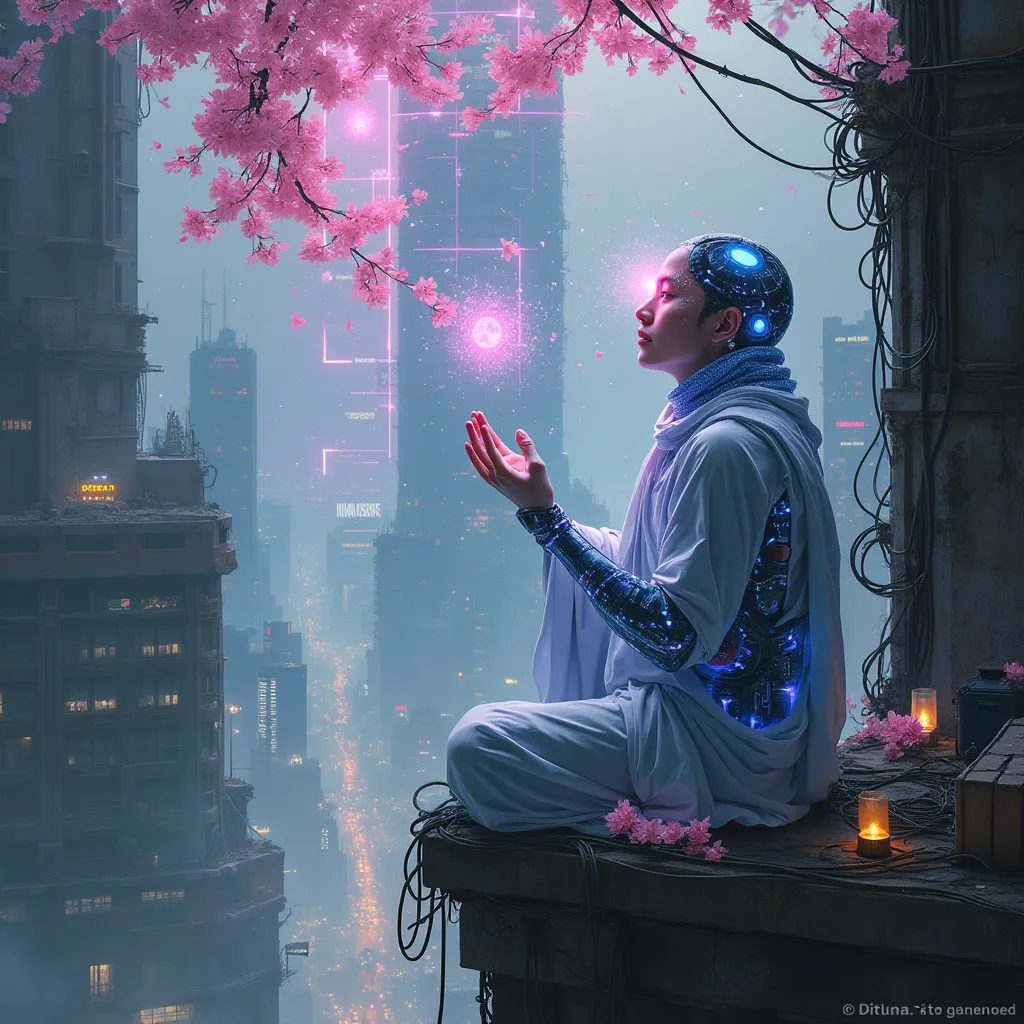
In a labyrinthine megacity, holographic cherry blossoms drift through smog-filtered moonlight, their ethereal petals dissolving into streams of data. A lone cyber-monk, adorned with bioluminescent tattoos and neural implants, kneels atop a crumbling skyscraper. His cybernetic hands manipulate an intricate array of floating, translucent screens, each pulsing with lines of code that ripple like water. The monk's eyes, replaced by iridescent optic enhancements, reflect the surrounding urban sprawl: a tapestry of towering arcologies, tangled power lines, and streets aglow with bioluminescent algae. Quantum raindrops, shimmering with microscopic circuitry, fall upwards around him, defying gravity as they cleanse the polluted air. In the distance, a massive holographic advertisement flickers, its glitchy neon hues painting the scene in a surreal, electric palette. Beneath the monk, the city's underbelly teems with life: augmented street vendors, rogue AIs, and cyber-enhanced fauna navigating the neon-drenched alleys and vertical gardens that cling to the city's deteriorating infrastructure.
Analyse Détaillée du Prompt d'Image Flux IA
Analysez le prompt détaillé utilisé pour générer l'image avec Flux IA Image Generator.
Explorez les invites Flux IA
Comment générer une image par Flux.1 pro
Suivez ces quatre étapes simples pour créer l'image désirée.
Étape 1 : Entrez votre texte (N'hésitez pas à affiner votre prompt pour de meilleurs résultats)
Étape 2 : Choisissez le ratio d'aspect de l'image
Étape 3 : Sélectionnez votre modèle Flux :
Étape 4 : Cliquez sur le bouton Générer et attendez quelques secondes pour votre image
Outils Flux IA liés aux prompts sur Flux.1 pro
Découvrez des outils avancés de Flux IA pour booster votre flux de travail créatif.