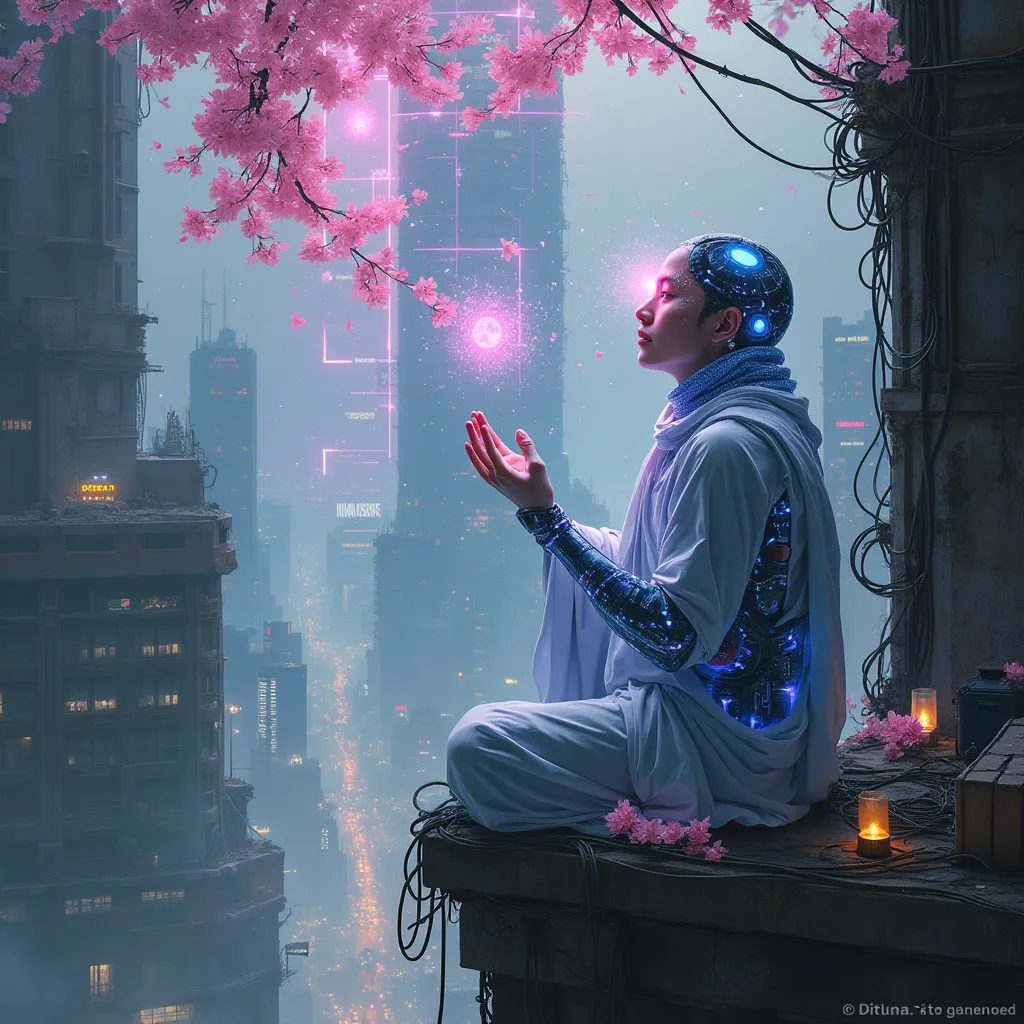
Neon Blossoms in Cyber Abyss - Flux.1 pro
프롬프트
In a labyrinthine megacity, holographic cherry blossoms drift through smog-filtered moonlight, their ethereal petals dissolving into streams of data. A lone cyber-monk, adorned with bioluminescent tattoos and neural implants, kneels atop a crumbling skyscraper. His cybernetic hands manipulate an intricate array of floating, translucent screens, each pulsing with lines of code that ripple like water. The monk's eyes, replaced by iridescent optic enhancements, reflect the surrounding urban sprawl: a tapestry of towering arcologies, tangled power lines, and streets aglow with bioluminescent algae. Quantum raindrops, shimmering with microscopic circuitry, fall upwards around him, defying gravity as they cleanse the polluted air. In the distance, a massive holographic advertisement flickers, its glitchy neon hues painting the scene in a surreal, electric palette. Beneath the monk, the city's underbelly teems with life: augmented street vendors, rogue AIs, and cyber-enhanced fauna navigating the neon-drenched alleys and vertical gardens that cling to the city's deteriorating infrastructure.
Flux AI 이미지 프롬프트에 대한 상세 분석
Flux AI Image Generator를 사용하여 이미지를 생성하는 데 사용된 상세한 프롬프트를 분석합니다.
Flux AI 이미지 생성기 프롬프트 탐색
을 통해 이미지를 생성하는 방법 Flux.1 pro
원하는 이미지를 만들기 위해 다음 네 가지 간단한 단계를 따르세요.
단계 1: 텍스트 입력 (더 나은 결과를 위해 프롬프트를 자유롭게 수정하세요)
단계 2: 이미지 종횡비 선택
단계 3: Flux 모델 선택:
단계 4: 생성 버튼을 클릭하고 몇 초간 기다려 이미지를 받으세요
프롬프트와 관련된 Flux AI 도구 Flux.1 pro
Flux AI의 고급 도구를 발견하여 창의적인 작업 흐름을 향상시키세요.