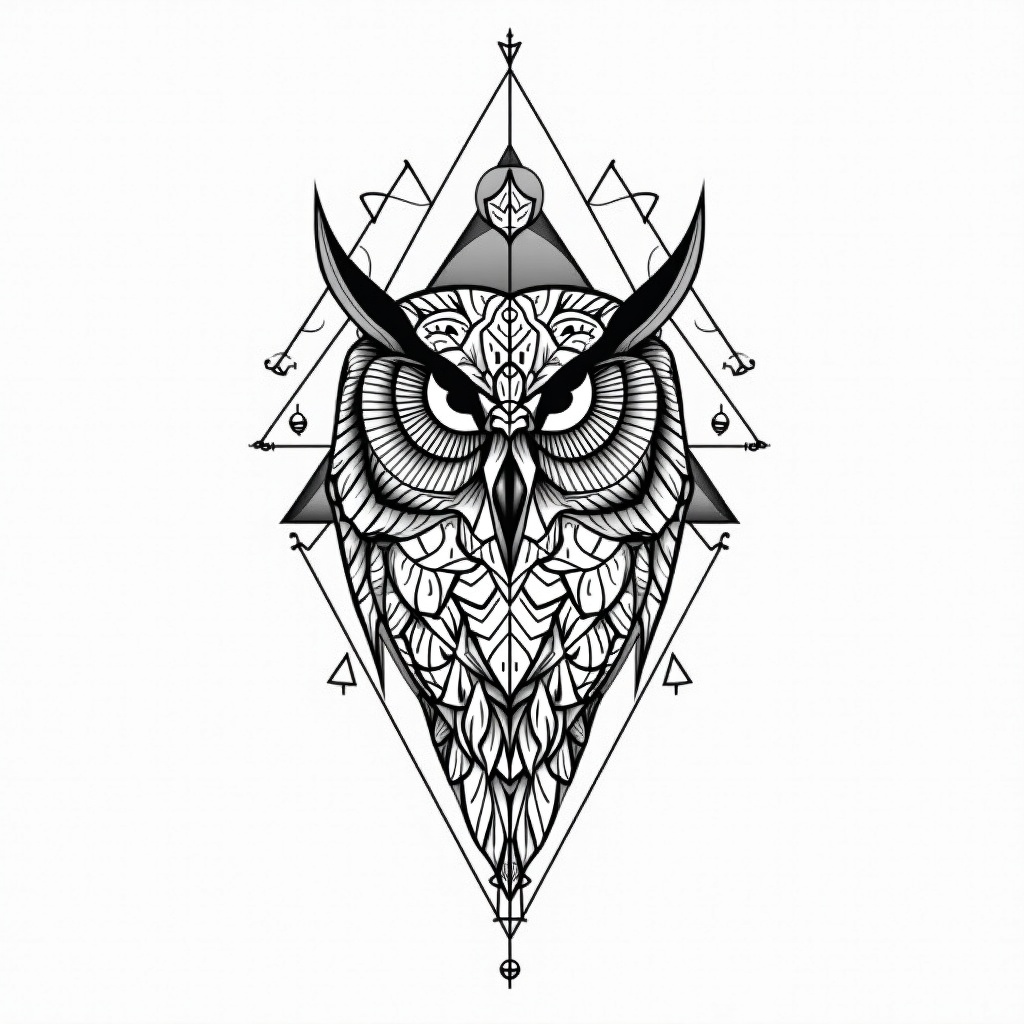
Thigh-Geometric Owl - Flux.1 dev
Indicador
**Prompt:** A striking geometric owl tattoo design for the thigh, featuring intricate linework and sharp, angular patterns. The owl’s face is centrally detailed with symmetrical mandala-inspired elements, while its wings extend into interlocking triangles and sacred geometry. Rendered in a bold black-and-white style with fine dotwork shading for depth. Medium to large scale, wrapping slightly around the outer thigh for dynamic flow. The design balances precision and elegance, evoking wisdom and mystery. Clean, crisp lines with minimalistic negative space, creating a modern yet timeless aesthetic. Focus on symmetry, balance, and high contrast for a visually arresting piece.
Análisis Detallado del Prompt de Imagen de Flux IA
Analiza el prompt detallado utilizado para generar la imagen con Flux IA Image Generator.
Explorar Mensajes para Flux IA
Cómo generar una imagen por Flux.1 dev
Sigue estos cuatro sencillos pasos para crear la imagen que deseas.
Paso 1: Ingresa tu texto (No dudes en refinar tu prompt para mejores resultados)
Paso 2: Elige la relación de aspecto de la imagen
Paso 3: Selecciona tu modelo Flux:
Paso 4: Haz clic en el botón Generar y espera unos segundos para tu imagen
Herramientas Flux IA relacionadas para prompts sobre Flux.1 dev
Descubre herramientas avanzadas de Flux IA para potenciar tu flujo de trabajo creativo.