Thigh-Geometric Owl - Flux.1 dev
Prompt
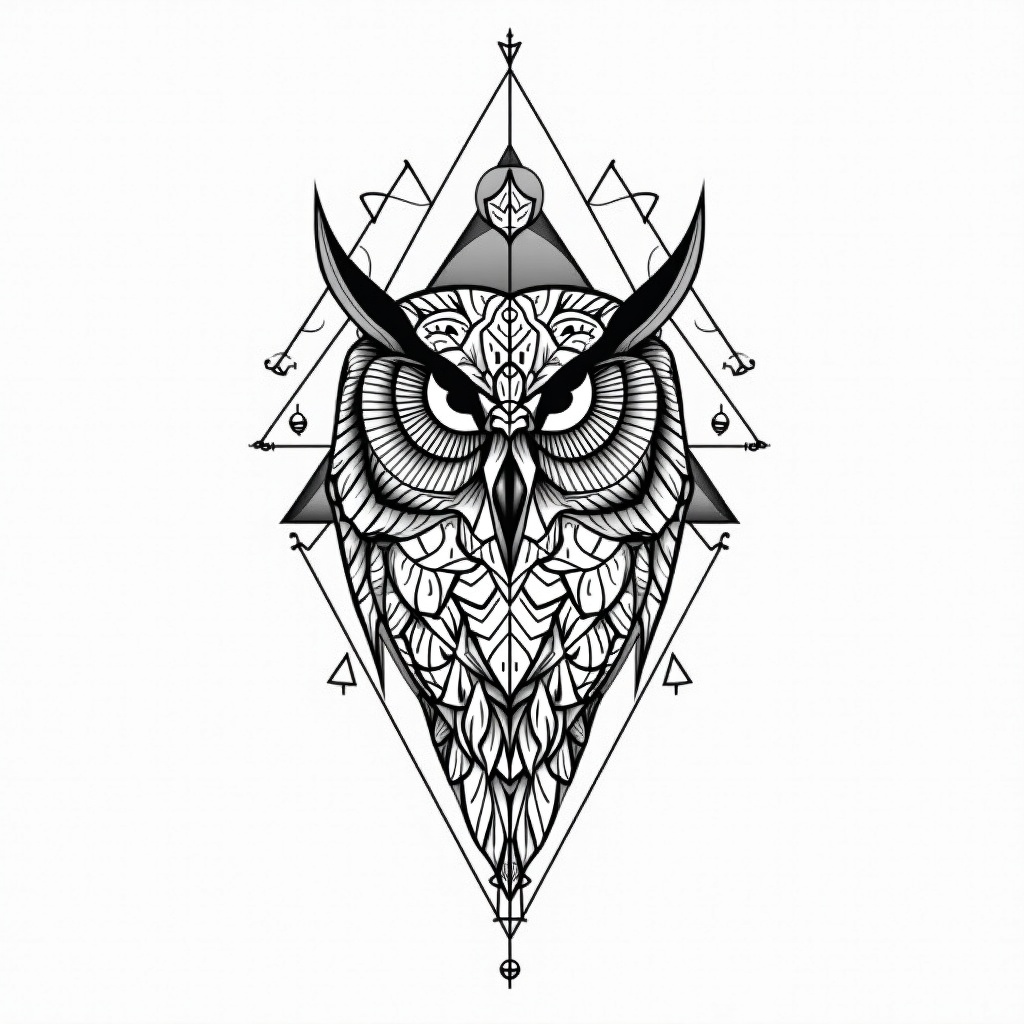
**Prompt:** A striking geometric owl tattoo design for the thigh, featuring intricate linework and sharp, angular patterns. The owl’s face is centrally detailed with symmetrical mandala-inspired elements, while its wings extend into interlocking triangles and sacred geometry. Rendered in a bold black-and-white style with fine dotwork shading for depth. Medium to large scale, wrapping slightly around the outer thigh for dynamic flow. The design balances precision and elegance, evoking wisdom and mystery. Clean, crisp lines with minimalistic negative space, creating a modern yet timeless aesthetic. Focus on symmetry, balance, and high contrast for a visually arresting piece.
Análise Detalhada do Prompt de Imagem Flux IA
Analise o prompt detalhado usado para gerar a imagem com o Flux IA Image Generator.
Explore Prompts Flux para o Gerador de Imagens
Como gerar uma imagem por Flux.1 dev
Siga estes quatro passos simples para criar a imagem desejada.
Passo 1: Insira seu texto (Sinta-se à vontade para refinar seu prompt para melhores resultados)
Passo 2: Escolha a proporção da imagem
Passo 3: Selecione seu modelo Flux:
Passo 4: Clique no botão Gerar e aguarde alguns segundos para sua imagem
Ferramentas Flux IA relacionadas a prompts sobre Flux.1 dev
Descubra ferramentas avançadas da Flux IA para melhorar seu fluxo de trabalho criativo.