Thigh-Geometric Owl - Flux.1 dev
Invite
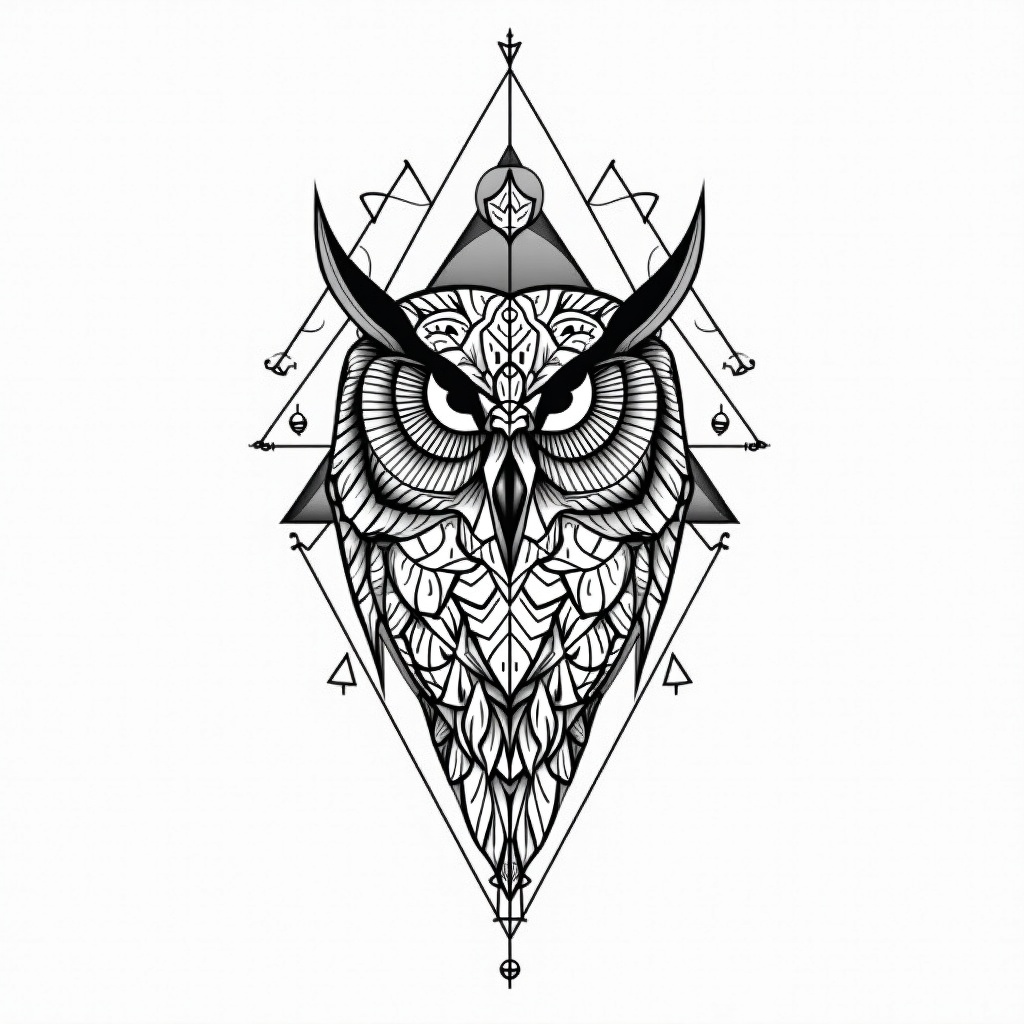
**Prompt:** A striking geometric owl tattoo design for the thigh, featuring intricate linework and sharp, angular patterns. The owl’s face is centrally detailed with symmetrical mandala-inspired elements, while its wings extend into interlocking triangles and sacred geometry. Rendered in a bold black-and-white style with fine dotwork shading for depth. Medium to large scale, wrapping slightly around the outer thigh for dynamic flow. The design balances precision and elegance, evoking wisdom and mystery. Clean, crisp lines with minimalistic negative space, creating a modern yet timeless aesthetic. Focus on symmetry, balance, and high contrast for a visually arresting piece.
Analyse Détaillée du Prompt d'Image Flux IA
Analysez le prompt détaillé utilisé pour générer l'image avec Flux IA Image Generator.
Explorez les invites Flux IA
Comment générer une image par Flux.1 dev
Suivez ces quatre étapes simples pour créer l'image désirée.
Étape 1 : Entrez votre texte (N'hésitez pas à affiner votre prompt pour de meilleurs résultats)
Étape 2 : Choisissez le ratio d'aspect de l'image
Étape 3 : Sélectionnez votre modèle Flux :
Étape 4 : Cliquez sur le bouton Générer et attendez quelques secondes pour votre image
Outils Flux IA liés aux prompts sur Flux.1 dev
Découvrez des outils avancés de Flux IA pour booster votre flux de travail créatif.