Thigh-Geometric Owl - Flux.1 dev
prompt
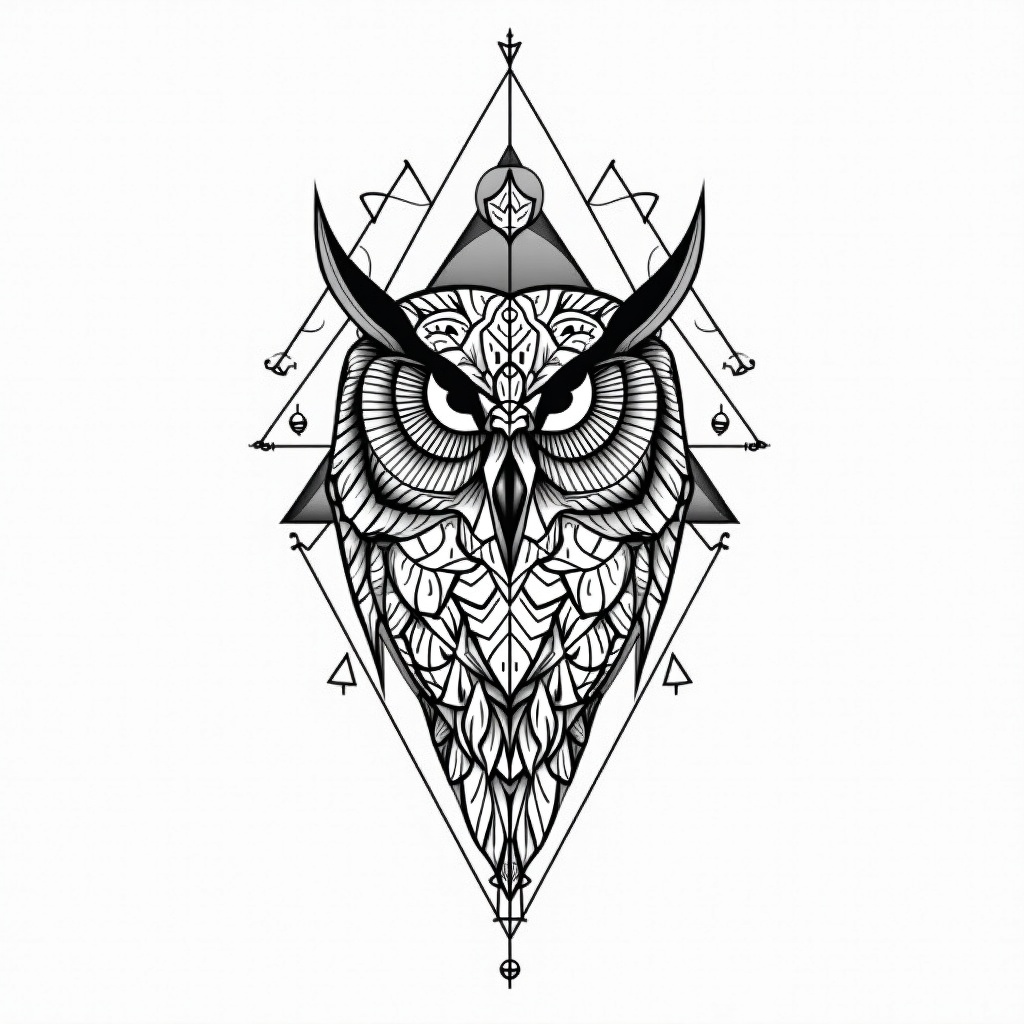
**Prompt:** A striking geometric owl tattoo design for the thigh, featuring intricate linework and sharp, angular patterns. The owl’s face is centrally detailed with symmetrical mandala-inspired elements, while its wings extend into interlocking triangles and sacred geometry. Rendered in a bold black-and-white style with fine dotwork shading for depth. Medium to large scale, wrapping slightly around the outer thigh for dynamic flow. The design balances precision and elegance, evoking wisdom and mystery. Clean, crisp lines with minimalistic negative space, creating a modern yet timeless aesthetic. Focus on symmetry, balance, and high contrast for a visually arresting piece.
Analisi Dettagliata del Prompt Immagine Flux AI
Analizza il prompt dettagliato utilizzato per generare l'immagine con il Generatore Immagini Flux AI.
Esplora i Prompt Flux per il Generatore Immagini Flux AI
Come generare immagini con Flux.1 dev
Segui questi quattro semplici passaggi per creare l'immagine desiderata.
Passaggio 1: Inserisci il Tuo Testo (Sentiti libero di perfezionare il prompt per risultati migliori)
Passaggio 2: Scegli le Proporzioni dell'Immagine
Passaggio 3: Seleziona il Tuo Modello Flux:
Passaggio 4: Clicca il Pulsante Genera e Attendi Alcuni Secondi per la Tua Immagine
Strumenti Flux AI correlati per prompt su Flux.1 dev
Scopri strumenti avanzati di Flux AI per potenziare il tuo flusso di lavoro creativo.