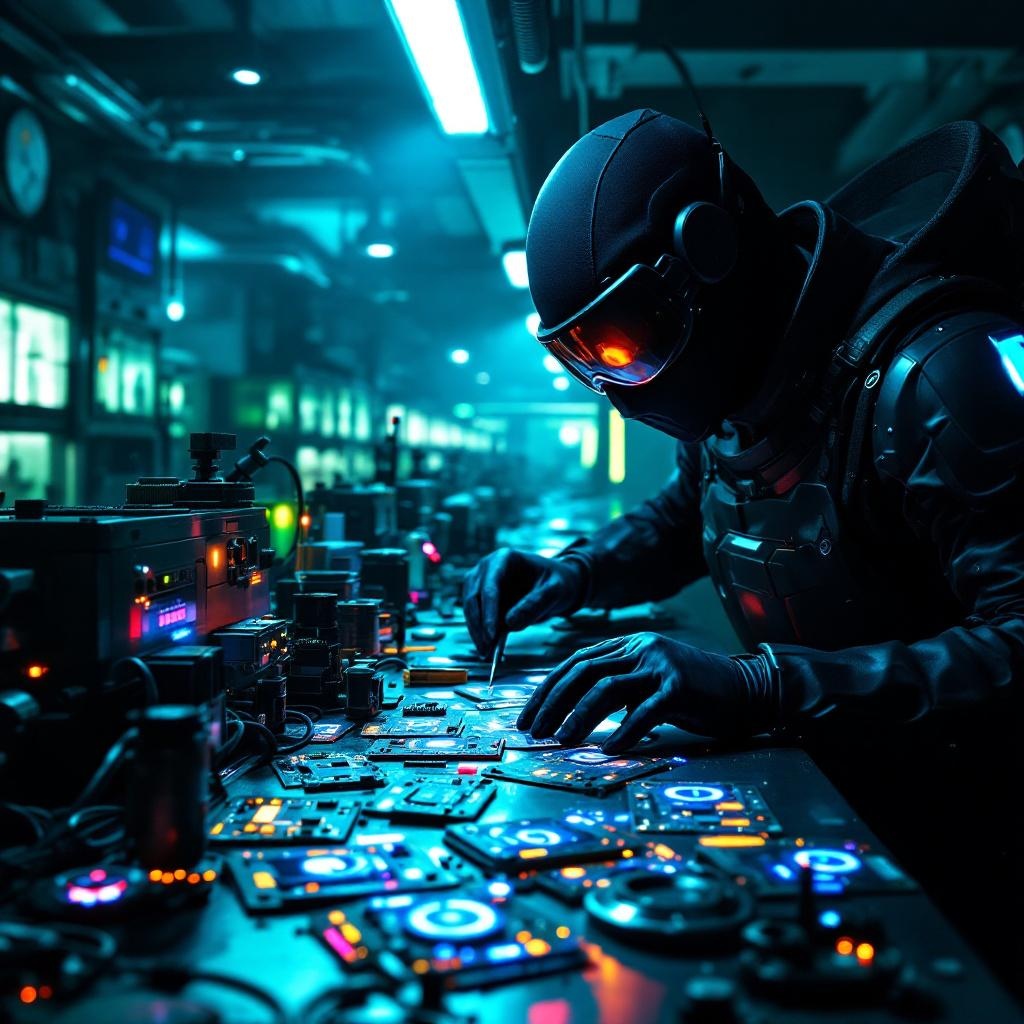
Counterfeit security badges glow in cloning facilities - Flux.1.1 pro
Indicador
In a dimly lit, high-tech cloning facility bathed in neon hues of electric blue and toxic green, counterfeit security badges pulse with an eerie, artificial glow, their holographic emitters flickering like unstable fireflies. The badges, meticulously forged with intricate circuitry and shimmering glyphs, are strewn across a stainless-steel workbench littered with soldering tools, coiled wires, and half-assembled replicas. A masked figure in a sleek, black bodysuit adjusts a magnifying visor, their gloved fingers tracing the faint luminescence of a badge’s counterfeit seal, casting jagged shadows on the damp concrete walls. Behind them, rows of cloning vats hum softly, their translucent tubes filled with suspended figures, while flickering surveillance drones patrol the ceiling, their red lenses scanning for intruders. The air is thick with the acrid scent of ozone and synthetic flesh, and the distant echo of alarms blends with the low buzz of malfunctioning tech, creating a tense, clandestine atmosphere where authenticity is the rarest currency.
Análisis Detallado del Prompt de Imagen de Flux IA
Analiza el prompt detallado utilizado para generar la imagen con Flux IA Image Generator.
Explorar Mensajes para Flux IA
Cómo generar una imagen por Flux.1.1 pro
Sigue estos cuatro sencillos pasos para crear la imagen que deseas.
Paso 1: Ingresa tu texto (No dudes en refinar tu prompt para mejores resultados)
Paso 2: Elige la relación de aspecto de la imagen
Paso 3: Selecciona tu modelo Flux:
Paso 4: Haz clic en el botón Generar y espera unos segundos para tu imagen
Herramientas Flux IA relacionadas para prompts sobre Flux.1.1 pro
Descubre herramientas avanzadas de Flux IA para potenciar tu flujo de trabajo creativo.