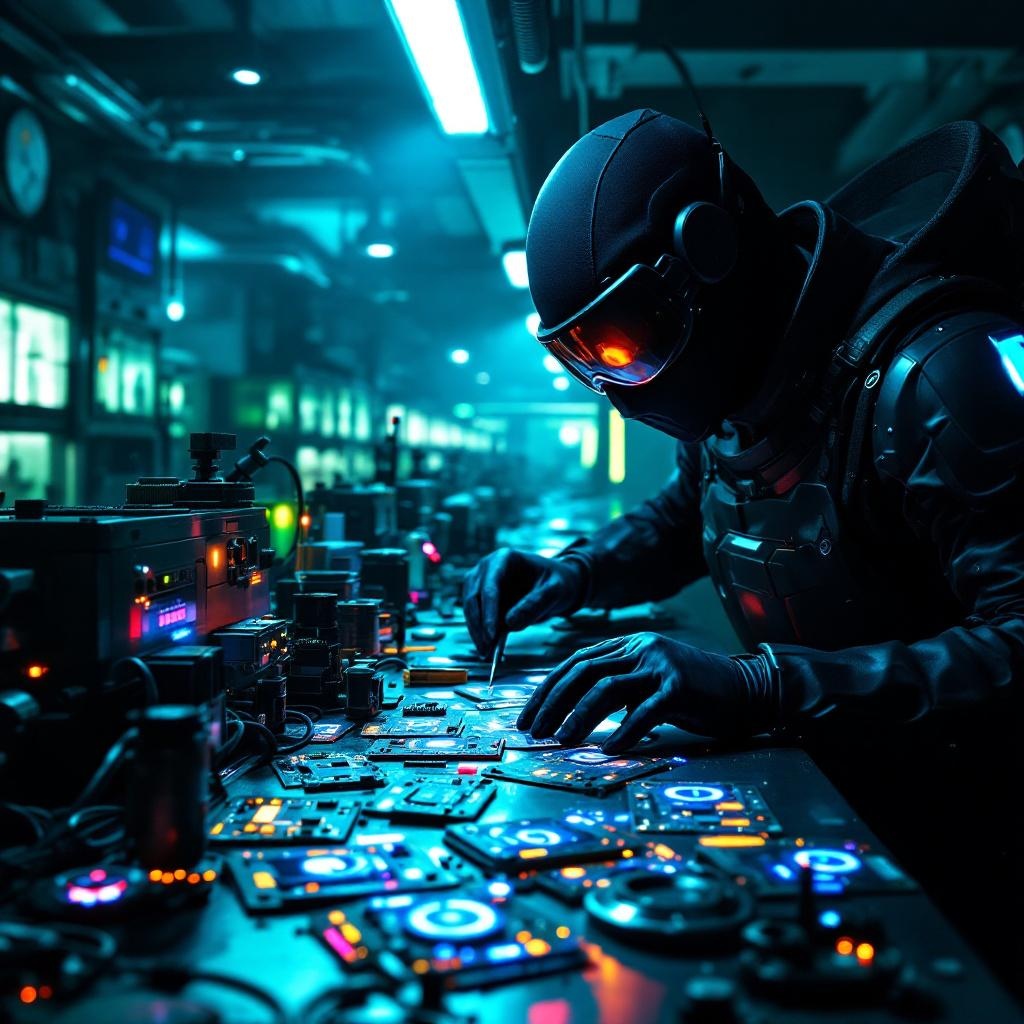
Counterfeit security badges glow in cloning facilities - Flux.1.1 pro
Lời nhắc
In a dimly lit, high-tech cloning facility bathed in neon hues of electric blue and toxic green, counterfeit security badges pulse with an eerie, artificial glow, their holographic emitters flickering like unstable fireflies. The badges, meticulously forged with intricate circuitry and shimmering glyphs, are strewn across a stainless-steel workbench littered with soldering tools, coiled wires, and half-assembled replicas. A masked figure in a sleek, black bodysuit adjusts a magnifying visor, their gloved fingers tracing the faint luminescence of a badge’s counterfeit seal, casting jagged shadows on the damp concrete walls. Behind them, rows of cloning vats hum softly, their translucent tubes filled with suspended figures, while flickering surveillance drones patrol the ceiling, their red lenses scanning for intruders. The air is thick with the acrid scent of ozone and synthetic flesh, and the distant echo of alarms blends with the low buzz of malfunctioning tech, creating a tense, clandestine atmosphere where authenticity is the rarest currency.
Phân tích Chi tiết về Prompt Hình ảnh Flux AI
Phân tích prompt chi tiết được sử dụng để tạo ra hình ảnh với Flux AI Image Generator.
Khám phá Flux Prompts cho Trình tạo hình ảnh Flux AI
Cách tạo hình ảnh bằng Flux.1.1 pro
Theo dõi bốn bước đơn giản dưới đây để tạo ra hình ảnh bạn mong muốn.
Bước 1: Nhập Văn bản của Bạn (Cảm thấy tự do tinh chỉnh prompt của bạn để có kết quả tốt hơn)
Bước 2: Chọn Tỷ lệ Khung Hình của Hình ảnh
Bước 3: Chọn Mô hình Flux của Bạn:
Bước 4: Nhấn Nút Tạo và Chờ vài Giây để Có Hình ảnh của Bạn
Công cụ Flux AI liên quan đến prompts về Flux.1.1 pro
Khám phá các công cụ nâng cao từ Flux AI để tăng cường quy trình làm việc sáng tạo của bạn.