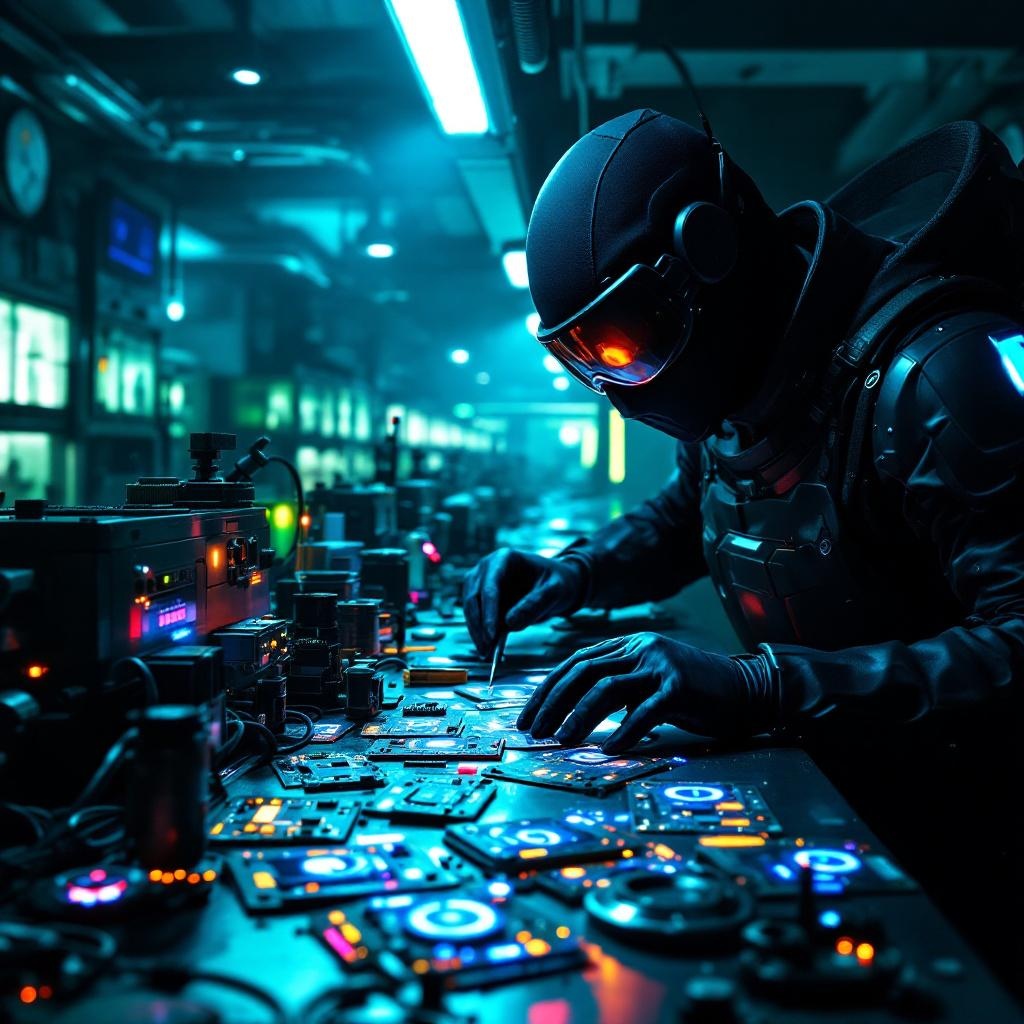
Counterfeit security badges glow in cloning facilities - Flux.1.1 pro
プロンプト
In a dimly lit, high-tech cloning facility bathed in neon hues of electric blue and toxic green, counterfeit security badges pulse with an eerie, artificial glow, their holographic emitters flickering like unstable fireflies. The badges, meticulously forged with intricate circuitry and shimmering glyphs, are strewn across a stainless-steel workbench littered with soldering tools, coiled wires, and half-assembled replicas. A masked figure in a sleek, black bodysuit adjusts a magnifying visor, their gloved fingers tracing the faint luminescence of a badge’s counterfeit seal, casting jagged shadows on the damp concrete walls. Behind them, rows of cloning vats hum softly, their translucent tubes filled with suspended figures, while flickering surveillance drones patrol the ceiling, their red lenses scanning for intruders. The air is thick with the acrid scent of ozone and synthetic flesh, and the distant echo of alarms blends with the low buzz of malfunctioning tech, creating a tense, clandestine atmosphere where authenticity is the rarest currency.
Flux AI Image Promptの詳細分析
Flux AI Image Generatorを使用して画像を生成するために使用された詳細なプロンプトを分析します。
Flux AI画像生成のプロンプトを探索
で画像を生成する方法 Flux.1.1 pro
以下の4つの簡単なステップに従って、希望する画像を作成してください。
ステップ 1: テキストを入力 (より良い結果のためにプロンプトを調整してください)
ステップ 2: 画像のアスペクト比を選択
ステップ 3: Fluxモデルを選択:
ステップ 4: 生成ボタンをクリックして数秒待ち、画像を取得
プロンプトに関連するFlux AIツール Flux.1.1 pro
Flux AIの高度なツールを発見して、クリエイティブな作業フローを強化しましょう。