Underground engineers build water-stealing drones - Flux.1.1 pro
Indicador
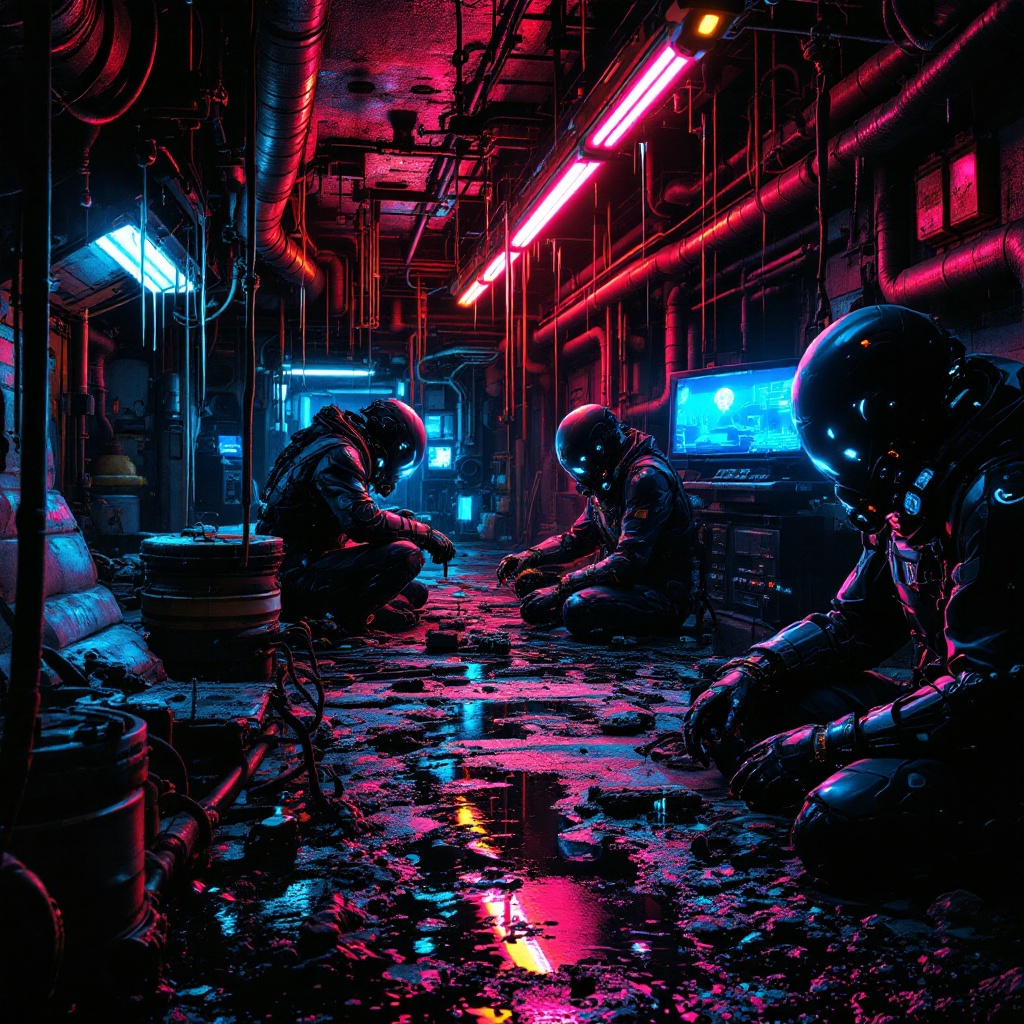
In a neon-drenched underworld of dripping pipes and flickering holograms, a clandestine team of underground engineers toil in a hidden workshop bathed in the eerie glow of bioluminescent algae and malfunctioning LED strips. The air hums with the static of stolen electricity as they assemble sleek, predatory water-stealing drones—angular, matte-black constructs with razor-thin wings and needle-like syphons, their surfaces etched with cryptic corporate logos. The engineers, clad in patched exo-suits with exposed wiring and grimy respirators, work under the oppressive weight of rusted industrial ceilings, their faces lit by the cold blue light of holographic schematics. Puddles of iridescent oil reflect the crimson emergency lights of distant security bots, while stolen water tanks glisten like liquid silver in the shadows. The scene pulses with tension, every rivet and weld a silent rebellion against the drought-stricken megacity above.
Análisis Detallado del Prompt de Imagen de Flux IA
Analiza el prompt detallado utilizado para generar la imagen con Flux IA Image Generator.
Explorar Mensajes para Flux IA
Cómo generar una imagen por Flux.1.1 pro
Sigue estos cuatro sencillos pasos para crear la imagen que deseas.
Paso 1: Ingresa tu texto (No dudes en refinar tu prompt para mejores resultados)
Paso 2: Elige la relación de aspecto de la imagen
Paso 3: Selecciona tu modelo Flux:
Paso 4: Haz clic en el botón Generar y espera unos segundos para tu imagen
Herramientas Flux IA relacionadas para prompts sobre Flux.1.1 pro
Descubre herramientas avanzadas de Flux IA para potenciar tu flujo de trabajo creativo.