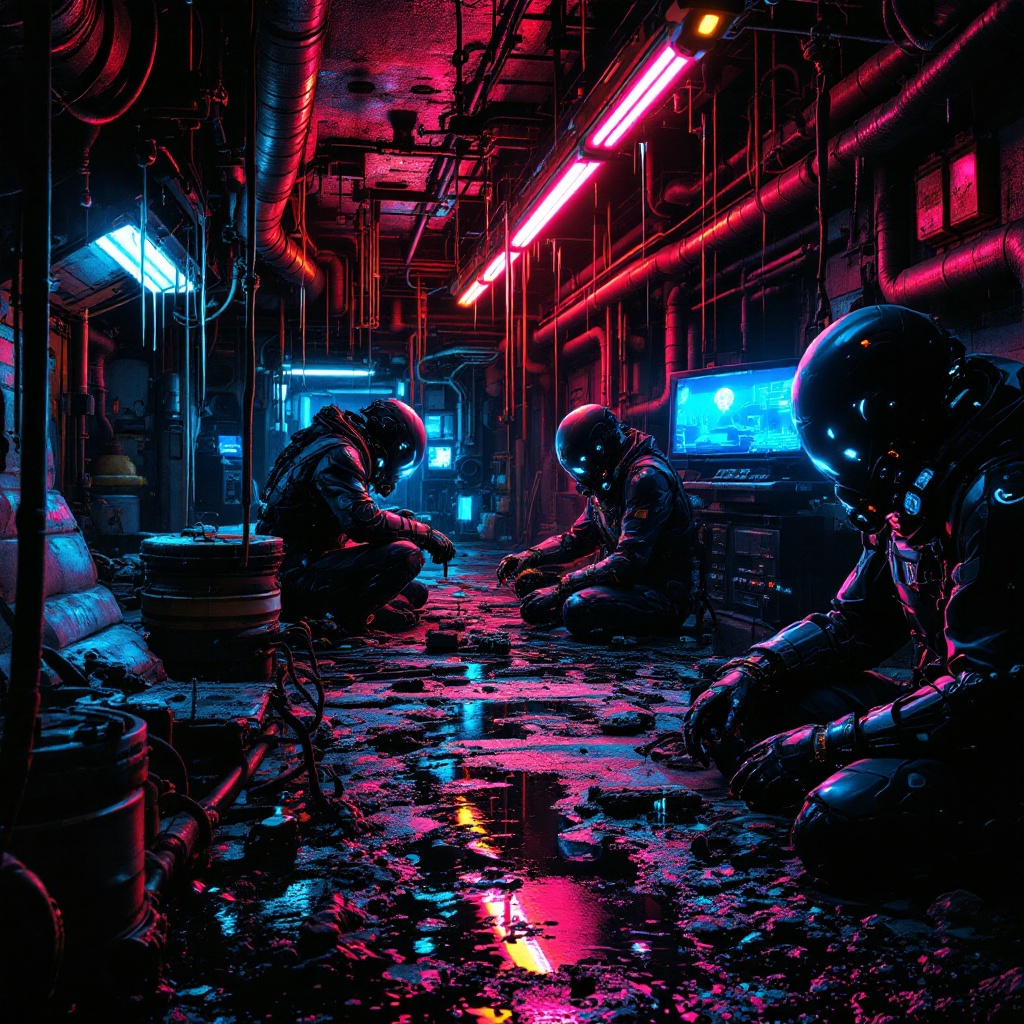
Underground engineers build water-stealing drones - Flux.1.1 pro
prompt
In a neon-drenched underworld of dripping pipes and flickering holograms, a clandestine team of underground engineers toil in a hidden workshop bathed in the eerie glow of bioluminescent algae and malfunctioning LED strips. The air hums with the static of stolen electricity as they assemble sleek, predatory water-stealing drones—angular, matte-black constructs with razor-thin wings and needle-like syphons, their surfaces etched with cryptic corporate logos. The engineers, clad in patched exo-suits with exposed wiring and grimy respirators, work under the oppressive weight of rusted industrial ceilings, their faces lit by the cold blue light of holographic schematics. Puddles of iridescent oil reflect the crimson emergency lights of distant security bots, while stolen water tanks glisten like liquid silver in the shadows. The scene pulses with tension, every rivet and weld a silent rebellion against the drought-stricken megacity above.
Analisi Dettagliata del Prompt Immagine Flux AI
Analizza il prompt dettagliato utilizzato per generare l'immagine con il Generatore Immagini Flux AI.
Esplora i Prompt Flux per il Generatore Immagini Flux AI
Come generare immagini con Flux.1.1 pro
Segui questi quattro semplici passaggi per creare l'immagine desiderata.
Passaggio 1: Inserisci il Tuo Testo (Sentiti libero di perfezionare il prompt per risultati migliori)
Passaggio 2: Scegli le Proporzioni dell'Immagine
Passaggio 3: Seleziona il Tuo Modello Flux:
Passaggio 4: Clicca il Pulsante Genera e Attendi Alcuni Secondi per la Tua Immagine
Strumenti Flux AI correlati per prompt su Flux.1.1 pro
Scopri strumenti avanzati di Flux AI per potenziare il tuo flusso di lavoro creativo.