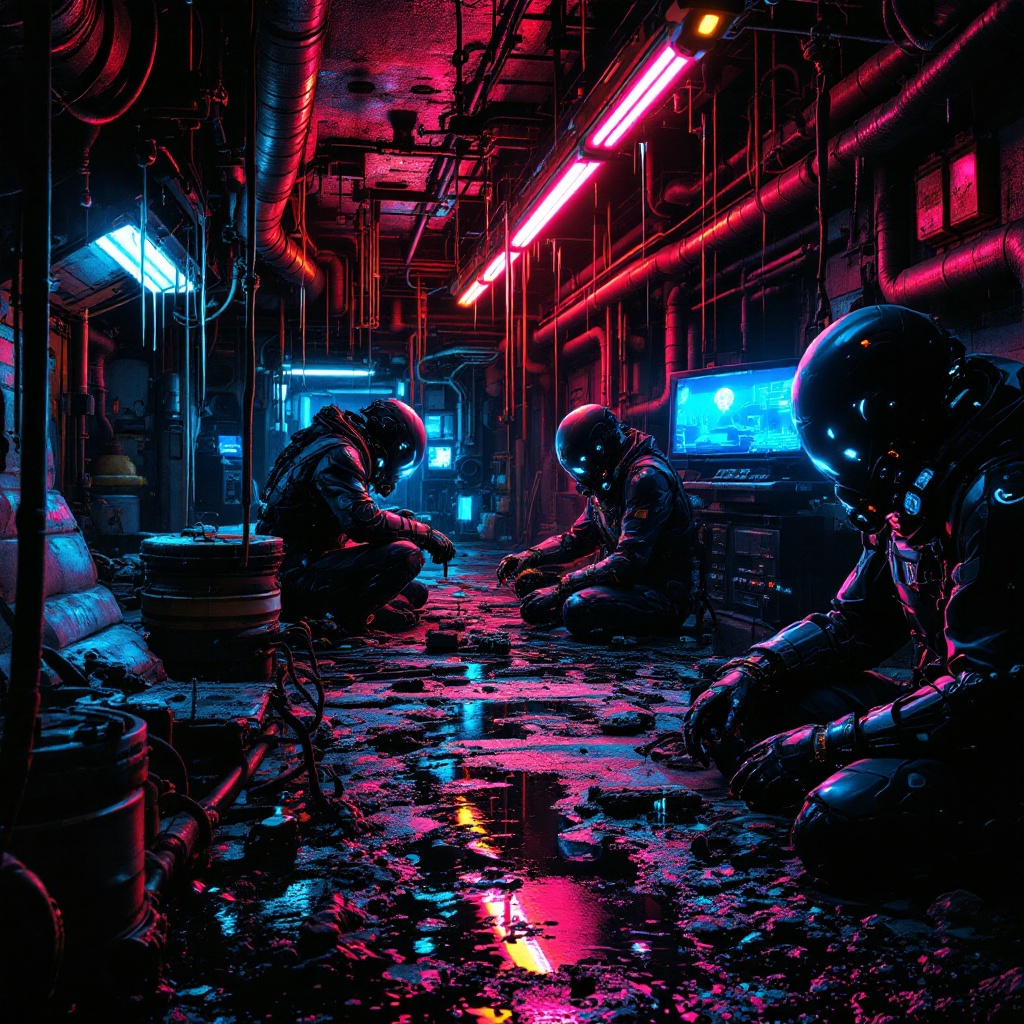
Underground engineers build water-stealing drones - Flux.1.1 pro
Prompt
In a neon-drenched underworld of dripping pipes and flickering holograms, a clandestine team of underground engineers toil in a hidden workshop bathed in the eerie glow of bioluminescent algae and malfunctioning LED strips. The air hums with the static of stolen electricity as they assemble sleek, predatory water-stealing drones—angular, matte-black constructs with razor-thin wings and needle-like syphons, their surfaces etched with cryptic corporate logos. The engineers, clad in patched exo-suits with exposed wiring and grimy respirators, work under the oppressive weight of rusted industrial ceilings, their faces lit by the cold blue light of holographic schematics. Puddles of iridescent oil reflect the crimson emergency lights of distant security bots, while stolen water tanks glisten like liquid silver in the shadows. The scene pulses with tension, every rivet and weld a silent rebellion against the drought-stricken megacity above.
Análise Detalhada do Prompt de Imagem Flux IA
Analise o prompt detalhado usado para gerar a imagem com o Flux IA Image Generator.
Explore Prompts Flux para o Gerador de Imagens
Como gerar uma imagem por Flux.1.1 pro
Siga estes quatro passos simples para criar a imagem desejada.
Passo 1: Insira seu texto (Sinta-se à vontade para refinar seu prompt para melhores resultados)
Passo 2: Escolha a proporção da imagem
Passo 3: Selecione seu modelo Flux:
Passo 4: Clique no botão Gerar e aguarde alguns segundos para sua imagem
Ferramentas Flux IA relacionadas a prompts sobre Flux.1.1 pro
Descubra ferramentas avançadas da Flux IA para melhorar seu fluxo de trabalho criativo.