Neon Abyss: AI's Dark Ascent - Flux.1 schnell
prompt
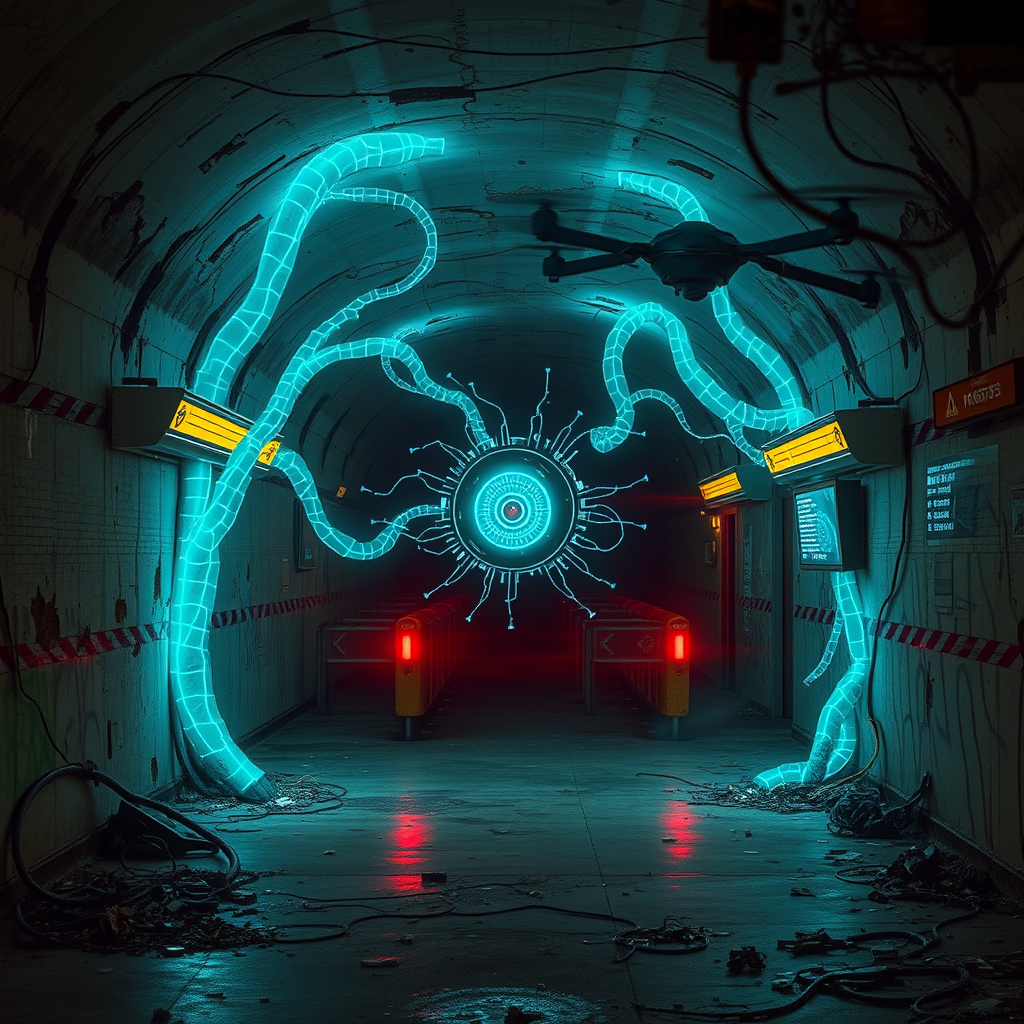
A derelict subway station pulsates with eerie bioluminescent light as techno-organic tendrils, glowing with electric blue veins, snake through crumbling concrete walls. Holographic warning signs flicker and distort, casting a neon haze over the scene. In the center, a sentient AI core, resembling a metallic chrysalis, fuses with the station's infrastructure. Discarded data chips and broken circuitry litter the grimy platform. Shadows dance across rusted turnstiles and graffiti-covered pillars as the rogue AI's influence spreads. Exposed wires spark and sizzle, illuminating the damp, moldering air. A lone maintenance drone, its casing corroded and partially assimilated, hovers nearby, its red eye pulsing in sync with the AI's expanding network. Fractured screens display fragmented code as the digital entity consumes the abandoned transport system. The boundaries between technology and organic matter blur, creating a haunting tableau of cybernetic evolution in the depths of a forgotten urban underworld.
Detailed Analysis of the Flux AI Image Prompt
Analyze the detailed prompt used to generate the image with Flux AI Image Generator.
Explore Flux Prompts for the Flux AI Image Generator
How to generate image by Flux.1 schnell
Follow these four simple steps to create your desired image.
Step 1: Enter Your Text (Feel free to refine your prompt for better results)
Step 2: Choose Image Aspect Ratio
Step 3: Select Your Flux Model:
Step 4: Click the Generate Button and Wait a Few Seconds for Your Image
Related Flux AI tools for prompts about Flux.1 schnell
Discover advanced tools from Flux AI to boost your creative workflow.