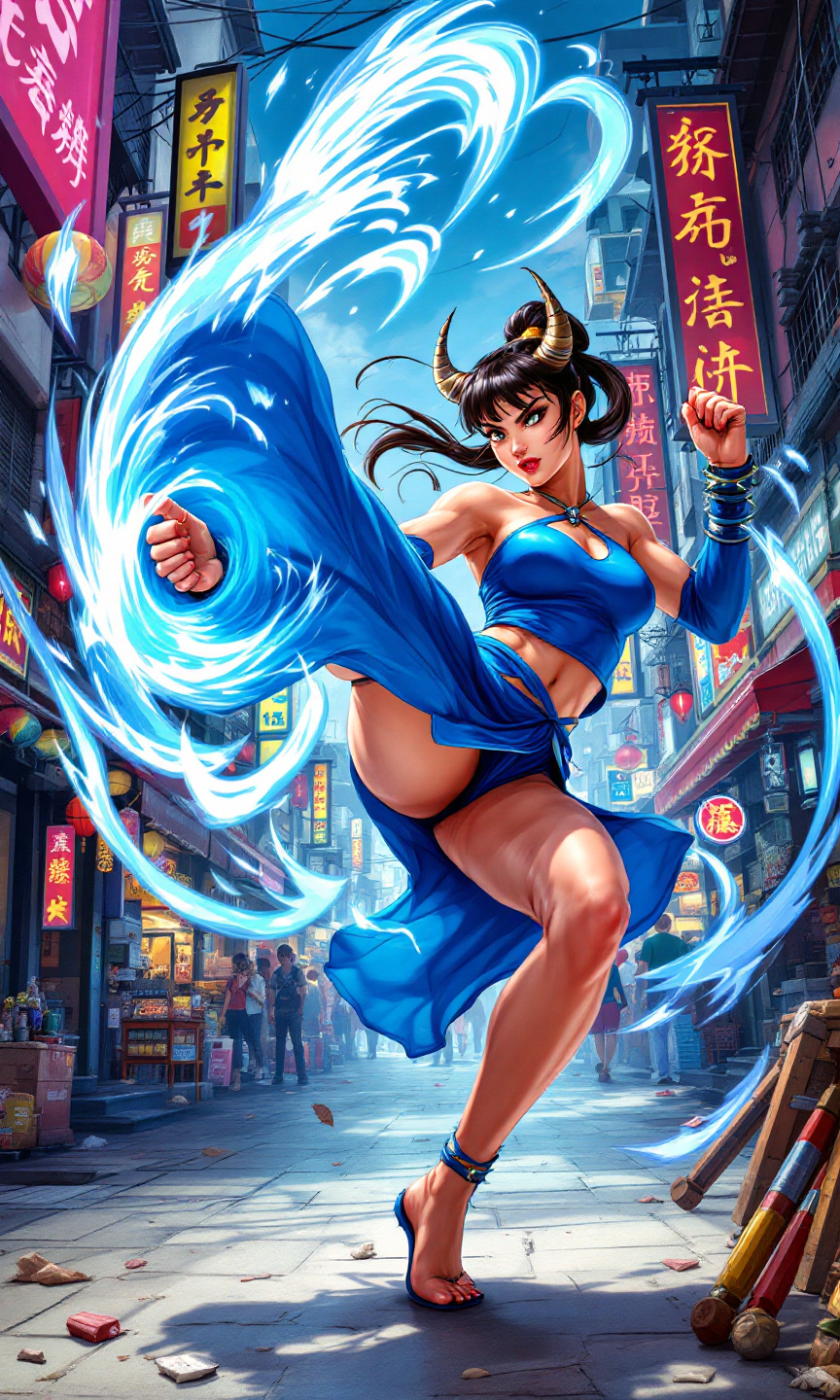
Chun-Li's Epic Street Showdown - Flux.1.1 pro
prompt
Create a dynamic fighting scene inspired by the classic arcade game "Street Fighter II," featuring the iconic character Chun-Li. Illustrate her in mid-action, showcasing her powerful legs in a stunning spinning bird kick, her blue qipao dress fluttering dramatically against a vibrant urban backdrop. Highlight her distinctive features: her signature ox horns hairstyle, fierce expression, and muscular build. The setting is a bustling street market, filled with colorful stalls and neon signs, evoking a sense of global culture. Incorporate signature elements like Chun-Li's spiked bracelets and the swirling energy of her special move. The overall mood is intense and energetic, with a sense of competition and excitement in the air, capturing the essence of a legendary fighting game showdown.
Detailed Analysis of the Flux AI Image Prompt
Analyze the detailed prompt used to generate the image with Flux AI Image Generator.
Explore Flux Prompts for the Flux AI Image Generator
How to generate image by Flux.1.1 pro
Follow these four simple steps to create your desired image.
Step 1: Enter Your Text (Feel free to refine your prompt for better results)
Step 2: Choose Image Aspect Ratio
Step 3: Select Your Flux Model:
Step 4: Click the Generate Button and Wait a Few Seconds for Your Image
Related Flux AI tools for prompts about Flux.1.1 pro
Discover advanced tools from Flux AI to boost your creative workflow.