The Ashes Series - Flux.1 schnell
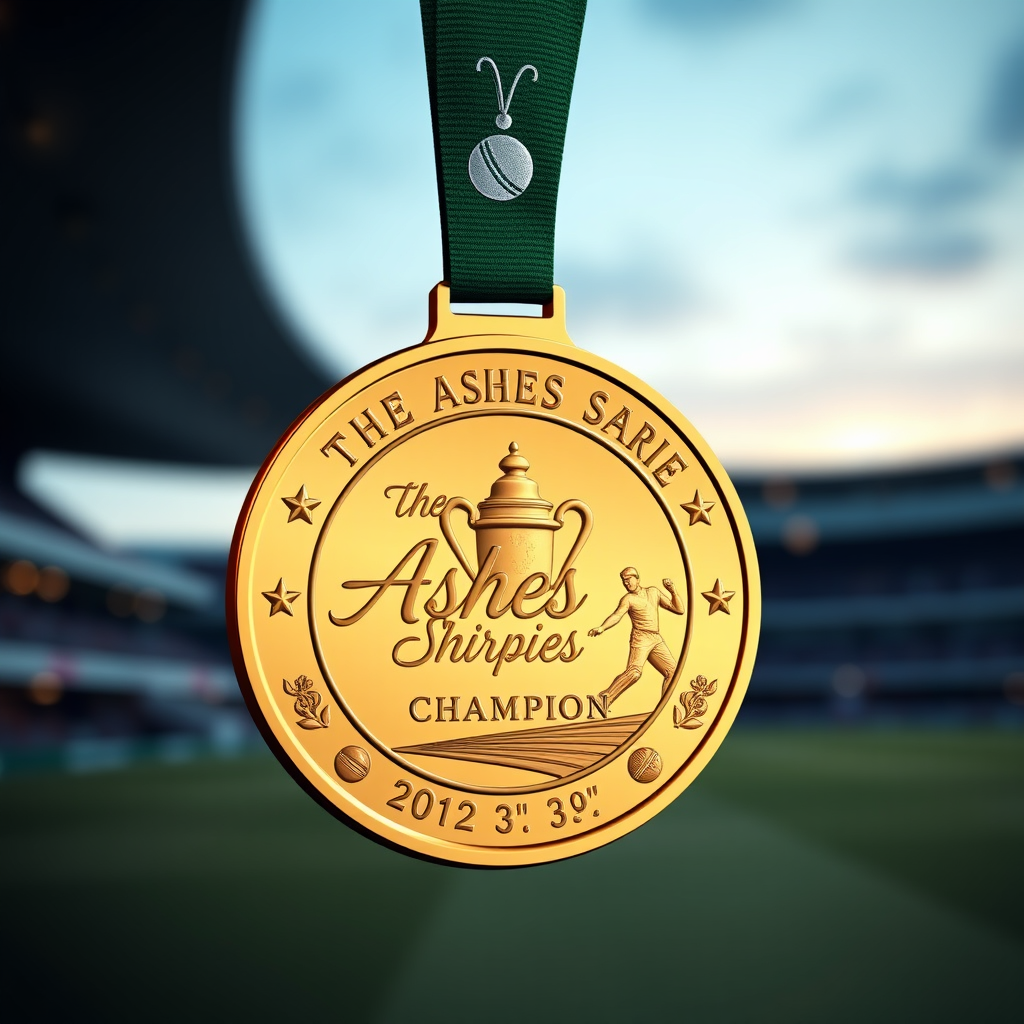
prompt
Create an image of a prestigious medal for The Ashes Series, featuring a circular design with a polished gold finish, approximately 3 inches in diameter. The medal should hang from a deep green ribbon adorned with subtle cricket bat and ball motifs. On the front, engrave the words "The Ashes Series Champion" in elegant script, surrounded by intricate embossing of the iconic Ashes urn. The reverse side should display a cricket pitch with a silhouette of a bowler in action. Use a rich color scheme of gold, green, and white, with soft lighting that highlights the medal's shine against a blurred background of a cricket stadium at dusk. The perspective should be slightly angled to emphasize the medal's depth and craftsmanship, capturing the essence of sportsmanship and tradition.
Detailed Analysis of the Flux AI Image Prompt
Analyze the detailed prompt used to generate the image with Flux AI Image Generator.
Explore Flux Prompts for the Flux AI Image Generator
How to generate image by Flux.1 schnell
Follow these four simple steps to create your desired image.
Step 1: Enter Your Text (Feel free to refine your prompt for better results)
Step 2: Choose Image Aspect Ratio
Step 3: Select Your Flux Model:
Step 4: Click the Generate Button and Wait a Few Seconds for Your Image
Related Flux AI tools for prompts about Flux.1 schnell
Discover advanced tools from Flux AI to boost your creative workflow.