Bangers and Mash - Flux.1 dev
prompt
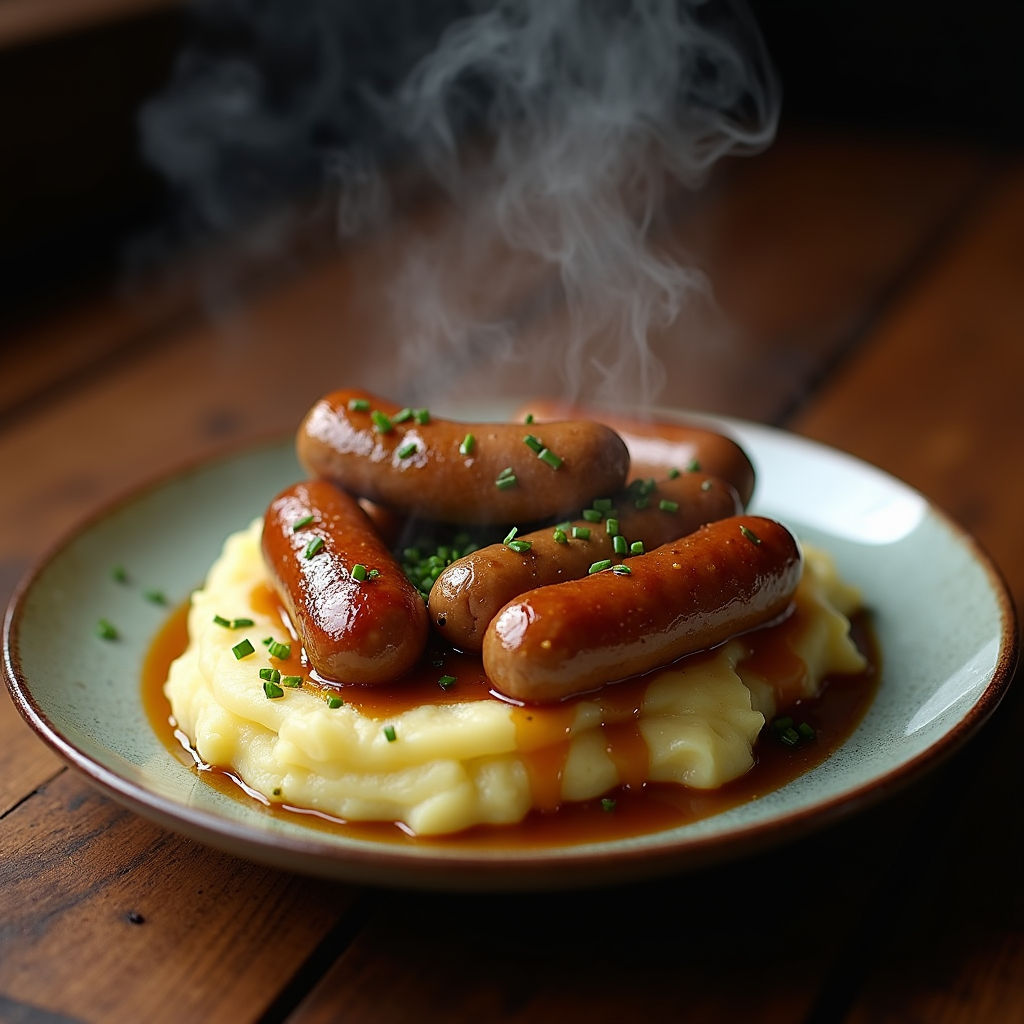
A steaming plate of Bangers and Mash takes center stage, showcasing plump, golden-brown sausages glistening with a rich, savory onion gravy that cascades over creamy, buttery mashed potatoes. The mash is fluffy and smooth, adorned with a sprinkle of fresh chives for a pop of vibrant green. Set against a rustic wooden table, the warm, inviting atmosphere is enhanced by soft, ambient lighting that casts a gentle glow, highlighting the textures of the food. The composition features a close-up view, capturing the steam rising from the dish, inviting the viewer to savor the aroma. This rustic food photography style evokes a sense of comfort and nostalgia, making the viewer crave the hearty flavors of this classic dish.
Detailed Analysis of the Flux AI Image Prompt
Analyze the detailed prompt used to generate the image with Flux AI Image Generator.
Explore Flux Prompts for the Flux AI Image Generator
How to generate image by Flux.1 dev
Follow these four simple steps to create your desired image.
Step 1: Enter Your Text (Feel free to refine your prompt for better results)
Step 2: Choose Image Aspect Ratio
Step 3: Select Your Flux Model:
Step 4: Click the Generate Button and Wait a Few Seconds for Your Image
Related Flux AI tools for prompts about Flux.1 dev
Discover advanced tools from Flux AI to boost your creative workflow.