Regal Whiskers: A Cozy Kingdom - Flux.1 dev
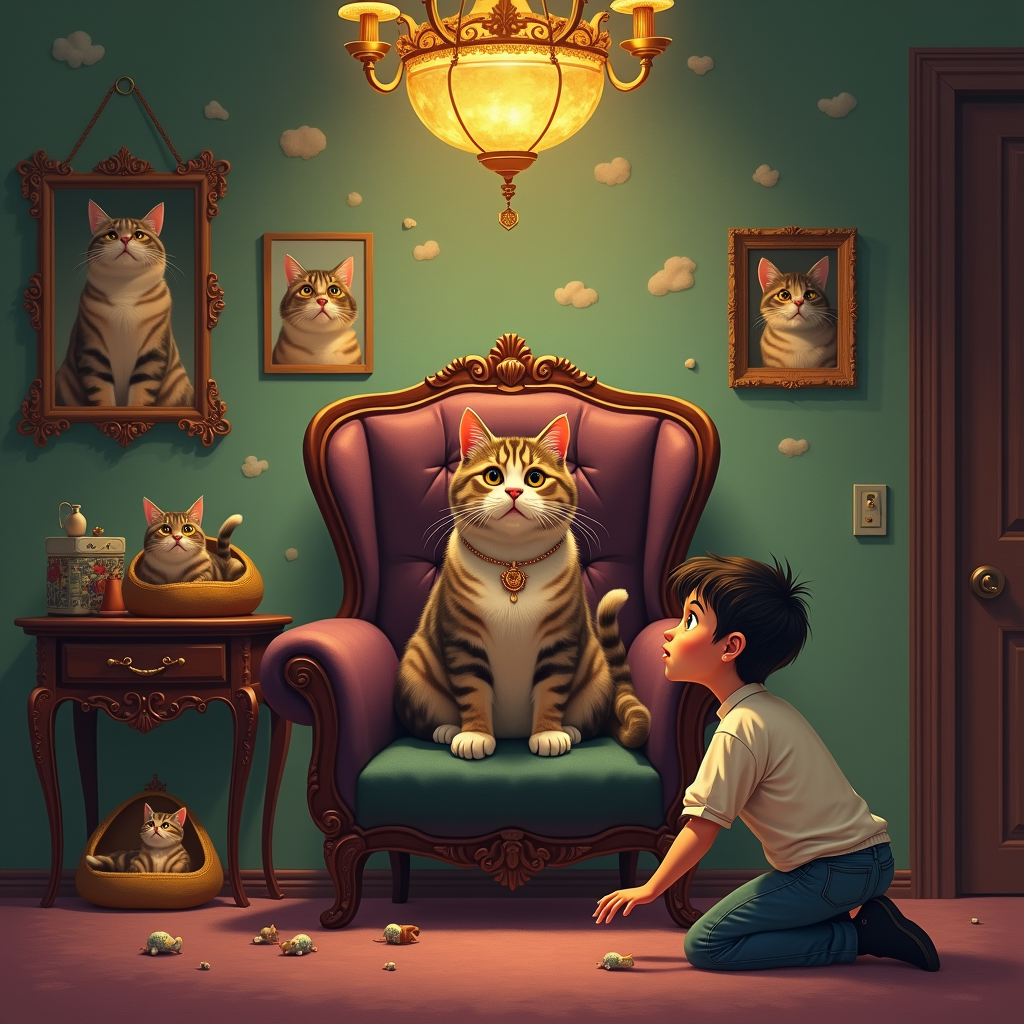
prompt
Create an image depicting a cozy living room where a regal cat sits atop a plush velvet throne, exuding an air of authority. The room is warmly lit by a golden glow from a vintage chandelier, casting soft shadows on the walls adorned with whimsical cat-themed art. The color palette features rich jewel tones—emerald greens, deep purples, and hints of gold. In the foreground, a bewildered human, dressed in casual attire, kneels with wide eyes, realizing the cat's dominance. Surrounding the throne are scattered toys and a luxurious cat bed, emphasizing the cat's royal status. The atmosphere is playful yet majestic, reminiscent of a fairy tale. Use a blend of realism and fantasy art styles, incorporating soft brush strokes and intricate details to enhance the whimsical nature of the scene.
Detailed Analysis of the Flux AI Image Prompt
Analyze the detailed prompt used to generate the image with Flux AI Image Generator.
Explore Flux Prompts for the Flux AI Image Generator
How to generate image by Flux.1 dev
Follow these four simple steps to create your desired image.
Step 1: Enter Your Text (Feel free to refine your prompt for better results)
Step 2: Choose Image Aspect Ratio
Step 3: Select Your Flux Model:
Step 4: Click the Generate Button and Wait a Few Seconds for Your Image
Related Flux AI tools for prompts about Flux.1 dev
Discover advanced tools from Flux AI to boost your creative workflow.