Kenshin Himura - Flux.1 dev
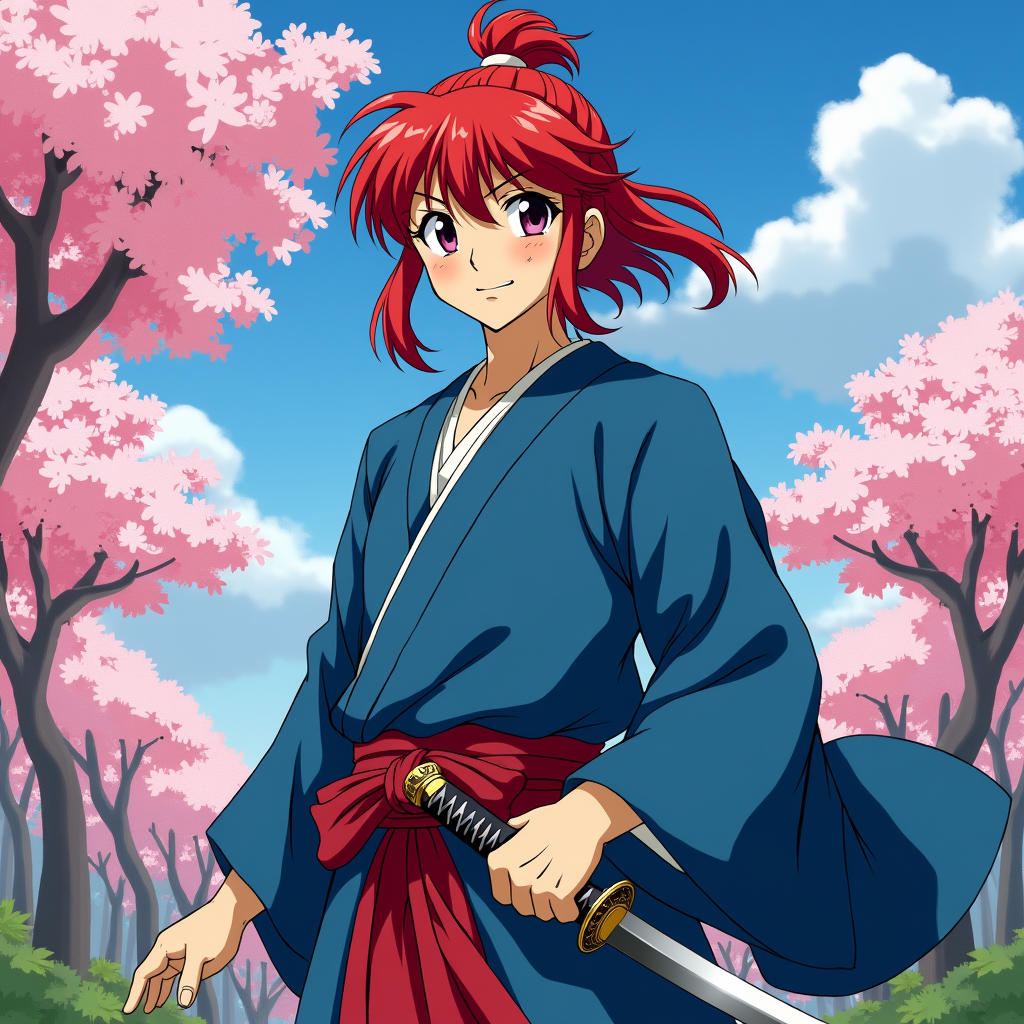
prompt
Create an image of Kenshin Himura in a vibrant anime style, showcasing his iconic red hair tied in a bun with loose strands framing his face. He wears a traditional, flowing blue kimono with a white undershirt, complemented by a crimson sash. His expression is a mix of determination and kindness, with a slight smile that hints at his gentle nature. Kenshin stands in a dynamic pose, one hand resting on the hilt of his sheathed reverse-blade sword, ready for action. The background features a serene rural landscape with cherry blossom trees in full bloom, symbolizing peace and renewal. The art style should be colorful and expressive, capturing the essence of classic anime with bold outlines and vibrant colors. Include signature elements like the scar on his cheek and the subtle glow of his sword, emphasizing his warrior spirit and dedication to protecting others.
Detailed Analysis of the Flux AI Image Prompt
Analyze the detailed prompt used to generate the image with Flux AI Image Generator.
Explore Flux Prompts for the Flux AI Image Generator
How to generate image by Flux.1 dev
Follow these four simple steps to create your desired image.
Step 1: Enter Your Text (Feel free to refine your prompt for better results)
Step 2: Choose Image Aspect Ratio
Step 3: Select Your Flux Model:
Step 4: Click the Generate Button and Wait a Few Seconds for Your Image
Related Flux AI tools for prompts about Flux.1 dev
Discover advanced tools from Flux AI to boost your creative workflow.