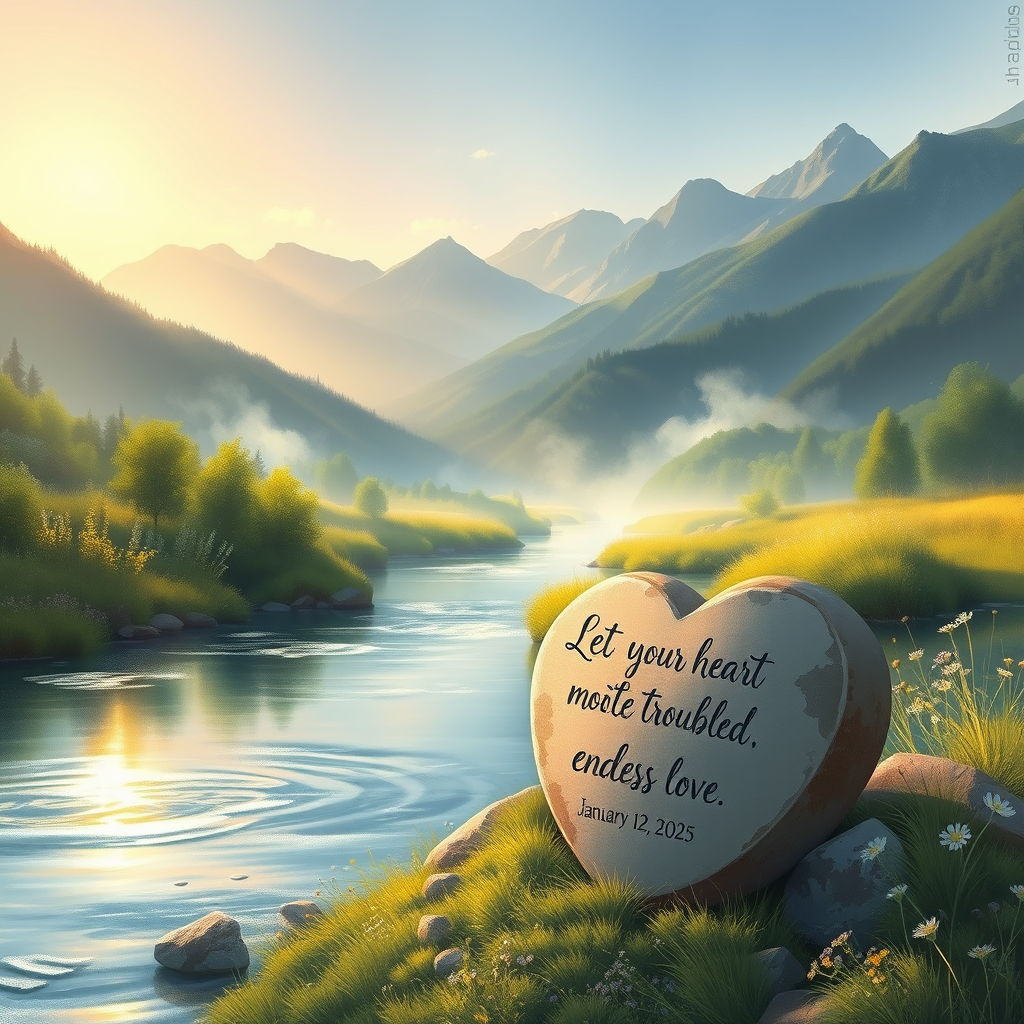
Trust in Dawn's Embrace - Flux.1 schnell
prompt
Create a serene landscape at dawn, where a gentle river flows through a lush valley, symbolizing peace and trust. In the foreground, a heart-shaped stone rests on the riverbank, inscribed with the words "Let your heart not be troubled; trust in the Lord's endless love.-January 12, 2025." The scene is bathed in soft, golden light, casting a warm glow over the vibrant greenery and delicate wildflowers. Ethereal mist rises from the water, enhancing the tranquil atmosphere. In the background, majestic mountains stand tall, their peaks kissed by the first light of day. The style is reminiscent of impressionist paintings, with loose brush strokes and a focus on light and color. The mood is hopeful and uplifting, inviting viewers to embrace faith and serenity.
Detailed Analysis of the Flux AI Image Prompt
Analyze the detailed prompt used to generate the image with Flux AI Image Generator.
Explore Flux Prompts for the Flux AI Image Generator
How to generate image by Flux.1 schnell
Follow these four simple steps to create your desired image.
Step 1: Enter Your Text (Feel free to refine your prompt for better results)
Step 2: Choose Image Aspect Ratio
Step 3: Select Your Flux Model:
Step 4: Click the Generate Button and Wait a Few Seconds for Your Image
Related Flux AI tools for prompts about Flux.1 schnell
Discover advanced tools from Flux AI to boost your creative workflow.