Wurst - Flux.1 dev
prompt
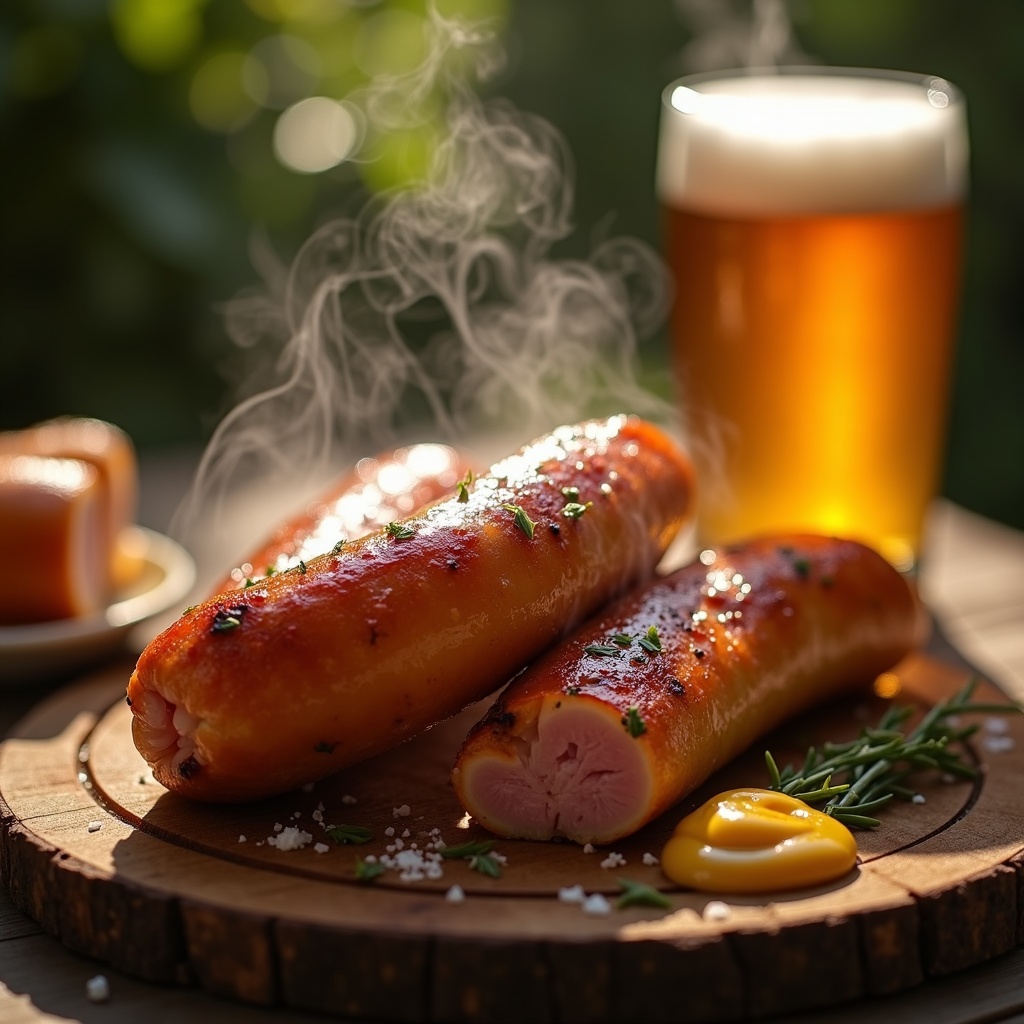
**Prompt:** "A succulent, golden-brown Wurst, its crispy skin glistening with juicy fat, nestled on a rustic wooden board beside a dollop of tangy mustard and a sprinkle of fresh herbs. Steam rises invitingly from its freshly grilled surface, revealing tender, pink-tinged meat within. The setting is a cozy Bavarian beer garden, with a weathered oak table and a frothy stein in the background. Warm, diffused sunlight streams through leafy trees, casting soft highlights on the Wurst’s caramelized edges. Shot in a rich, rustic food photography style, close-up to capture every mouthwatering detail—the crackling texture, the glistening sauce, and the hearty, smoky aroma that lingers in the air.
Detailed Analysis of the Flux AI Image Prompt
Analyze the detailed prompt used to generate the image with Flux AI Image Generator.
Explore Flux Prompts for the Flux AI Image Generator
How to generate image by Flux.1 dev
Follow these four simple steps to create your desired image.
Step 1: Enter Your Text (Feel free to refine your prompt for better results)
Step 2: Choose Image Aspect Ratio
Step 3: Select Your Flux Model:
Step 4: Click the Generate Button and Wait a Few Seconds for Your Image
Related Flux AI tools for prompts about Flux.1 dev
Discover advanced tools from Flux AI to boost your creative workflow.