Kabsa - Flux.1 dev
prompt
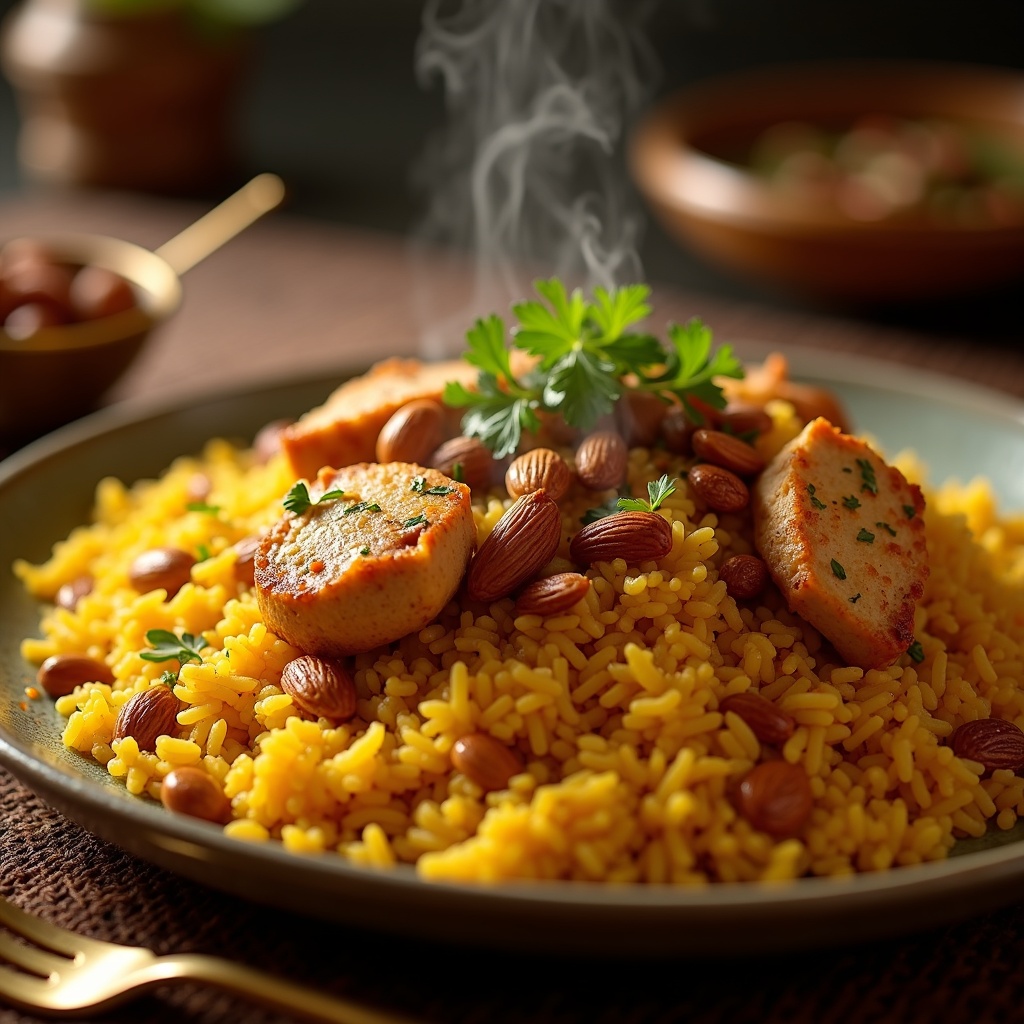
**Prompt:** "A steaming plate of golden Kabsa, fragrant with saffron and spices, piled high with tender, spiced chicken pieces and fluffy basmati rice studded with caramelized onions and raisins. The dish glistens under warm, diffused lighting, highlighting the rich hues of turmeric-yellow rice and deep brown roasted almonds. Set against a rustic wooden table with brass utensils and a woven mat, the scene exudes Middle Eastern authenticity. Close-up macro photography captures every detail—the crispy chicken skin, the delicate strands of saffron, and the vibrant green parsley garnish. Wisps of aromatic steam rise from the dish, evoking the warmth of shared meals in a cozy, sunlit courtyard.
Detailed Analysis of the Flux AI Image Prompt
Analyze the detailed prompt used to generate the image with Flux AI Image Generator.
Explore Flux Prompts for the Flux AI Image Generator
How to generate image by Flux.1 dev
Follow these four simple steps to create your desired image.
Step 1: Enter Your Text (Feel free to refine your prompt for better results)
Step 2: Choose Image Aspect Ratio
Step 3: Select Your Flux Model:
Step 4: Click the Generate Button and Wait a Few Seconds for Your Image
Related Flux AI tools for prompts about Flux.1 dev
Discover advanced tools from Flux AI to boost your creative workflow.