Train yourself to be godly. -
prompt
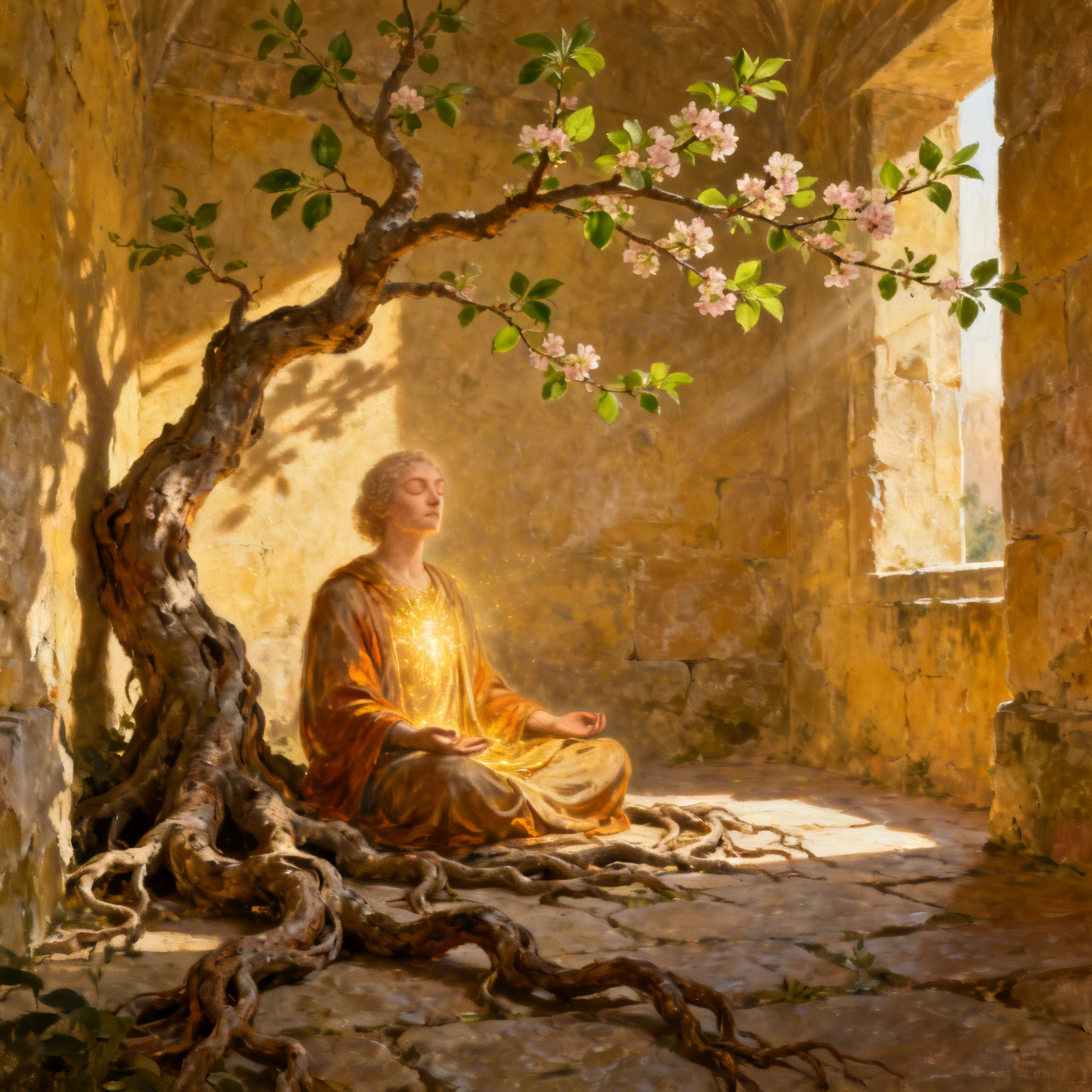
An ageless figure sits in deep, serene contemplation within a sun-drenched, ancient alcove. Their posture conveys quiet discipline and resolute peace, eyes softly closed, a faint golden light subtly emanating from their chest, illuminating their face with profound grace. Surrounding them, gnarled roots entwine with a blossoming branch, symbolizing arduous growth and unfolding virtue. Style: Painterly realism with a touch of ethereal symbolism, inspired by Renaissance chiaroscuro. Mood: Tranquil, determined, introspective, hopeful. Lighting: Soft, diffused golden hour light from an unseen window, highlighting inner radiance. Pallet: Warm earth tones, amber, soft greens. Emphasize focused inner work leading to visible spiritual flourishing.
Detailed Analysis of the Flux AI Image Prompt
Analyze the detailed prompt used to generate the image with Flux AI Image Generator.
Explore Flux Prompts for the Flux AI Image Generator
How to generate image by undefined
Follow these four simple steps to create your desired image.
Step 1: Enter Your Text (Feel free to refine your prompt for better results)
Step 2: Choose Image Aspect Ratio
Step 3: Select Your Flux Model:
Step 4: Click the Generate Button and Wait a Few Seconds for Your Image
Related Flux AI tools for prompts about
Discover advanced tools from Flux AI to boost your creative workflow.