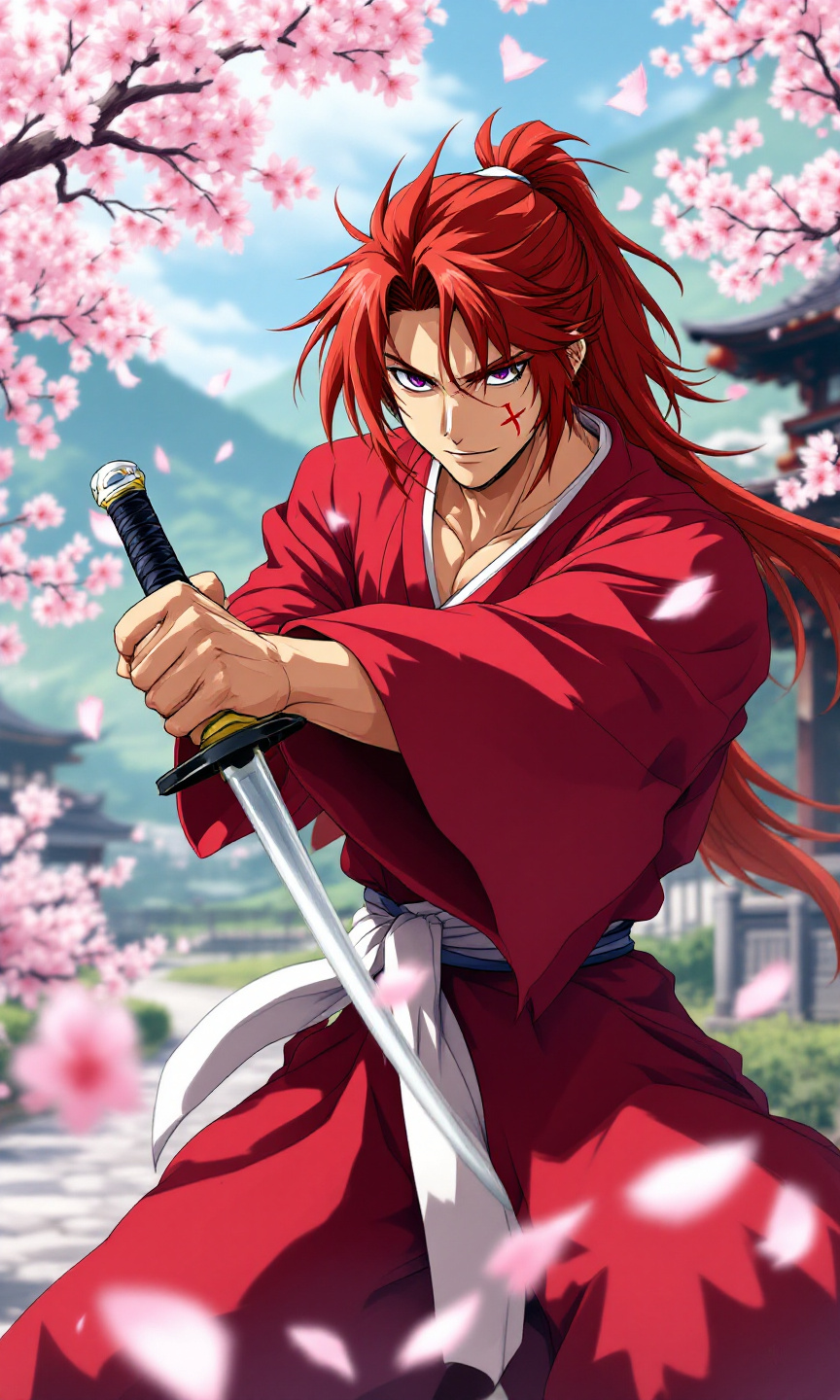
Kenshin Himura - Flux.1.1 pro
Invite
Create an anime-style image of Kenshin Himura, featuring his iconic red kimono with a white obi, and long, spiky auburn hair tied in a loose ponytail. Highlight his distinctive cross-shaped scar on his left cheek and piercing violet eyes that convey a mix of determination and kindness. Position Kenshin in a dynamic pose, holding his reverse-blade sword at the ready, with a calm yet resolute expression. The background should depict a serene rural landscape with cherry blossom trees in full bloom, symbolizing peace and tranquility. Use vibrant colors and soft shading to capture the essence of traditional anime art, emphasizing fluid lines and expressive facial features. Incorporate signature elements like sakura petals gently falling around him, enhancing the sense of movement and emotion in the scene.
Analyse Détaillée du Prompt d'Image Flux IA
Analysez le prompt détaillé utilisé pour générer l'image avec Flux IA Image Generator.
Explorez les invites Flux IA
Comment générer une image par Flux.1.1 pro
Suivez ces quatre étapes simples pour créer l'image désirée.
Étape 1 : Entrez votre texte (N'hésitez pas à affiner votre prompt pour de meilleurs résultats)
Étape 2 : Choisissez le ratio d'aspect de l'image
Étape 3 : Sélectionnez votre modèle Flux :
Étape 4 : Cliquez sur le bouton Générer et attendez quelques secondes pour votre image
Outils Flux IA liés aux prompts sur Flux.1.1 pro
Découvrez des outils avancés de Flux IA pour booster votre flux de travail créatif.