Kenshin Himura - Flux.1.1 pro
Lời nhắc
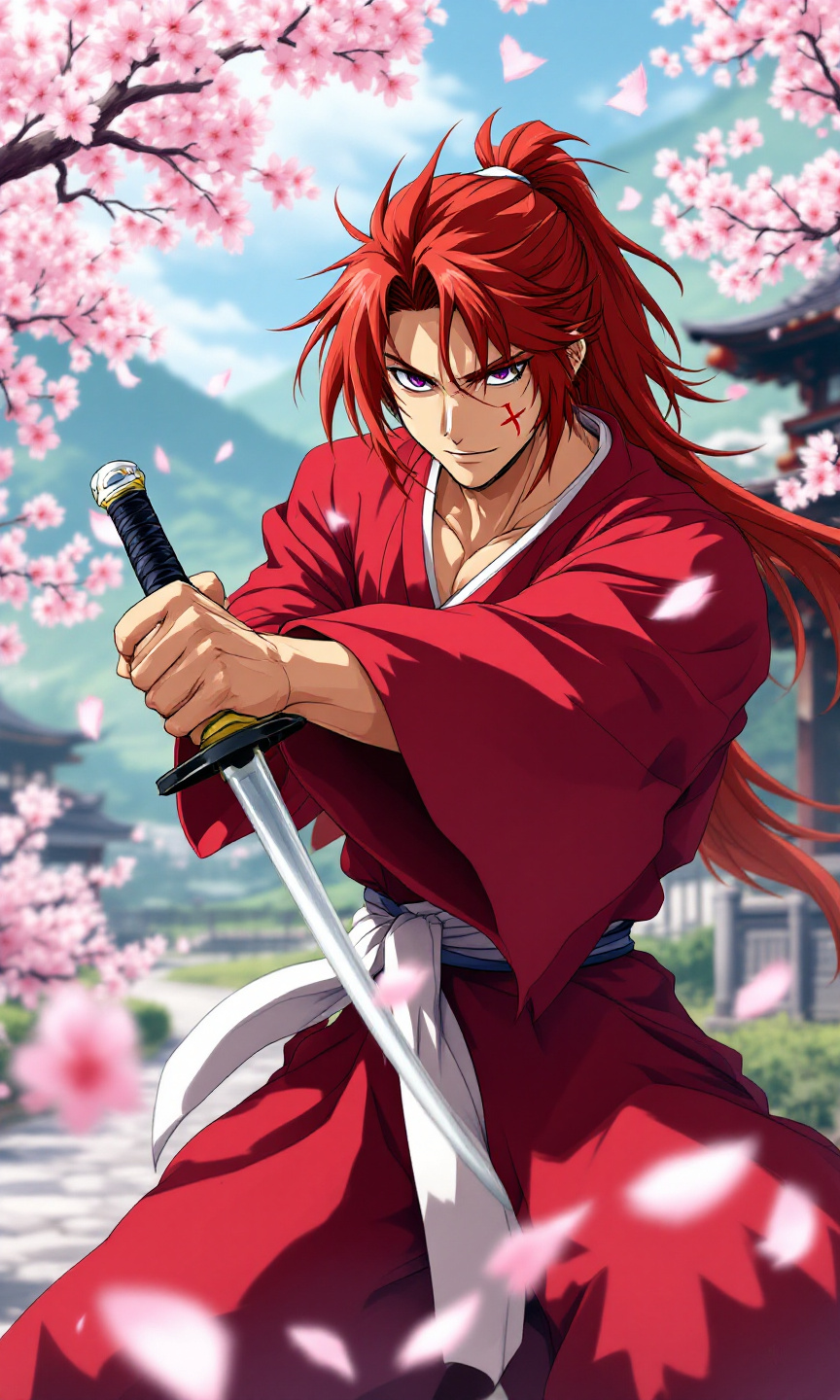
Create an anime-style image of Kenshin Himura, featuring his iconic red kimono with a white obi, and long, spiky auburn hair tied in a loose ponytail. Highlight his distinctive cross-shaped scar on his left cheek and piercing violet eyes that convey a mix of determination and kindness. Position Kenshin in a dynamic pose, holding his reverse-blade sword at the ready, with a calm yet resolute expression. The background should depict a serene rural landscape with cherry blossom trees in full bloom, symbolizing peace and tranquility. Use vibrant colors and soft shading to capture the essence of traditional anime art, emphasizing fluid lines and expressive facial features. Incorporate signature elements like sakura petals gently falling around him, enhancing the sense of movement and emotion in the scene.
Phân tích Chi tiết về Prompt Hình ảnh Flux AI
Phân tích prompt chi tiết được sử dụng để tạo ra hình ảnh với Flux AI Image Generator.
Khám phá Flux Prompts cho Trình tạo hình ảnh Flux AI
Cách tạo hình ảnh bằng Flux.1.1 pro
Theo dõi bốn bước đơn giản dưới đây để tạo ra hình ảnh bạn mong muốn.
Bước 1: Nhập Văn bản của Bạn (Cảm thấy tự do tinh chỉnh prompt của bạn để có kết quả tốt hơn)
Bước 2: Chọn Tỷ lệ Khung Hình của Hình ảnh
Bước 3: Chọn Mô hình Flux của Bạn:
Bước 4: Nhấn Nút Tạo và Chờ vài Giây để Có Hình ảnh của Bạn
Công cụ Flux AI liên quan đến prompts về Flux.1.1 pro
Khám phá các công cụ nâng cao từ Flux AI để tăng cường quy trình làm việc sáng tạo của bạn.