Mischief in the Shadowed Study - Flux.1.1 pro
Invite
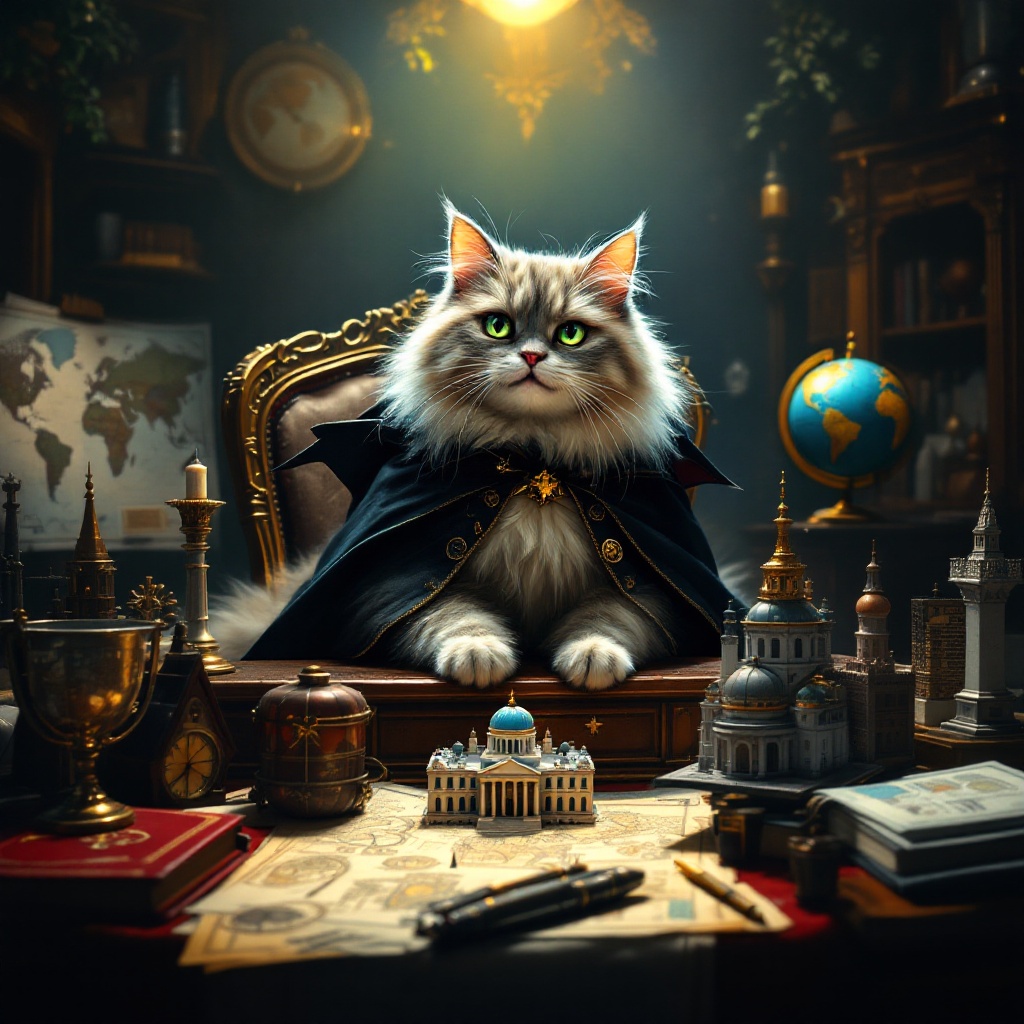
Create an image depicting a fluffy, mischievous cat sitting atop a grand, ornate desk cluttered with world maps, schematics, and tiny models of famous landmarks. The cat, with piercing green eyes, wears a tiny villainous cape and has a sly grin, as if plotting its next move. The room is dimly lit, with a single spotlight illuminating the cat, casting dramatic shadows that enhance the atmosphere of secrecy and intrigue. Rich, dark wood tones dominate the scene, complemented by deep reds and golds in the decor. A globe spins slowly in the background, hinting at global ambitions. Artistic styles like Baroque or Steampunk could enhance the opulence and whimsy of the setting, while a touch of surrealism adds to the absurdity of the cat's grand plans.
Analyse Détaillée du Prompt d'Image Flux IA
Analysez le prompt détaillé utilisé pour générer l'image avec Flux IA Image Generator.
Explorez les invites Flux IA
Comment générer une image par Flux.1.1 pro
Suivez ces quatre étapes simples pour créer l'image désirée.
Étape 1 : Entrez votre texte (N'hésitez pas à affiner votre prompt pour de meilleurs résultats)
Étape 2 : Choisissez le ratio d'aspect de l'image
Étape 3 : Sélectionnez votre modèle Flux :
Étape 4 : Cliquez sur le bouton Générer et attendez quelques secondes pour votre image
Outils Flux IA liés aux prompts sur Flux.1.1 pro
Découvrez des outils avancés de Flux IA pour booster votre flux de travail créatif.