Mischief in the Shadowed Study - Flux.1.1 pro
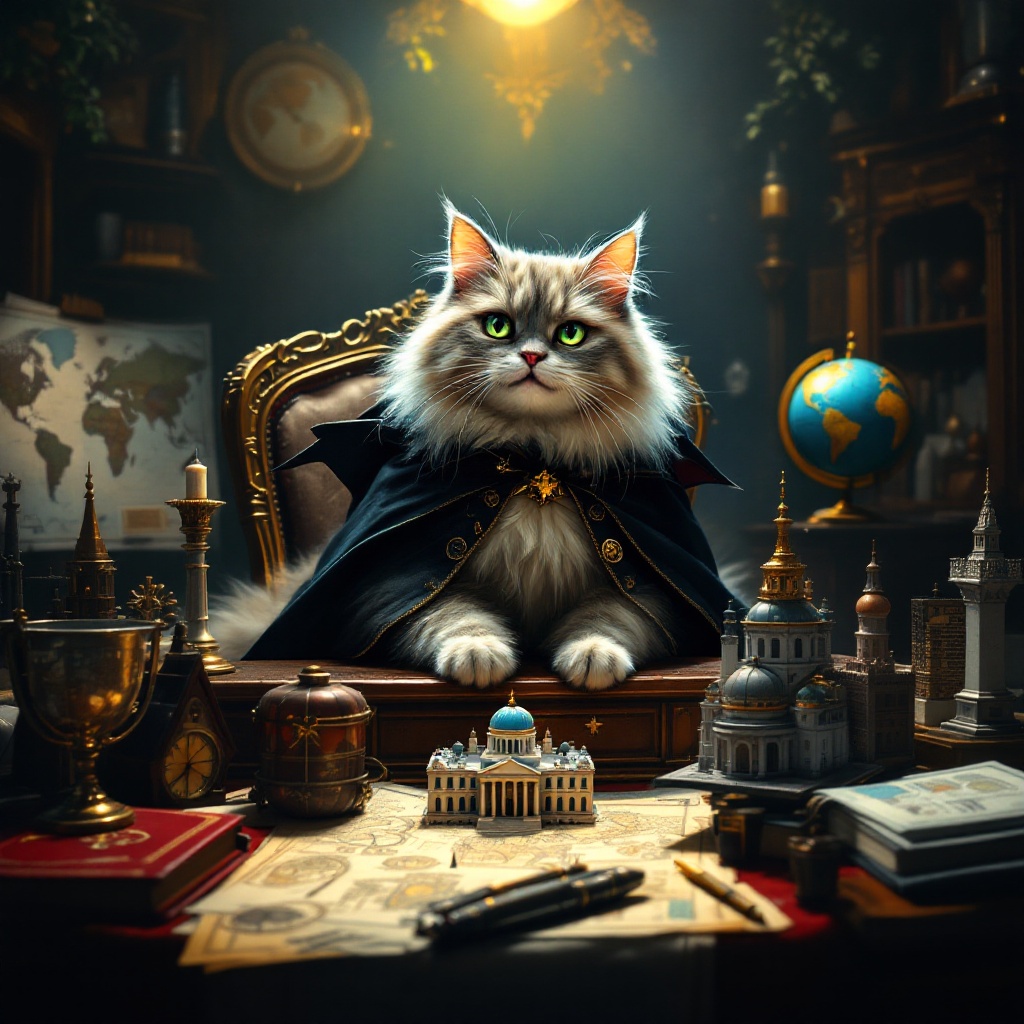
Prompt
Create an image depicting a fluffy, mischievous cat sitting atop a grand, ornate desk cluttered with world maps, schematics, and tiny models of famous landmarks. The cat, with piercing green eyes, wears a tiny villainous cape and has a sly grin, as if plotting its next move. The room is dimly lit, with a single spotlight illuminating the cat, casting dramatic shadows that enhance the atmosphere of secrecy and intrigue. Rich, dark wood tones dominate the scene, complemented by deep reds and golds in the decor. A globe spins slowly in the background, hinting at global ambitions. Artistic styles like Baroque or Steampunk could enhance the opulence and whimsy of the setting, while a touch of surrealism adds to the absurdity of the cat's grand plans.
Análise Detalhada do Prompt de Imagem Flux IA
Analise o prompt detalhado usado para gerar a imagem com o Flux IA Image Generator.
Explore Prompts Flux para o Gerador de Imagens
Como gerar uma imagem por Flux.1.1 pro
Siga estes quatro passos simples para criar a imagem desejada.
Passo 1: Insira seu texto (Sinta-se à vontade para refinar seu prompt para melhores resultados)
Passo 2: Escolha a proporção da imagem
Passo 3: Selecione seu modelo Flux:
Passo 4: Clique no botão Gerar e aguarde alguns segundos para sua imagem
Ferramentas Flux IA relacionadas a prompts sobre Flux.1.1 pro
Descubra ferramentas avançadas da Flux IA para melhorar seu fluxo de trabalho criativo.