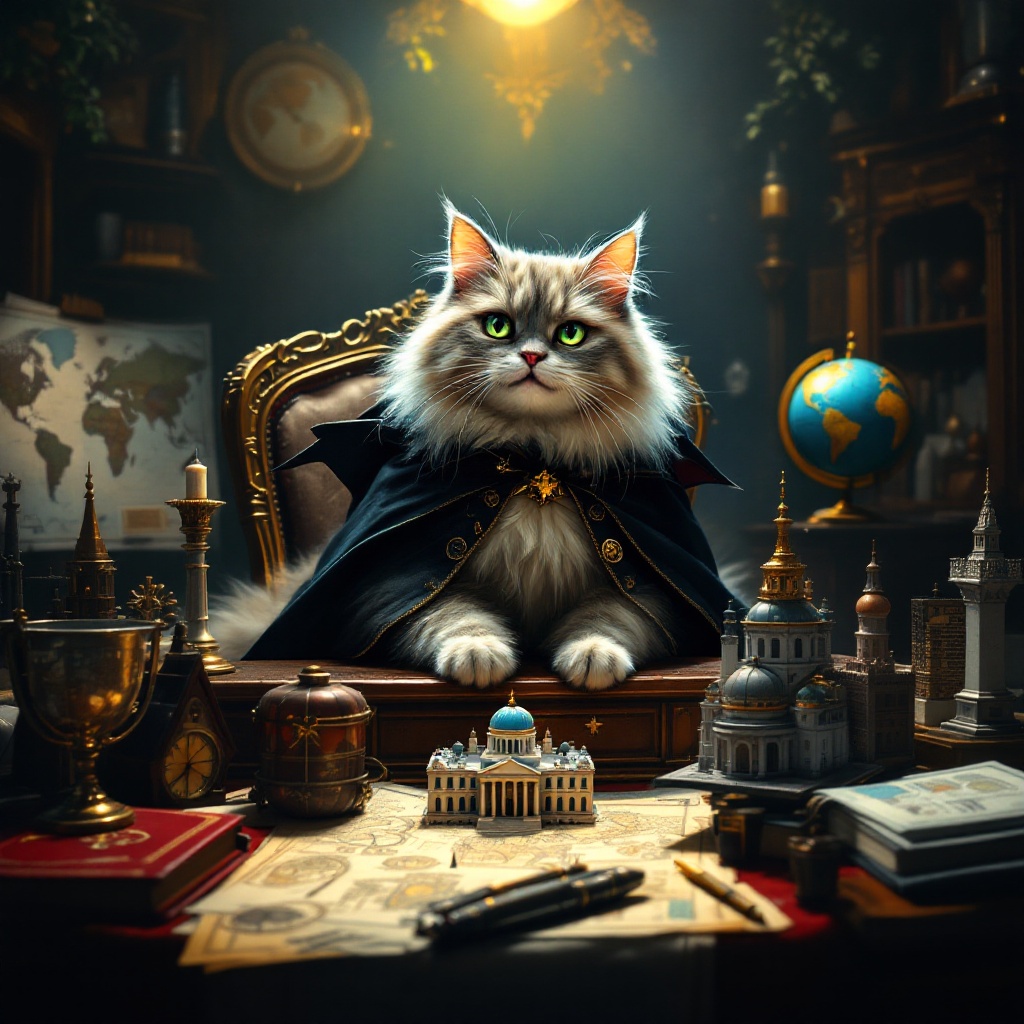
Mischief in the Shadowed Study - Flux.1.1 pro
prompt
Create an image depicting a fluffy, mischievous cat sitting atop a grand, ornate desk cluttered with world maps, schematics, and tiny models of famous landmarks. The cat, with piercing green eyes, wears a tiny villainous cape and has a sly grin, as if plotting its next move. The room is dimly lit, with a single spotlight illuminating the cat, casting dramatic shadows that enhance the atmosphere of secrecy and intrigue. Rich, dark wood tones dominate the scene, complemented by deep reds and golds in the decor. A globe spins slowly in the background, hinting at global ambitions. Artistic styles like Baroque or Steampunk could enhance the opulence and whimsy of the setting, while a touch of surrealism adds to the absurdity of the cat's grand plans.
Analisis Terperinci Prompt Gambar Flux AI
Analisis prompt terperinci yang digunakan untuk menghasilkan gambar dengan Generator Gambar Flux AI.
Jelajahi Prompt Flux untuk Generator Gambar AI Flux
Cara menghasilkan gambar dengan Flux.1.1 pro
Ikuti empat langkah sederhana ini untuk membuat gambar yang Anda inginkan.
Langkah 1: Masukkan Teks Anda (Silakan sempurnakan prompt untuk hasil yang lebih baik)
Langkah 2: Pilih Rasio Aspek Gambar
Langkah 3: Pilih Model Flux Anda:
Langkah 4: Klik Tombol Buat dan Tunggu Beberapa Detik untuk Gambar Anda
Alat Flux AI terkait untuk prompt tentang Flux.1.1 pro
Temukan alat-alat canggih dari Flux AI untuk meningkatkan alur kerja kreatif Anda.